
Darkwood - Artbook
Acid Wizard Studio · Sep 24, 2019
Delayed observation
Observed
0
Last tracked
0
All-time peak
n/a
Δ 24h
Player count last observed
Live player data is temporarily unavailable; historical values remain visible for context.
Darkwood - Artbook - Steam Charts & Historical Stats
100+ pages filled with the Art of Darkwood. Explore historical player activity and pricing for Darkwood - Artbook. Player-count data was last observed May 1, 2026.
Price
$1.99
Genre
Action
Developer
Acid Wizard Studio
Darkwood - Artbook player count and price summary
- Current players
- Unavailable
- All-time peak
- Unavailable
- 24-hour player change
- Unavailable
- Current US price
- $1.99
Player count last observed . Values marked unavailable are not estimated.
Media gallery 7 screenshots · 0 videos
Screenshots
Game Insights
Buy Verdict
Watch — $1.99.
Decent deal at 80% off, but might drop further. Watch for better opportunities.
▲
~0 days until next sale
Value Score
Great Value — 100th percentile.
Price-to-player ratio ranks in the 100th percentile.
▲
Market pricing tier
Genre Benchmarks
Value Ratio
Top 0%
Player count
Price History
Lowest Price
$1.99
Jul 2026 across all regions
Current Price
$1.99
US region
No Recent Price History
Price history data will appear here once more pricing information becomes available.
System Requirements
Platform Support
Windows
macOS
Linux
Windows Requirements
Minimum:
Minimum:
- OS: Any
macOS Requirements
Minimum:
Minimum:
- OS: Any
Linux Requirements
Minimum:
Minimum:
- OS: Any
Pricing
Paid Game
CDN$ 12.99 (CAD)
Additional Information
Categories
Single-player
Downloadable Content
Family Sharing
Supported Languages
English
Official Website
http://www.darkwoodgame.com
Current Pricing
💰
CDN$ 12.99
Regular Price
Historical low: $1.99
(Jul 2026)
Additional Information
🆘
Support
⚠️
Content Warning
This DLC may contain content not appropriate for all ages, or may not be appropriate for viewing at work: Frequent Violence or Gore, General Mature Content.
🎁
Purchase Options
1
package options
Developer Analytics
Loading competitors...
About This Game
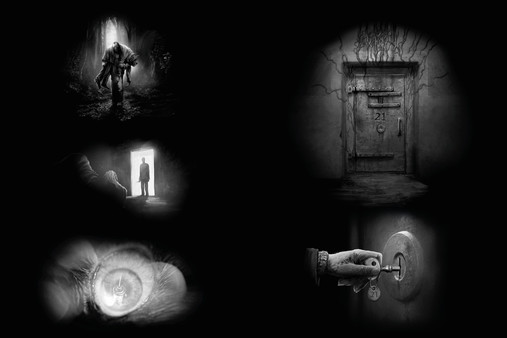
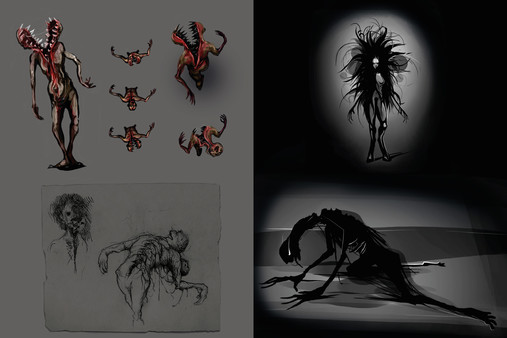
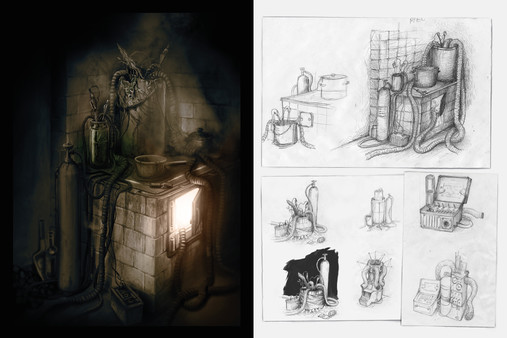
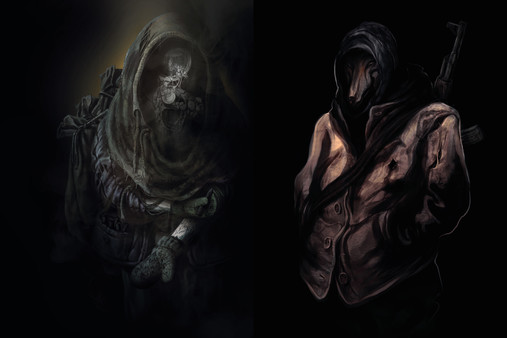
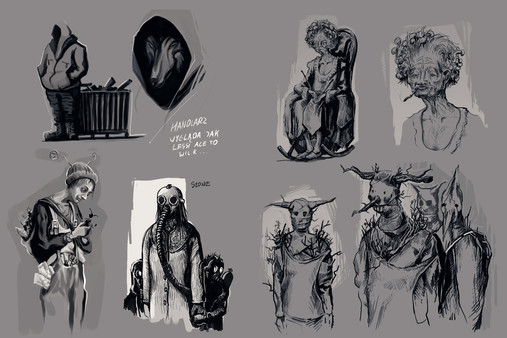
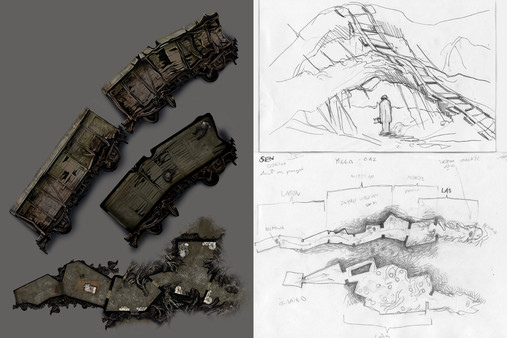
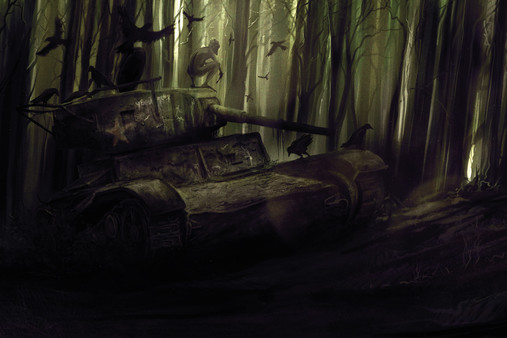
100+ pages filled with the Art of Darkwood. The imagery consists of curated portraits of ingame characters, enemies, locations,environments, stills from cutscenes, items, sketches and concept art.
Detailed Description
This DLC features 100+ pages filled with the Art of Darkwood. The imagery consists of curated portraits of ingame characters, enemies, locations,environments, stills from cutscenes, items, sketches and concept art. Some of the material featured in the Artbook is not shown anywhere else.
For example, on Windows 10, this folder would typically be "C:\Program Files (x86)\Steam\steamapps\common\Darkwood".
If you are unsure where Darkwood is installed, navigate to Darkwood in the Steam library, right click and select "Properties...". Switch to the "Local files" tab in the window that pops up and press the "Browse local files..." button to open the folder where Darkwood is installed.
After installation
After purchasing and installing the DLC, the PDF artbook will be in the folder "Darkwood Artbook" under the root folder where Darkwood is installed.For example, on Windows 10, this folder would typically be "C:\Program Files (x86)\Steam\steamapps\common\Darkwood".
If you are unsure where Darkwood is installed, navigate to Darkwood in the Steam library, right click and select "Properties...". Switch to the "Local files" tab in the window that pops up and press the "Browse local files..." button to open the folder where Darkwood is installed.
Frequently Asked Questions
Is Darkwood - Artbook worth buying right now?
Watch — $1.99. Decent deal at 80% off, but might drop further. Watch for better opportunities.
When does Darkwood - Artbook go on sale?
Decent deal at 80% off, but might drop further. Watch for better opportunities.
Is Darkwood - Artbook free to play?
Darkwood - Artbook costs $1.99 on Steam.
What genre is Darkwood - Artbook?
Darkwood - Artbook is a Action, Adventure, Indie, RPG game.
Who developed Darkwood - Artbook?
Darkwood - Artbook was developed by Acid Wizard Studio.
What platforms does Darkwood - Artbook support?
Available on Steam for Windows, macOS, Linux.