
Oppaidius Desert Island! Fan Pack
Oppaidius Desert Island! Fan Pack - Steam Charts & Historical Stats
You can support the game with this Fan Pack DLC, containing a soundtrack selection, 4 uncompressed original PSD files, and more! Explore historical player activity and pricing for Oppaidius Desert Island! Fan Pack. Player-count data was last observed May 1, 2026.
Oppaidius Desert Island! Fan Pack player count and price summary
- Current players
- Unavailable
- All-time peak
- Unavailable
- 24-hour player change
- Unavailable
- Current US price
- $9.99
Player count last observed . Values marked unavailable are not estimated.
Media gallery 5 screenshots · 0 videos
Screenshots

Game Insights
Buy Verdict
Decent deal at 0% off, but might drop further. Watch for better opportunities.
Value Score
Price-to-player ratio ranks in the 100th percentile.
Genre Benchmarks
Price History
No Recent Price History
Price history data will appear here once more pricing information becomes available.
System Requirements
- OS *: Windows 7
- Processor: 2.0 GHz Core 2 Duo
- Memory: 2 GB RAM
- Graphics: OpenGL 2.0 or DirectX 9.0c
- DirectX: Version 9.0c
- Storage: 175 MB available space
- OS: 10.6
- Processor: 2.0 GHz Core 2 Duo
- Memory: 2 GB RAM
- Graphics: OpenGL 2.0
- Storage: 175 MB available space
- OS: Linux x86/x86_64
- Processor: 2.0 GHz Core 2 Duo
- Memory: 2 GB RAM
- Graphics: OpenGL 2.0
- Storage: 175 MB available space
Additional Information
Current Pricing
Additional Information
Developer Analytics
Loading competitors...
About This Game
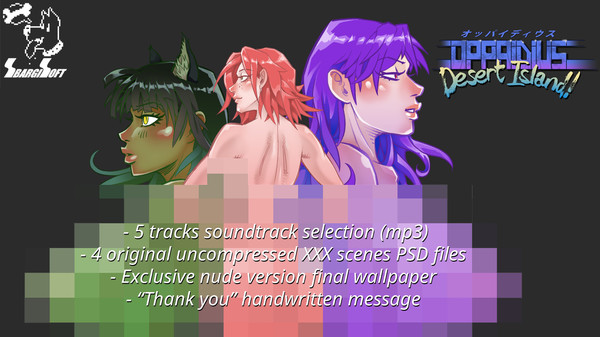
You can support the game with this Fan Pack DLC, containing a soundtrack selection, 4 uncompressed original PSD files, and more!
Detailed Description
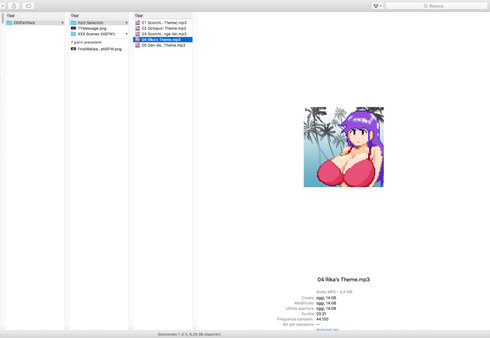
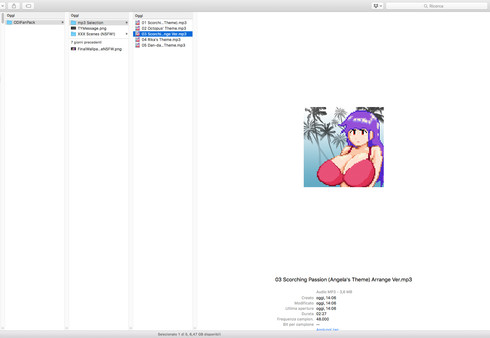
- Soundtrack selection (5 mp3 files)*
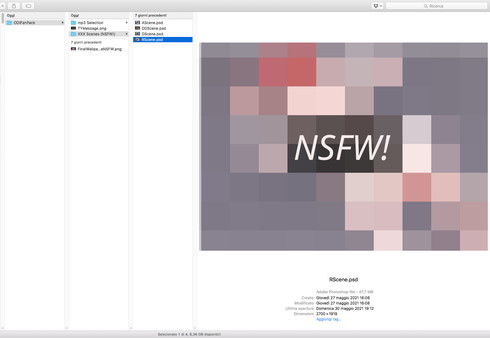
- 4 uncompressed original PSD files, used for the Live2D animations of the XXX scenes in the game
- Exclusive nude version final wallpaper (only available here)
- Handwritten "thank you" message
To find them:
1. Open Steam, go to the Library tab, and right-click on "Oppaidius Desert Island!" in your game list.
2. Select Properties and click the Local Files tab.
3. Click the Browse Local Files... button.
4. Open the "FanPack" folder!
Thanks for your support! ♡
* Angela's Theme - Octopus' Theme - Rika's Theme - Dan-dan's Theme by Luca Della Regina
Angela's Theme Arrange Ver. by Tsuyoshi Kaneko