
X-Plane 11 - Add-on: Aerosoft - ProCam
X-Plane 11 - Add-on: Aerosoft - ProCam - Steam Charts & Historical Stats
ProCam XP now gives you the option to quickly and easily create new camera positions within the X-Plane 11 simulator. Explore historical player activity and pricing for X-Plane 11 - Add-on: Aerosoft - ProCam. Player-count data was last observed May 1, 2026.
X-Plane 11 - Add-on: Aerosoft - ProCam player count and price summary
- Current players
- Unavailable
- All-time peak
- Unavailable
- 24-hour player change
- Unavailable
- Current US price
- $16.99
Player count last observed . Values marked unavailable are not estimated.
Media gallery 31 screenshots · 1 videos
Screenshots

Videos
Trailer
Game Insights
Buy Verdict
Decent deal at 0% off, but might drop further. Watch for better opportunities.
Value Score
Price-to-player ratio ranks in the 100th percentile.
Genre Benchmarks
Price History
No Recent Price History
Price history data will appear here once more pricing information becomes available.
System Requirements
- OS: Microsoft Windows 10 (64bit)
- Processor: Multi Core processor with 3.2 GHz or better
- Memory: 12 GB RAM
- Graphics: 6 GB VRAM
- Storage: 500 MB available space
- Graphics: 8 GB+ recommended
- OS: Linux Ubuntu LTS
- Processor: Multi Core processor with 3.2 GHz or better
- Memory: 12 GB RAM
- Graphics: 6 GB VRAM
- Storage: 500 MB available space
- Graphics: 8 GB+ recommended
Additional Information
*languages with full audio support
Current Pricing
Additional Information
Developer Analytics
Loading competitors...
About This Game
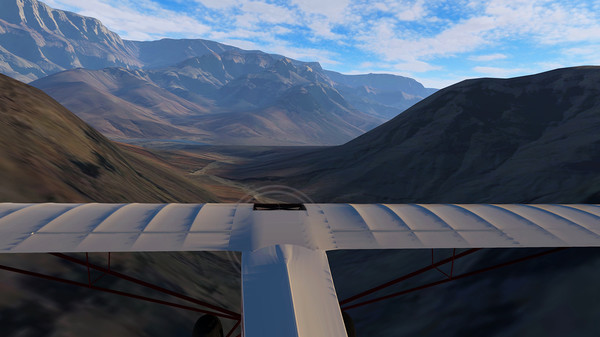
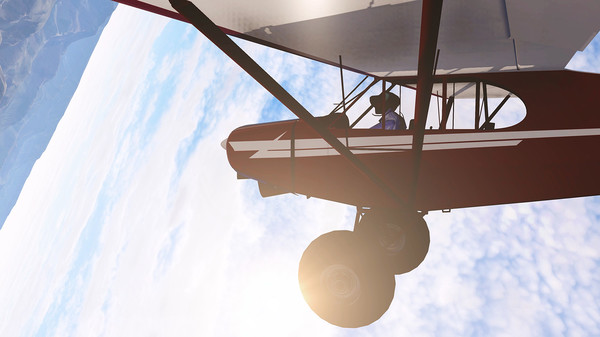
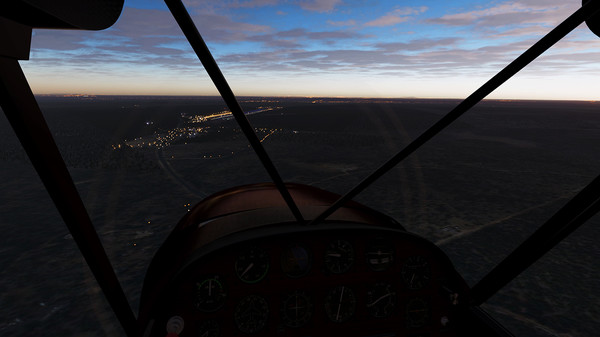
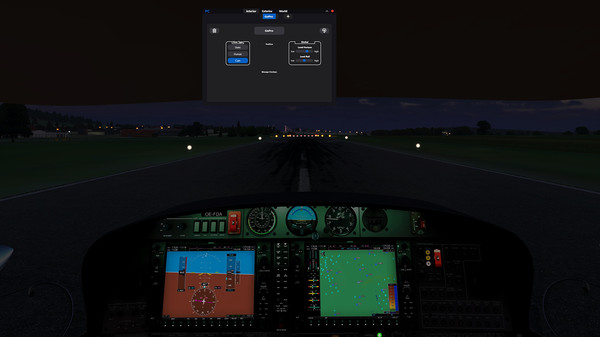
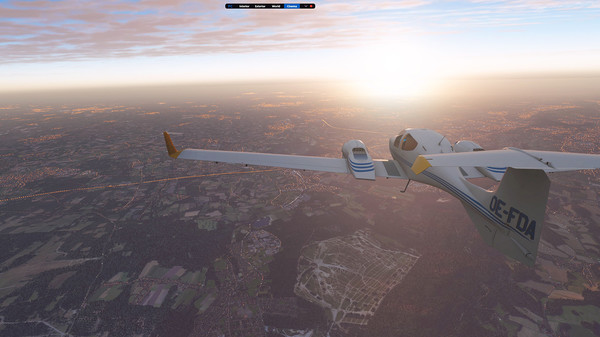
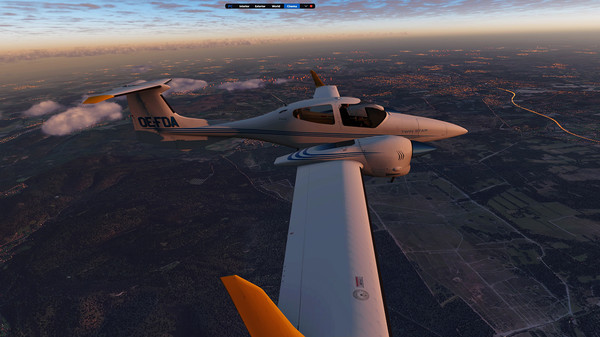
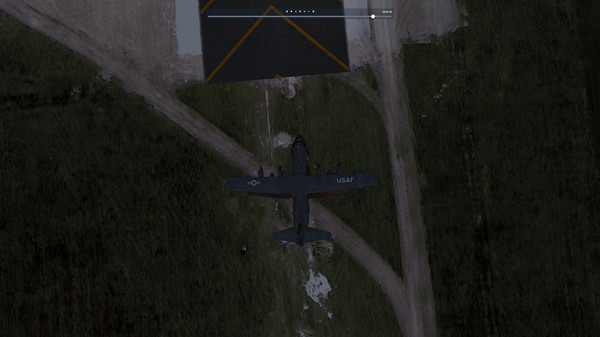
ProCam XP now gives you the option to quickly and easily create new camera positions within the X-Plane 11 simulator. Whether it´s new positions within a cockpit, within your favorite scenery to observe your flight or AI traffic.
Detailed Description
within the X-Plane 11 simulator. Whether it´s new positions within a cockpit, within your favorite scenery to observe your flight or AI traffic.
Create stunning tracking shots in and around your own aircraft or in the scenery of your choice. Use effects such as simulated breathing to create a realistic pilot view.
Are you a developer yourself? Then deliver ready-made presets with your custom scenery and show your customers the best spots in your product.
Features
- Presets for cockpit, exterior and world category
- Optional 3D camera object in cockpit/exterior
- Presets for XP default aircraft included - Different view types
- Cockpit: static
- Cockpit: human
- Cockpit: cam
- Exterior: static
- Exterior: cam
- World: fixed
- World: free
- World: follow aircraft - Manual camera control
- Key combination / joystick / controller mapping are possible - Various effects
- Head rotation based on control inputs
- Simulated breathing (pilot view)
- Gimbal control (horizon/tilt) - Invisible clickspots
- Individual clickspot overlay setup - Cinema Mode for each aircraft size category
- Presets can be included in add-on sceneries
- Cinema presets can be included in add-on sceneries
Limitations
MacOs as operating system for the ProCam plugin is currently not supported.
If you are using OpenGL, there may be an offset when placing the 3D camera object.