
Bonk'd Audio Visualizer
Bonk'd Audio Visualizer - Steam Charts & Historical Stats
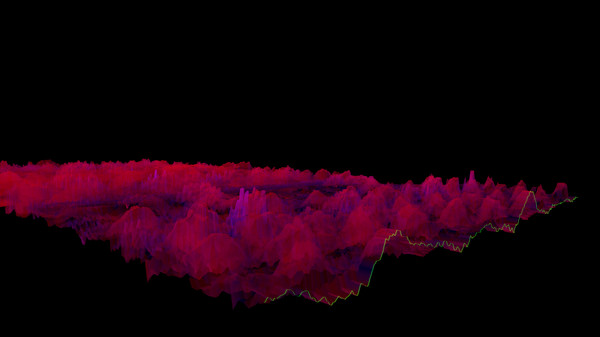
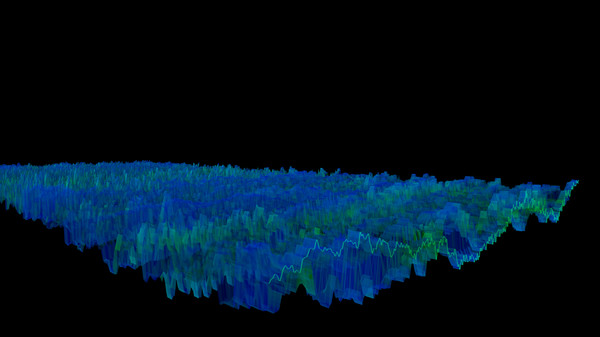
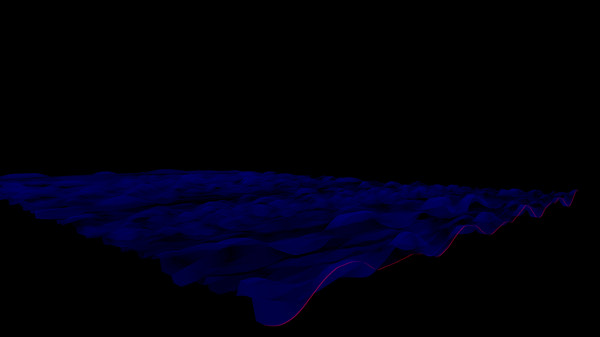
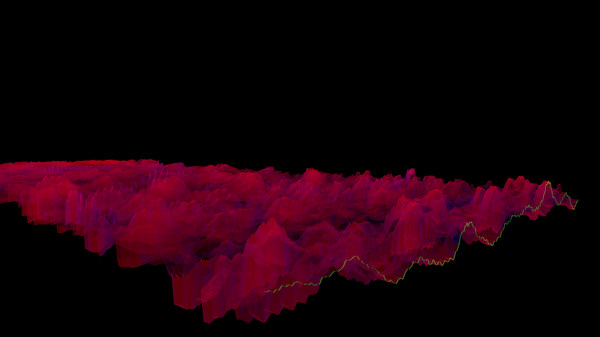
Lightweight 3D audio visualizer with a minimalist, modern design. Explore historical player activity and pricing for Bonk'd Audio Visualizer. Player-count data was last observed Sep 26, 2026.
Bonk'd Audio Visualizer player count and price summary
- Current players
- Unavailable
- All-time peak
- 1
- 24-hour player change
- Unavailable
- Current US price
- $1.99
Player count last observed . Values marked unavailable are not estimated.
Media gallery 25 screenshots · 1 videos
Screenshots


Videos
main
Last Tracked Players
All-Time Peak
Estimated Owners
Game Insights
Buy Verdict
Wait for upcoming sale in ~4 days for potentially better pricing.
Value Score
Price-to-player ratio ranks in the 86th percentile. Priced as Market at $1.99.
Genre Benchmarks
Activity Heatmap
0 players · 1 samples
0 players · 2 samples
No samples
0 players · 3 samples
No samples
0 players · 2 samples
0 players · 3 samples
No samples
0 players · 3 samples
No samples
0 players · 2 samples
0 players · 2 samples
0 players · 1 samples
0 players · 1 samples
No samples
0 players · 3 samples
No samples
0 players · 1 samples
0 players · 2 samples
0 players · 1 samples
0 players · 1 samples
0 players · 2 samples
No samples
0 players · 2 samples
No samples
0 players · 3 samples
No samples
0 players · 1 samples
0 players · 2 samples
0 players · 1 samples
0 players · 2 samples
0 players · 1 samples
0 players · 2 samples
0 players · 2 samples
No samples
0 players · 2 samples
0 players · 1 samples
0 players · 2 samples
No samples
0 players · 1 samples
0 players · 2 samples
0 players · 1 samples
No samples
0 players · 3 samples
No samples
0 players · 1 samples
0 players · 2 samples
0 players · 1 samples
0 players · 1 samples
0 players · 1 samples
0 players · 1 samples
0 players · 2 samples
No samples
0 players · 3 samples
No samples
0 players · 3 samples
0 players · 1 samples
No samples
0 players · 3 samples
No samples
0 players · 2 samples
0 players · 1 samples
0 players · 1 samples
0 players · 1 samples
0 players · 1 samples
0 players · 1 samples
0 players · 2 samples
No samples
0 players · 2 samples
0 players · 1 samples
0 players · 1 samples
No samples
0 players · 3 samples
No samples
0 players · 2 samples
0 players · 1 samples
0 players · 1 samples
0 players · 1 samples
0 players · 2 samples
0 players · 1 samples
0 players · 1 samples
0 players · 1 samples
0 players · 2 samples
No samples
0 players · 2 samples
0 players · 1 samples
0 players · 1 samples
No samples
0 players · 2 samples
0 players · 2 samples
No samples
0 players · 1 samples
0 players · 3 samples
No samples
0 players · 2 samples
No samples
0 players · 1 samples
0 players · 2 samples
No samples
0 players · 2 samples
0 players · 1 samples
No samples
0 players · 2 samples
0 players · 2 samples
No samples
0 players · 2 samples
0 players · 1 samples
0 players · 1 samples
0 players · 1 samples
0 players · 1 samples
0 players · 1 samples
No samples
0 players · 3 samples
No samples
1 players · 1 samples
0 players · 2 samples
No samples
1 players · 1 samples
0 players · 1 samples
0 players · 2 samples
No samples
1 players · 1 samples
0 players · 2 samples
No samples
1 players · 1 samples
0 players · 2 samples
1 players · 1 samples
No samples
0 players · 3 samples
No samples
1 players · 1 samples
0 players · 2 samples
No samples
0 players · 1 samples
0 players · 2 samples
1 players · 1 samples
0 players · 1 samples
0 players · 1 samples
1 players · 3 samples
No samples
0 players · 2 samples
0 players · 1 samples
0 players · 2 samples
1 players · 1 samples
0 players · 2 samples
0 players · 1 samples
0 players · 2 samples
1 players · 1 samples
0 players · 2 samples
0 players · 1 samples
1 players · 1 samples
0 players · 2 samples
1 players · 1 samples
1 players · 1 samples
0 players · 2 samples
1 players · 1 samples
0 players · 1 samples
0 players · 1 samples
1 players · 2 samples
0 players · 1 samples
No samples
0 players · 2 samples
0 players · 1 samples
No samples
0 players · 3 samples
0 players · 1 samples
1 players · 1 samples
0 players · 1 samples
Latest News
Price History
No Recent Price History
Price history data will appear here once more pricing information becomes available.
Can I Play This?
Steam declarations and Valve's Steam Deck compatibility result. Missing data is shown as unknown, never unsupported.
Structured language support (1)
| Language | Interface | Full audio | Subtitles |
|---|---|---|---|
| English | Yes | Yes | Yes |
System Requirements
- Requires a 64-bit processor and operating system
- OS *: Windows 7
- Processor: AMD FX-8350
- Memory: 200 MB RAM
- Graphics: HD Radeon 7850
- Storage: 10 MB available space
- Requires a 64-bit processor and operating system
- OS: Windows 10
- Processor: AMD Ryzen 1700
- Memory: 300 MB RAM
- Graphics: R9 280X
- Storage: 10 MB available space
- OS: Linux with ALSA (all distros I know of) and Vulkan Drivers
- Processor: AMD FX-6300
- Memory: 150 MB RAM
- Graphics: HD Radeon 7750
- Storage: 10 MB available space
- OS: Linux with Pipewire (Fedora, partially Ubuntu) and Vulkan Drivers
- Processor: AMD Ryzen 1600
- Memory: 200 MB RAM
- Graphics: R9 280
- Storage: 10 MB available space
- Additional Notes: ALSA can be used instead of Pipewire with the -alsa option, presently it connects to the mic instead of the default output device, this is being worked on
Additional Information
*languages with full audio support
Player-to-Price Ratio
Current Pricing
Additional Information
Developer Analytics
Loading competitors...
About This Game
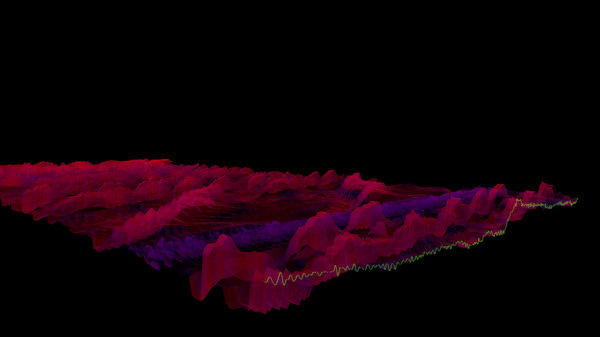
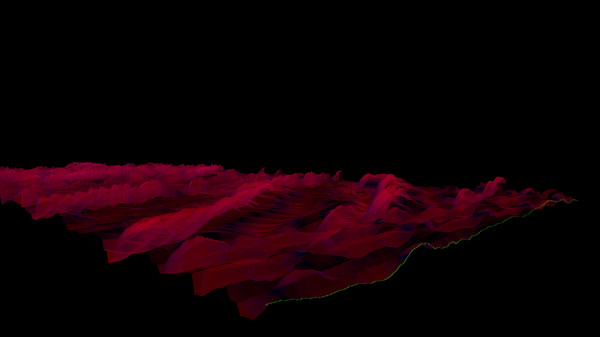
Lightweight 3D audio visualizer with a minimalist, modern design.
Detailed Description
Features
The Bonk'd Audio Visualizer is a 3D audio visualizer written in C/C++ with Vulkan, designed for Linux first, Windows second. It is designed to be lightweight, fast, and low latency. Future planned features include:-Desktop background rendering
-Customizable colors (can be customized with command line options right now)
-Customizable speed (can be customized with command line options right now)
-Customizable wave heights/sample rate/sample size (also customizable via command line options right now)
Stretch goals depending on reception:
-VR
-Control of viewport
-Gamification of some sort
Usage
Simply start Bonk'd Audio Visualizer and start playing your favorite music and enjoy! Fruther configuration can be changed with launch options, explained in the Manual.txt included with game files, soon to be available through a configuration file, and then potentially a UI to change things live. Hit escape to close the program.Notes
If you're running on Linux by default the application uses PipeWire, an option to use straight ALSA is available with -alsa in the launch options, it presently connects to the mic instead of the default output device, a fix is in the works. Testing was completed on Fedora 36, but any linux with Pipewire and proper Vulkan drivers should work with the default settings just fine.Many features are available through launch parameters, customization of the rendering, swapping starting monitors, switching audio interface, and forcing usage of integrated or dedicated GPUs are just a few of the available options through launch parameters. These features are being moved into a config file, and then later into a GUI application, but have been provided as launch options to give access to them as early as possible.
For convenience, the launch parameters are listed below, and are included in the Manual.txt in the software installation.
Available options:
Option syntax >>>> description
-wh (integer) >>>>> set wave height, default is 25
-a (real number) >>>>> set alpha (transparency) default 0.25
-mt (integer) >>>> set move time default 6
-alsa >>>>> use ALSA instead of PipeWire (linux only)
-window >>>>> run windowed instead of fullscreen
-fi >>>>> force use of integrated GPU*
-fd >>>>> force use of dedicated GPU*
-debug >>>>>> print debug output to bav_log.log
-display >>>>> set which display to render to (fullscreen only)
*Steam appears to "hide" GPUs from Vulkan when multiple GPUs are present on a machine. You can run the program from command line/terminal with the force parameters and they will function as expected, but through Steam you may run into trouble with them. There may be ways to circumvent this with environment variables or how you run steam, but I've not found a surefire way to do so, ymmv.
Trailer music graciously provided by NCS, link to song: