Vindictus: Dazzle Em Dead Pack
Nexon · Nexon America Inc.
Delayed observation
Observed
0
Last tracked
0
All-time peak
n/a
Δ 24h
Player count last observed
Live player data is temporarily unavailable; historical values remain visible for context.
Vindictus: Dazzle Em Dead Pack - Steam Charts & Historical Stats
A package that includes everything you need to dazzle your enemies 'til they're dead. Explore historical player activity and pricing for Vindictus: Dazzle Em Dead Pack. Player-count data was last observed May 2, 2026.
Genre
Action
Developer
Nexon
Vindictus: Dazzle Em Dead Pack player count and price summary
- Current players
- Unavailable
- All-time peak
- Unavailable
- 24-hour player change
- Unavailable
- Current US price
- Price unavailable
Player count last observed . Values marked unavailable are not estimated.
Media gallery 10 screenshots · 0 videos
Screenshots
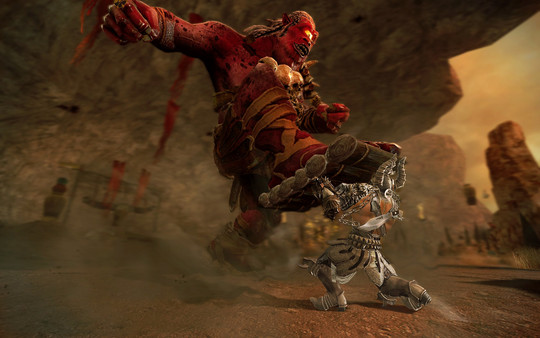
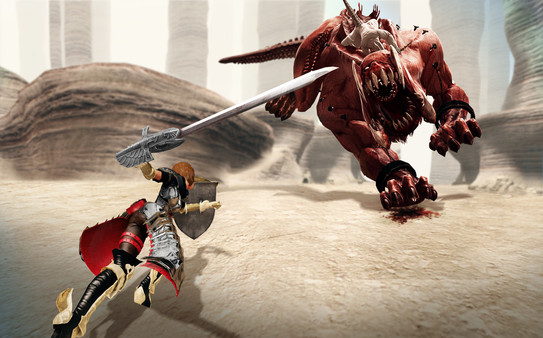
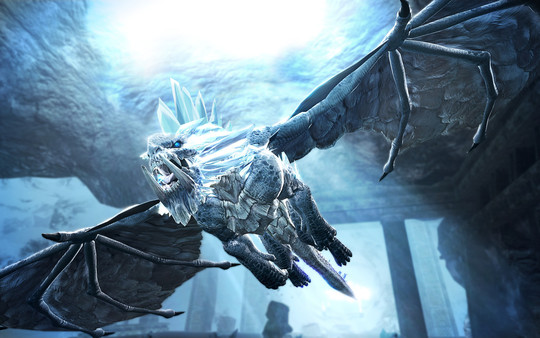
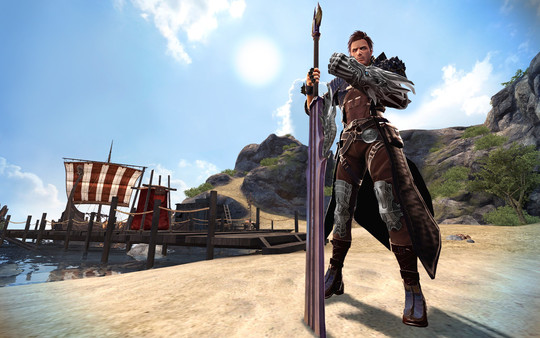
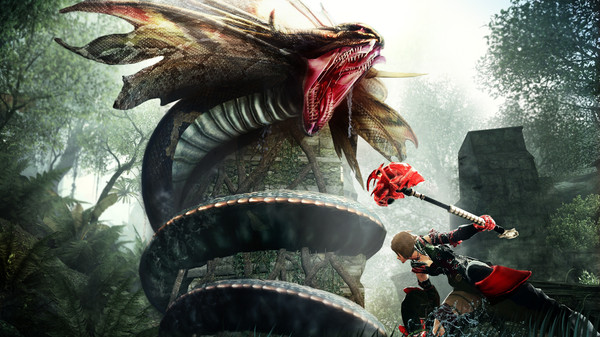
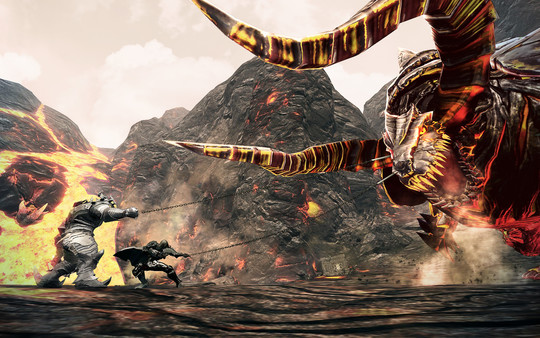
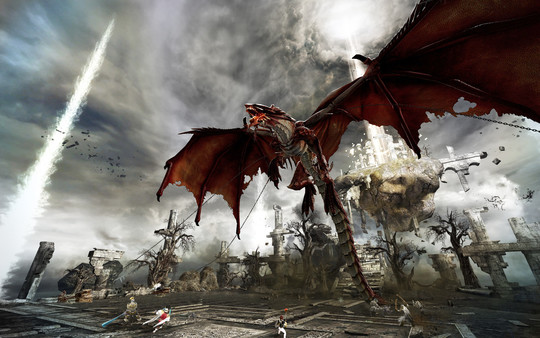
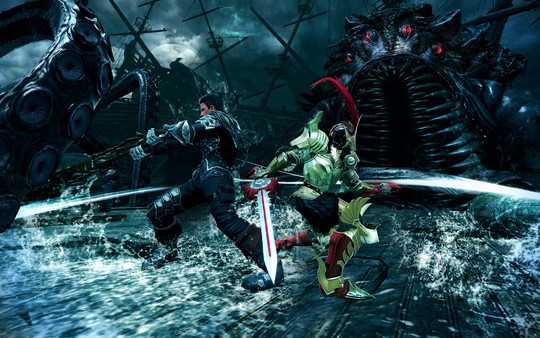
And 2 more screenshots...
Game Insights
Value Score
Fair Value — 50th percentile.
Price-to-player ratio ranks in the 50th percentile.
▬
Market pricing tier
Player count
Latest News
Nov 16, 2012 at 22:45 UTC
Read More
System Requirements
Platform Support
Windows
Windows Requirements
Minimum:
Minimum:
- OS *: Windows 7 or higher
- Processor: Dual Core
- Memory: 1 GB
- Hard Disk Space: 10+ GB
- Video Card: NVIDIA® GeForce® 7600
- DirectX®: 9.0c
- Sound: 16 bit sound card
Recommended:
Recommended:
- OS *: Windows 7 64 bit or higher
- Processor: Intel® Core™ i3 540, ® Phenom™ II X4
- Memory: 2 GB
- Hard Disk Space: 10+ GB
- Video Card: NVIDIA® GeForce® GTS 250, ATI Radeon™ HD 4850
- DirectX®: 9.0c
- Sound: 16 bit sound card
Pricing
Paid Game
Additional Information
Categories
Single-player
Multi-player
MMO
Co-op
Downloadable Content
Supported Languages
English
Official Website
http://vindictus.nexon.net/
Pricing Information
❓
Price Unavailable
Pricing information not currently available
Additional Information
🆘
Support
Developer Analytics
Loading competitors...
About This Game
A package that includes everything you need to dazzle your enemies 'til they're dead. This package includes an Inner Armor Coupon and a Hair Coupon so you can give your character a distinct look!Redemption instructions after purchase:Log in and select the character you want to give the coupon items to.
Detailed Description
A package that includes everything you need to dazzle your enemies 'til they're dead. This package includes an Inner Armor Coupon and a Hair Coupon so you can give your character a distinct look!
Redemption instructions after purchase:
Redemption instructions after purchase:
- Log in and select the character you want to give the coupon items to.
- Once in-game, click the NX Depot button in the lower right corner of the game UI.
- Click "Register Coupon" in the upper right corner of the Supply Depot window.
- Enter the coupon code. Please note that only LETTERS are used in codes.
- If entered correctly, you will receive the following message: "The payment has been completed."
- Close the supply depot and open your inventory. Click the red NX Inventory tab at the bottom of your inventory screen.
- Items received from your coupon appear in the Temporary inventory space.
- Right click each item to move it from your Temporary NX inventory to your permanent NX inventory.
Frequently Asked Questions
Is Vindictus: Dazzle Em Dead Pack free to play?
Yes, Vindictus: Dazzle Em Dead Pack is free to play on Steam.
What genre is Vindictus: Dazzle Em Dead Pack?
Vindictus: Dazzle Em Dead Pack is a Action, Free To Play, Massively Multiplayer game.
Who developed Vindictus: Dazzle Em Dead Pack?
Vindictus: Dazzle Em Dead Pack was developed by Nexon and published by Nexon America Inc..
What platforms does Vindictus: Dazzle Em Dead Pack support?
Available on Steam for Windows.