Game overview
RPG Maker MZ - Database Cleanup Tool
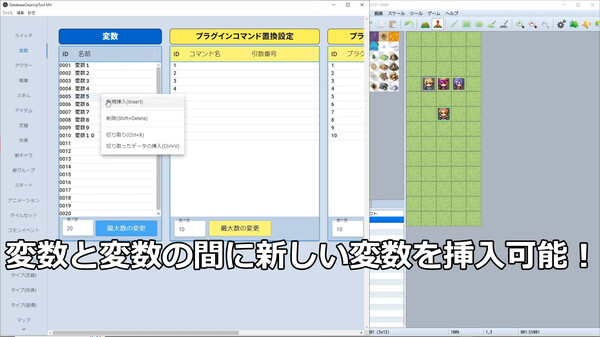
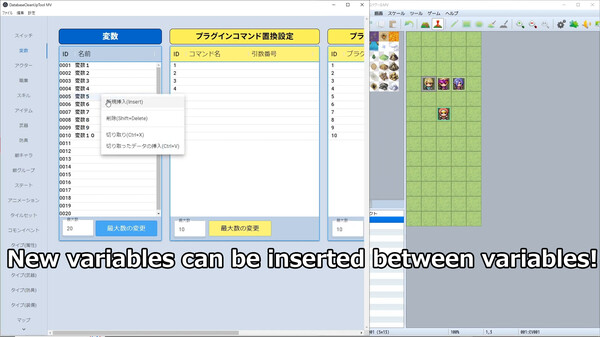
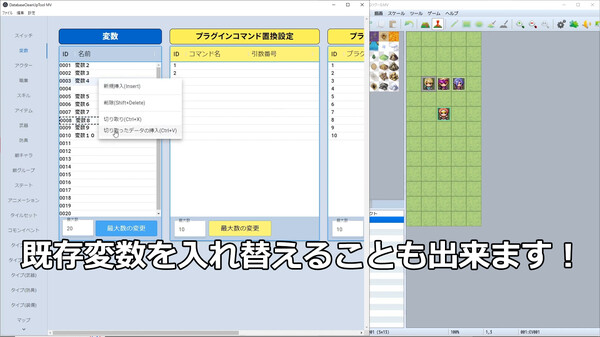
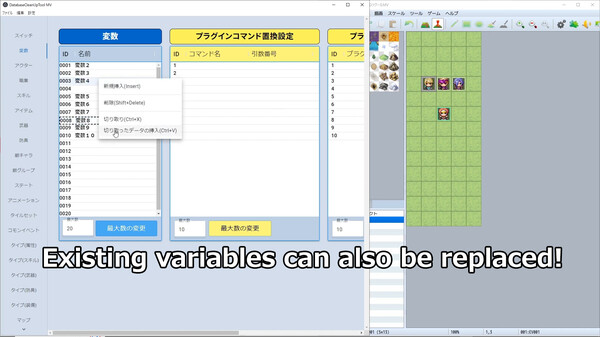
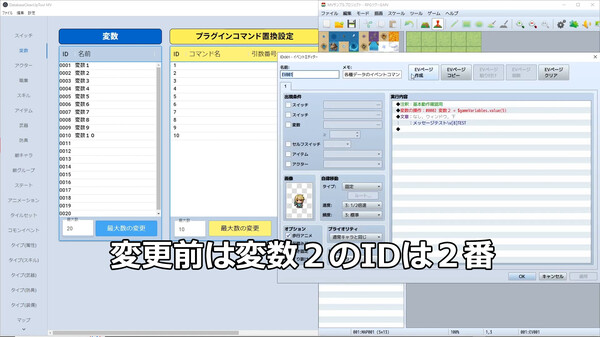
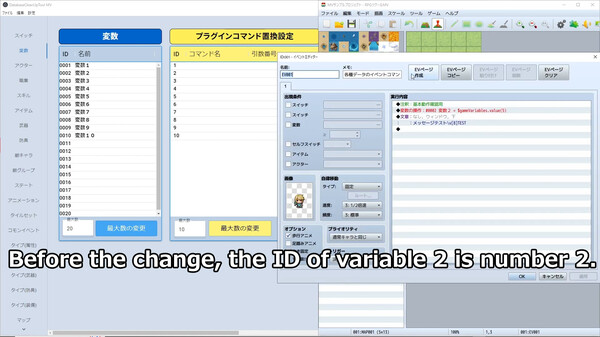
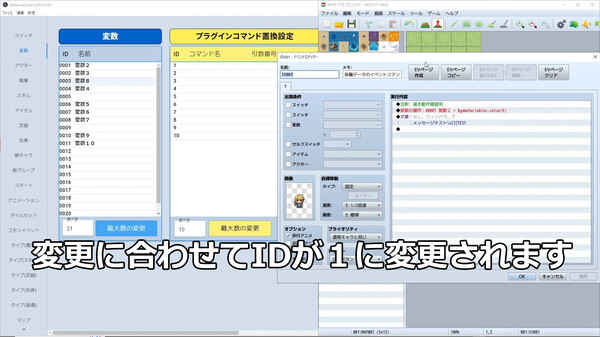
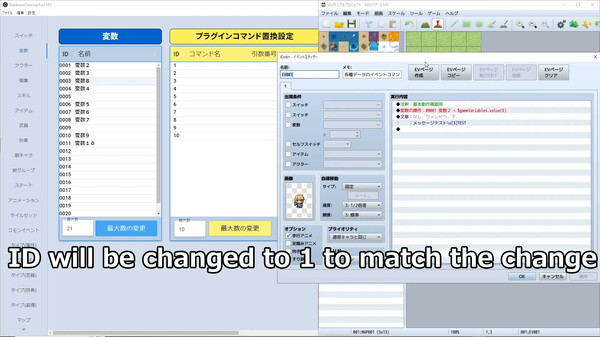
It provides the functionality to delete, add, and replace data IDs (order) for variables, switches, and items. It allows for easy modification of IDs, such as variables, which was difficult to achieve with conventional editors, as the tool automatically updates variables and switches set in events.
- Last tracked players
- 0
- Recorded peak
- Unavailable
- 24-hour change
- Unavailable
Delayed observation · last tracked . Values marked unavailable are not estimated. Recorded peak is the highest player count observed by SteamIQHQ; earlier records may be outside our coverage.
Thinking of returning to RPG Maker MZ - Database Cleanup Tool?
See recorded Steam news, player activity and price changes since your last visit.
See what changed in RPG Maker MZ - Database Cleanup ToolAbout this game Read the full description
Have you ever thought: “Even though I left enough space between variables, it turned out to be insufficient. Switches related to the same event are scattered in different places, making it hard to understand. I want to organize the database, but it will affect the events...”
This tool will solve all those problems!
It provides the functionality to delete, add, and replace data IDs (order) for variables, switches, and items. It allows for easy modification of IDs, such as variables, which was difficult to achieve with conventional editors, as the tool automatically updates variables and switches set in events.
*Please refer to the tutorial video in the readme for detailed instructions.
*This software is only compatible with Windows.
〇Startup method
It is located in "DatabaseCleanUpTool" in the extracted folder,
DatabaseCleanUpTool.exe" in the extracted folder.
■Update Information
▼2023.12.19
・Added the ability to break through the database limit from the "Config" tab.
▼ 2023.09.30 Version 1.01
・Added "display of sentences", "display of choices", and "scrolling sentences" as conversion targets in the "control characters" list.
⇒When you add your own control characters to the "Control Characters" list, they will be converted in the above events as well.
・Added "Undo" limit setting.
=>The limit is 10.
⇒The tool becomes unstable and crashes when the editing operation is continued, To solve the problem that the tool becomes unstable and crashes when editing is continued, a limit has been set on the number of Undo cycles.
・Fixed a problem that a missing map file (MapXXX.json) is not created when data is saved outside of the "Map" tab.
⇒When data is saved under the "Map" tab, a map file (MapXXX.json) with missing map IDs is created.
・Added "Help" tab and "Version".
Media gallery 8 screenshots · 0 videos

Screenshots
Player activity
Concurrent players over the last 48 hours.
Loading player history?
System requirements Windows
Windows
Minimum
Minimum:- Additional Notes: System supporting RPG Maker MZ
Recommended
Recommended:- Additional Notes: System supporting RPG Maker MZ
Game details Languages, features & support
- Publisher
- Gotcha Gotcha Games
- Brazilian rating
- l
- Steam Germany rating
- 0
- Controller support
- partial
- Features
- Downloadable Content, Steam Workshop, Partial Controller Support
- Languages
- English, Japanese
- Website
- Official website ↗
- Support
- Support site ↗
More analysis Activity patterns, updates & developer tools
Developer Analytics
Loading competitors...
Frequently Asked Questions
What genre is RPG Maker MZ - Database Cleanup Tool?
RPG Maker MZ - Database Cleanup Tool is a RPG, Design & Illustration, Education, Web Publishing, Game Development game.
Who developed RPG Maker MZ - Database Cleanup Tool?
RPG Maker MZ - Database Cleanup Tool was developed by Inazuma Soft and published by Gotcha Gotcha Games.
What platforms does RPG Maker MZ - Database Cleanup Tool support?
Available on Steam for Windows.