AI-VJ - Customize Your DJ Logo
AI-VJ - Customize Your DJ Logo - Steam Charts & Historical Stats
Set your own DJ logo, and display it at high points during your DJ show! You can even animate it, and have it synced to the beat like the example logo! Also allows you to replace or remove the small... Explore historical player activity and pricing for AI-VJ - Customize Your DJ Logo. Player-count data was last observed Apr 22, 2026.
AI-VJ - Customize Your DJ Logo player count and price summary
- Current players
- Unavailable
- All-time peak
- Unavailable
- 24-hour player change
- Unavailable
- Current US price
- Price unavailable
Player count last observed . Values marked unavailable are not estimated.
Media gallery 10 screenshots · 1 videos
Screenshots



Videos
Customize Your DJ Logo Showcase
Game Insights
Value Score
Price-to-player ratio ranks in the 50th percentile.
System Requirements
- Requires a 64-bit processor and operating system
- Memory: 4 GB RAM
- Requires a 64-bit processor and operating system
Additional Information
*languages with full audio support
Current Pricing
Additional Information
Developer Analytics
Loading competitors...
About This Game
Set your own DJ logo, and display it at high points during your DJ show! You can even animate it, and have it synced to the beat like the example logo! Also allows you to replace or remove the small AI-VJ banner that shows up every 20 minutes. Consider Buying if you'd like to support AI-VJ
Detailed Description
On the side panel there are two buttons to display the DJ logo overlaid on the visuals.
- One with the banner up, which will show it centered and large (good for high points during your show)
- The other will show two small versions in the left & right bottom corners of the screen (great for keeping there, so people know who's in da house!)
With this DLC you can show your own DJ logo!
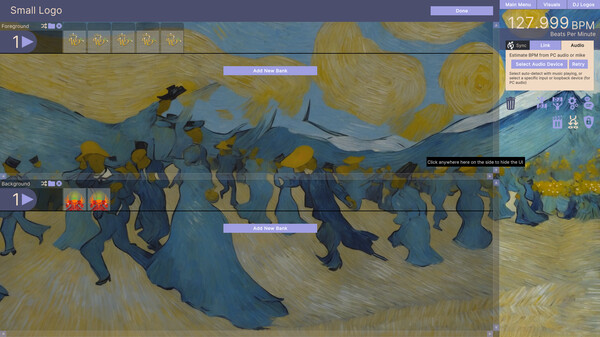
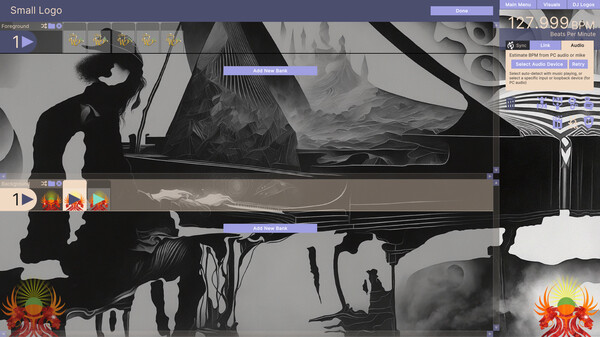
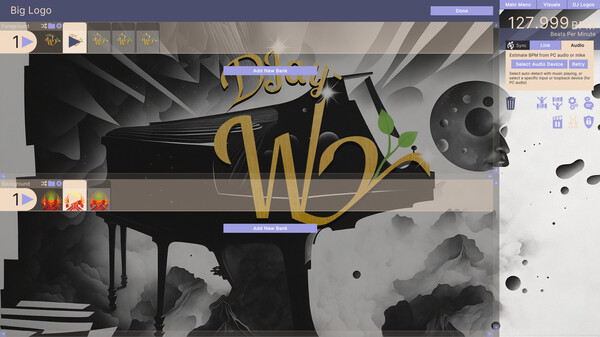
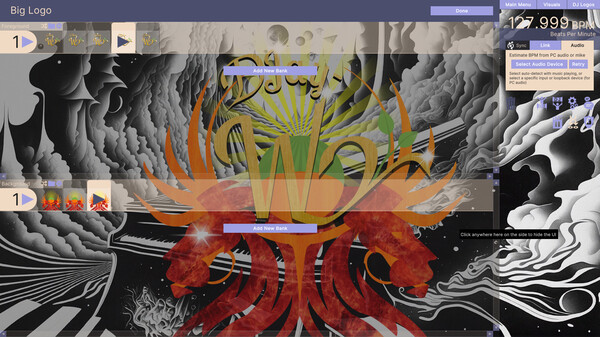
Once the DLC is installed, use the 'DJ Logos' menu in the top right to get to the 'Edit' screen. Here you can upload your DJ logo images or video(s). They will be automatically resized!
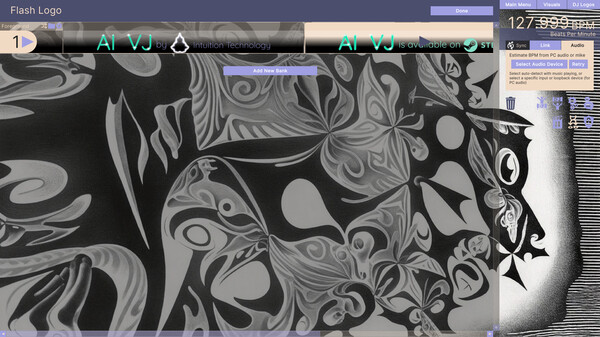
You can also swap out the AI VJ logo banner if you'd like, and have your own message show automatically a few times per hour (note that this DLC is NOT required to just disable it, or the DJ logos, you can do that already from the DJ Logos menu).
It's for if you wish to show "who's in da house!", in a professional manner. Consider it a kind of license for professional use.
Videos
Videos will be shown on top of the visuals at 50% transparency, both on the foreground & background banks. In future updates we will make this adjustable, as well as using shader-fu to make the transparency look even better.
Images
You can feed it multiple images, split over foreground & background banks, that will be swapped on every beat. If you do this with small changes between them, this will make your logo(s) animated, and synced with the beat! Be creative! (I can recommend InkScape for logo design / creation).
Consider buying this DLC if you'd like to support AI-VJs development, and / or if you use AI-VJ for professional shows.