
"ROMANCE OF THE THREE KINGDOMS 8 REMAKE" Commemorative CG Portrait & Scenario Set for "RTK" Day
"ROMANCE OF THE THREE KINGDOMS 8 REMAKE" Commemorative CG Portrait & Scenario Set for "RTK" Day - Steam Charts & Historical Stats
A "ROMANCE OF THE THREE KINGDOMS" Day commemorative set of 25 CG portraits from "ROMANCE OF THE THREE KINGDOMS VIII" that can be used in the Editor, along with 2 new scenarios,... Explore historical player activity and pricing for "ROMANCE OF THE THREE KINGDOMS 8 REMAKE" Commemorative CG Portrait & Scenario Set for "RTK" Day. Player-count data was last observed Apr 22, 2026.
"ROMANCE OF THE THREE KINGDOMS 8 REMAKE" Commemorative CG Portrait & Scenario Set for "RTK" Day player count and price summary
- Current players
- Unavailable
- All-time peak
- Unavailable
- 24-hour player change
- Unavailable
- Current US price
- Price unavailable
Player count last observed . Values marked unavailable are not estimated.
Media gallery 6 screenshots · 0 videos
Screenshots
System Requirements
- Requires a 64-bit processor and operating system
- Requires a 64-bit processor and operating system
Additional Information
*languages with full audio support
Additional Information
Developer Analytics
Loading competitors...
About This Game
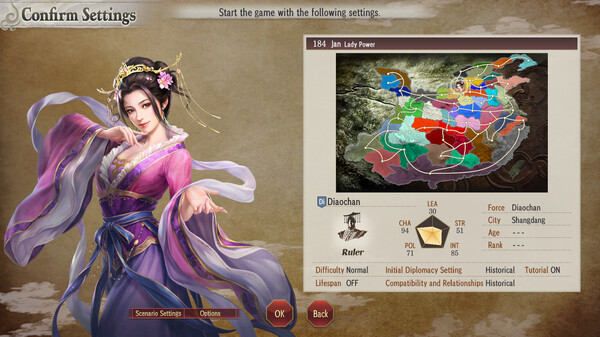
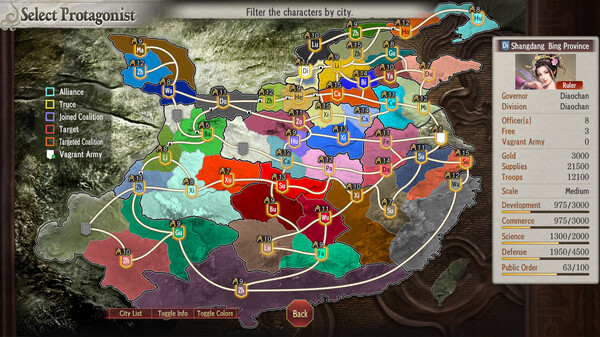
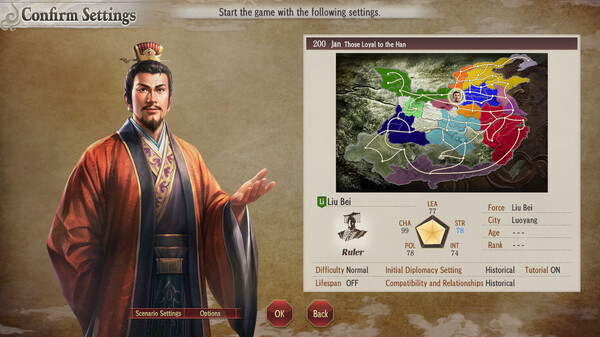
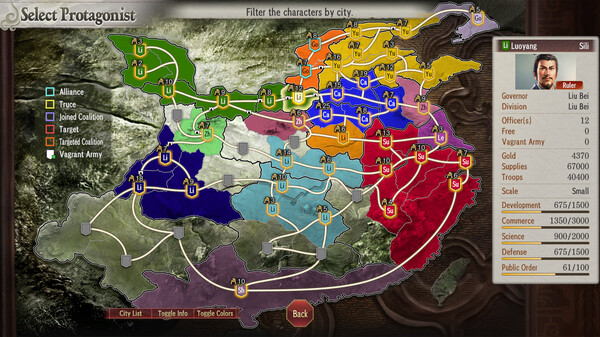
A "ROMANCE OF THE THREE KINGDOMS" Day commemorative set of 25 CG portraits from "ROMANCE OF THE THREE KINGDOMS VIII" that can be used in the Editor, along with 2 new scenarios, "Lady Power" and "Those Loyal to the Han."
Detailed Description
Two new scenarios
- Lady Power
- Those Loyal to the Han
Additional CG portraits
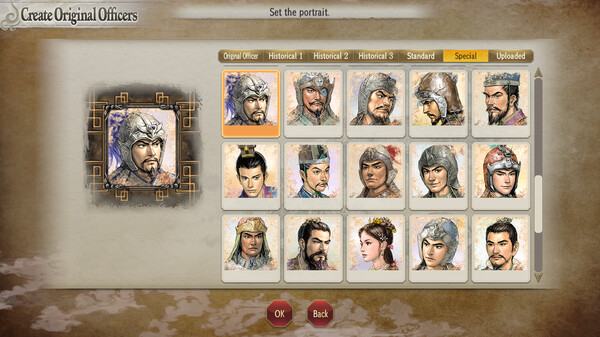
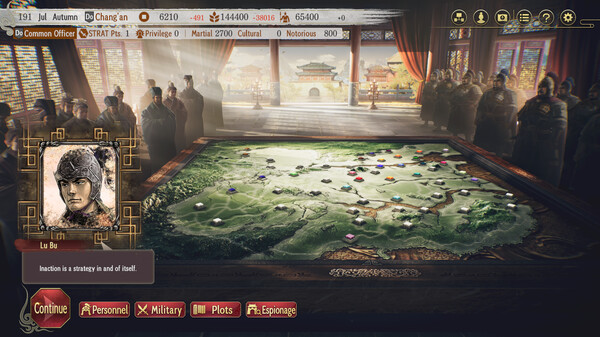
- CG portraits of 25 officers, including Zhuge Liang, Lu Bu, and Diaochan, from the original version of this game, "ROMANCE OF THE THREE KINGDOMS VIII."
How to access:
- New scenarios
Access New Game and then Scenarios, where you can select "Lady Power" or "Those Loyal to the Han" to begin playing.
- CG portraits
Set officers' CG portraits via Edit Original Officers or Edit Historical Officers.
To view the portraits, access Edit, Edit Original Officers, Create Original Officers or Change Original Officers, and then Portrait. Alternatively, access Edit, Edit Historical Officers, Edit Historical Officers again, Portrait, and then the "Special" tab.