
Game overview
StarLight
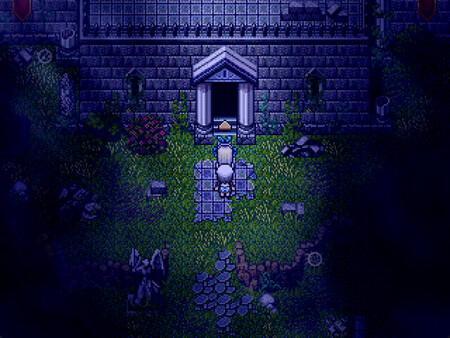
A girl from a small village,pick up the star stick,embark on a journey. There are various adventures and challenges to be encountered during the journey. What awaits the girl?
- Last tracked players
- Unavailable
- All-time peak
- Unavailable
- 24-hour change
- Unavailable
Player data unavailable. Values marked unavailable are not estimated.
About this game Read the full description
Story
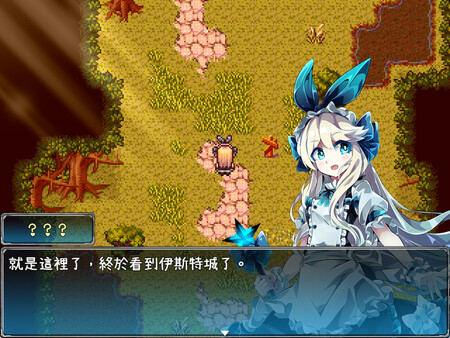
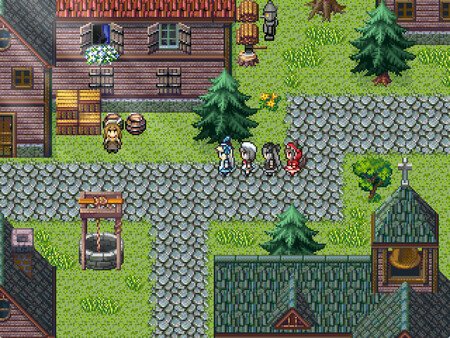
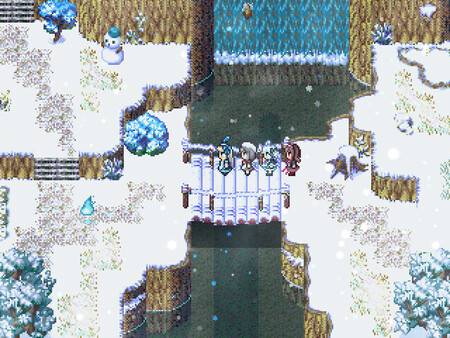
A young girl from a small village picks up the Wand of Stars and embarks on a journey with her companions.
Along the way, she will encounter all kinds of adventures and challenges—
What awaits her at the end of the journey?
Characters
Alice: A curious girl from a small village who sets off on a journey to explore the world.
Momor: A "ghost" girl from the demon realm who has come to observe the human world.
Spinel: A girl imbued with the power of spinel, symbolizing fulfillment, curiosity, and uniqueness.
Kaelorei: A solitary girl who roams the world in pursuit of her own ambitions.
There are many more characters waiting for players to discover...
Features
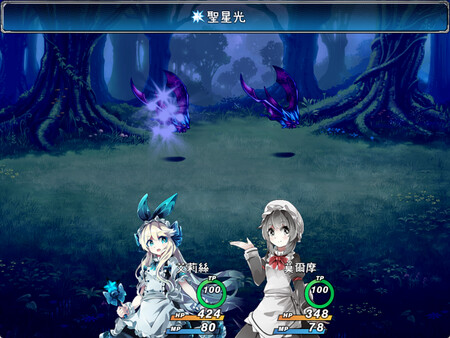
■ Classic turn-based RPG gameplay, with many characters joining your party along the way
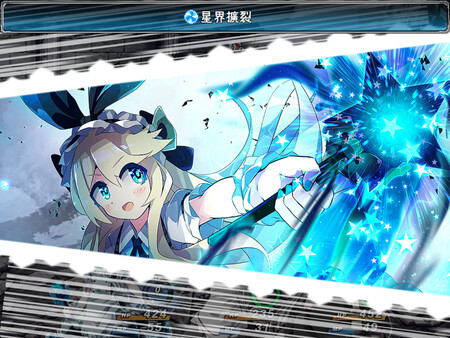
■ A wide variety of skills and enemies that encourage thoughtful strategies
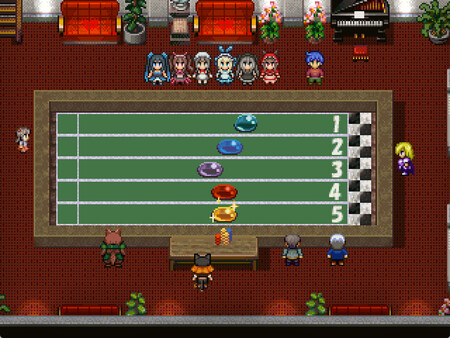
■ Many adorable characters you can interact with
Basic Controls
Arrow Keys: Move
Enter / Space: Confirm / Talk
Esc: Menu / Cancel
Shift: Hold to run or walk
(Speed up text during dialogue)
Ctrl: Skip dialogue
Tab: Show/hide dialogue box during conversations
A: Show dialogue log
F2: Display FPS counter
Media gallery 7 screenshots · 0 videos

Screenshots
Player activity
Concurrent players over the last 48 hours.
Latest news
All news on Steam ↗System requirements Windows
Windows
Minimum
Minimum:- OS *: Windows 7/8/8.1/10/11 (32bit/64bit)
- Processor: Intel Core i3-4340 or better
- Memory: 4 GB RAM
- Graphics: Compatible OpenGL / VRAM 1GB or better
- Storage: 1 GB available space
Recommended
Recommended:- OS *: Windows 7/8/8.1/10/11 (32bit/64bit)
- Processor: Intel Core i3-4340 or better
- Memory: 4 GB RAM
- Graphics: Compatible OpenGL / VRAM 1GB or better
- Storage: 1 GB available space
Game details Languages, features & support
- Publisher
- J.C., RMAsia
- Brazilian rating
- l
- Steam Germany rating
- 0
- Controller support
- full
- Features
- Single-player, Full controller support, Family Sharing
- Languages
- Traditional Chinese, Simplified Chinese
- Support
- [email protected]
More analysis Activity patterns, updates & developer tools
Developer Analytics
Loading competitors...