CyberLink PhotoDirector 2025 Ultra (AppID: 3146030)

CyberLink PhotoDirector 2025 Ultra - Steam Analytics & Details
Utilize AI tools to optimize image quality through fine resolution adjustments and seamless editing capabilities. Explore pricing history and player statistics for CyberLink PhotoDirector 2025 Ultra.
Media Gallery

Screenshots
Videos

PhotoDirector 2025 Ultra_EN
System Requirements
- Requires a 64-bit processor and operating system
- OS: Microsoft Windows 11, 10 (64 bit OS only, Windows 11 Arm64 is supported)
- Processor: Intel Core™ i-series (6th generation) or AMD Ryzen and above
- Memory: 4 GB RAM
- Graphics: 128 MB VGA VRAM or higher
- Storage: 2 GB available space
- Requires a 64-bit processor and operating system
Additional Information
*languages with full audio support
Pricing Information
Additional Information
Developer Analytics
Loading competitors...
About This Game
Utilize AI tools to optimize image quality through fine resolution adjustments and seamless editing capabilities.
Detailed Description
PhotoDirector 2025 Ultra
Utilize AI tools to optimize image quality through fine resolution adjustments and seamless editing capabilities.
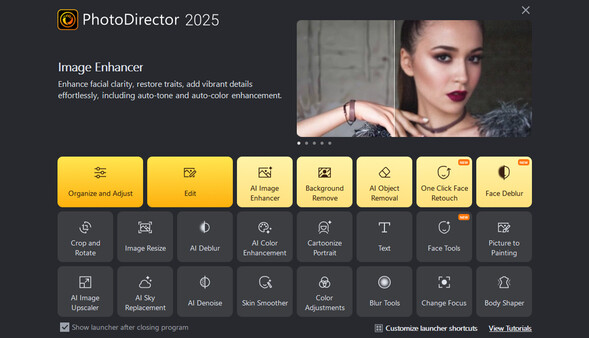
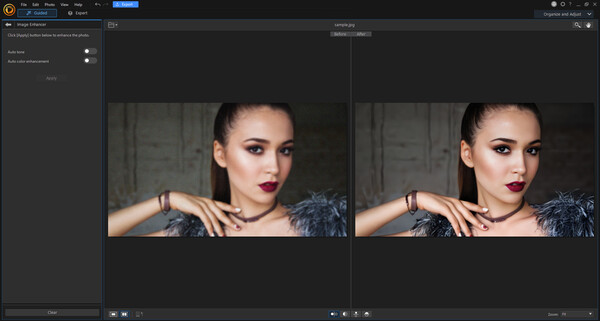
AI Image Enhancer
Effortlessly restore facial features to pristine clarity. Regardless of whether you're upscaling vintage snapshots or simply looking to add an extra touch of detail, our innovative technology ensures that every facial feature is beautifully restored, or brought to life.

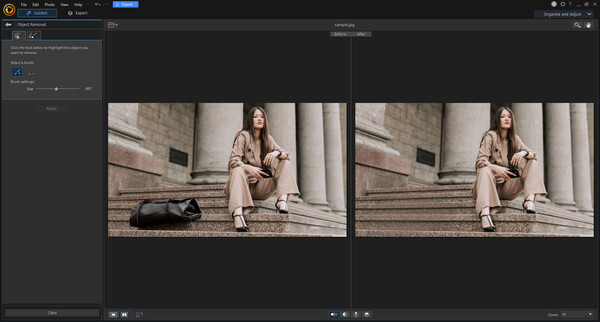
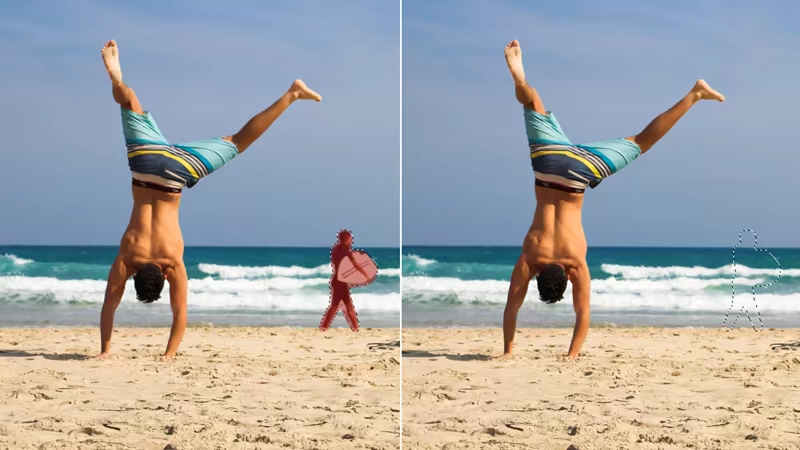
AI Object Removal
Eliminate unwanted objects and people from photos leaving no trace they were ever there.
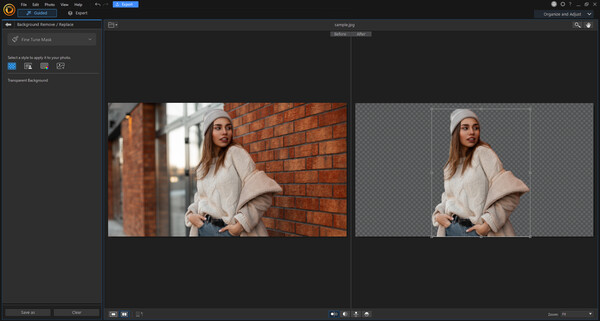
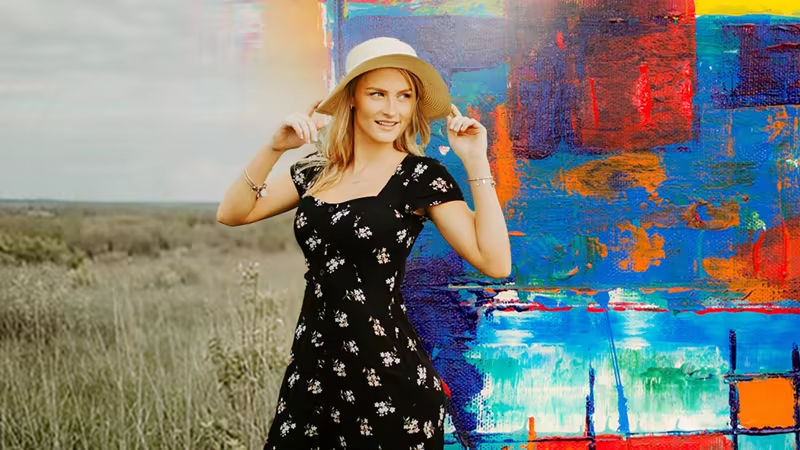
AI Background Removal and Effects
Remove backgrounds and edit your own, all at once. Edit background color, blur, or import images, including AI backgrounds.
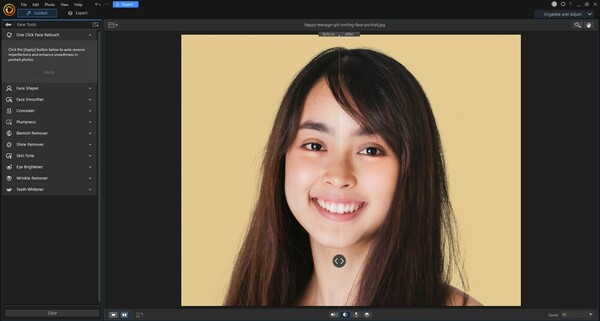
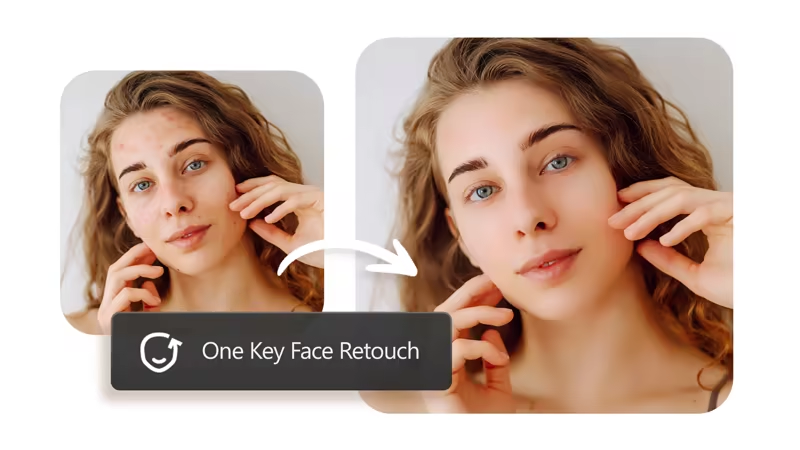
One-click Face Retouch
Look your best with the perfect combination of photo retouching edits instantly applied in a single click.
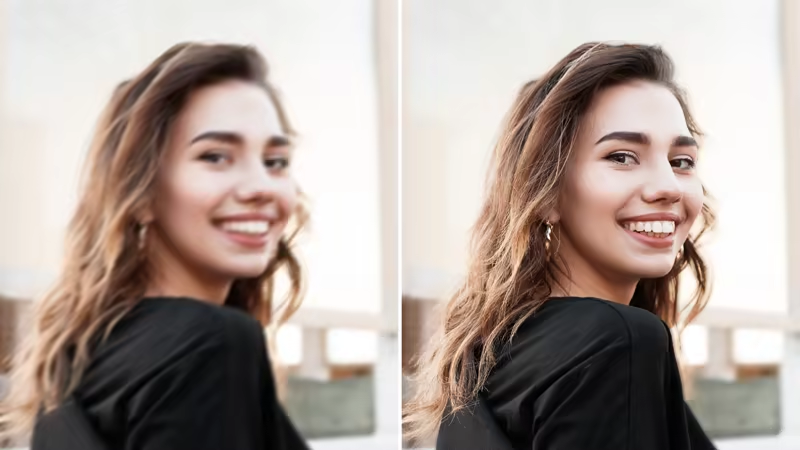
AI Face Deblur
Unblur faces in photos and maintain background blur to create a natural focal point in close-range shots, such as portraits.
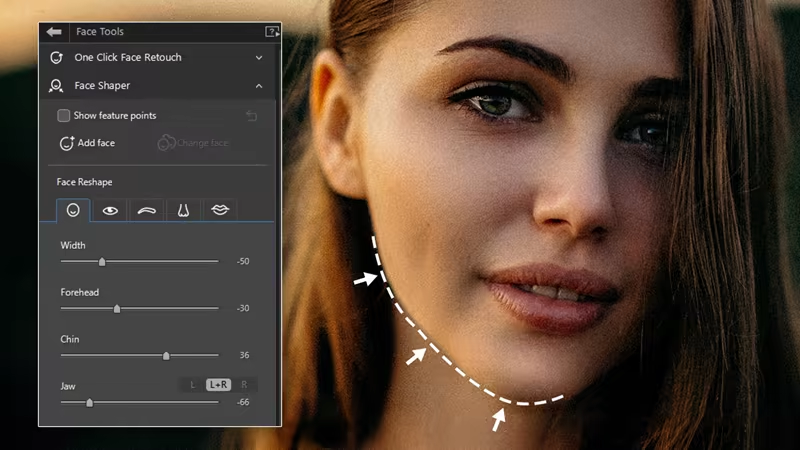
Face Tools
Virtually reshape and refine your face. Remove wrinkles and shine, or whiten teeth. Change the width of the face. Reduce or enhance forehead, jaw, and chin details with shaper tools.
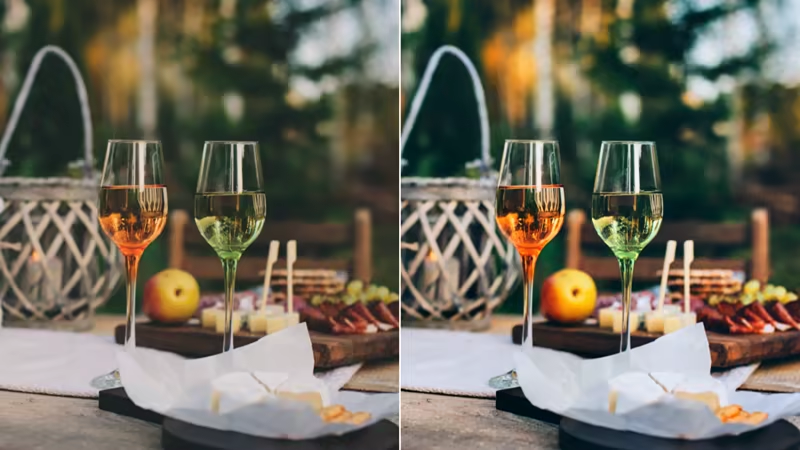
Auto-Tone Refinement
Increase the brightness and contrast of your shots whilst also making sure the details are rich and vivid.
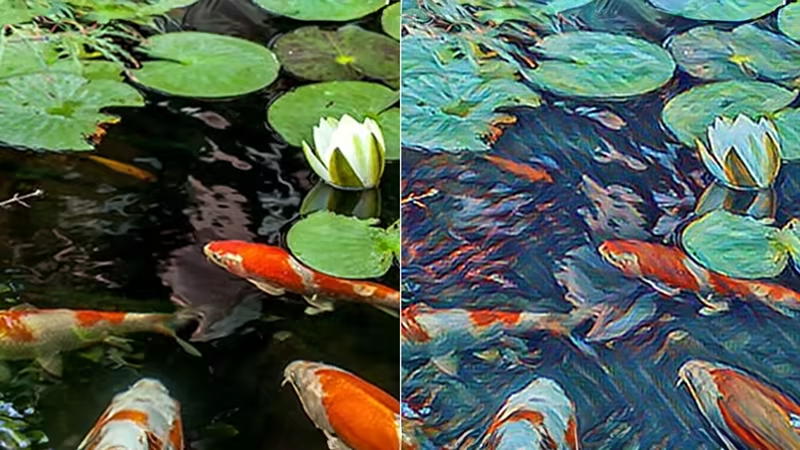
AI Style Effects
Harness the power of AI to turn any photo into a mosaic, sketch, watercolor, or oil painting.
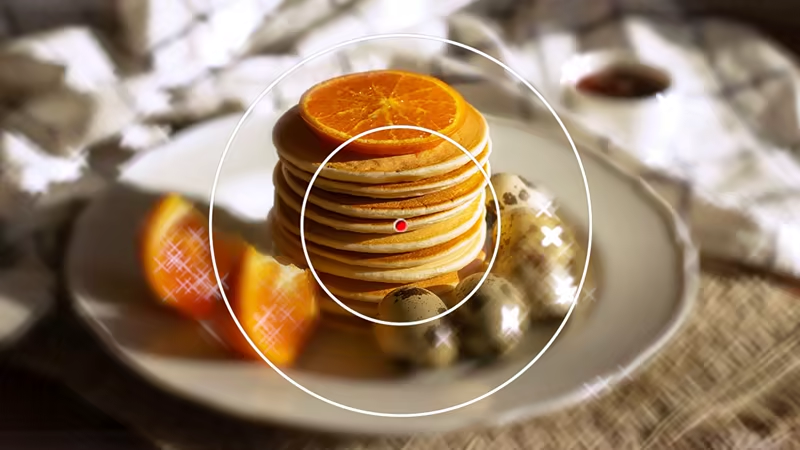
Blur Effects
Add different customizable blur styles to your images with circular, linear, and brush tools.
Layer Masks
Non-destructive photo compositing tool for hiding portions of a layer and revealing portions of the layer below.