
taat
taat - Steam Charts & Historical Stats
Sokoban style puzzle solving for everyone Explore historical player activity and pricing for taat. Player-count data was last observed Sep 26, 2026.
taat player count and price summary
- Current players
- Unavailable
- All-time peak
- Unavailable
- 24-hour player change
- Unavailable
- Current US price
- $3.99
Player count last observed . Values marked unavailable are not estimated.
Media gallery 6 screenshots · 1 videos
Screenshots
Videos

taat release trailer
Game Insights
Buy Verdict
Wait for upcoming sale in ~4 days for potentially better pricing.
Value Score
Price-to-player ratio ranks in the 100th percentile.
Genre Benchmarks
Activity Heatmap
0 players · 1 samples
0 players · 1 samples
0 players · 2 samples
0 players · 1 samples
0 players · 1 samples
0 players · 2 samples
0 players · 1 samples
0 players · 1 samples
0 players · 2 samples
0 players · 1 samples
0 players · 2 samples
0 players · 1 samples
0 players · 1 samples
0 players · 1 samples
0 players · 2 samples
No samples
0 players · 2 samples
0 players · 1 samples
0 players · 1 samples
0 players · 1 samples
0 players · 1 samples
0 players · 2 samples
0 players · 1 samples
No samples
0 players · 3 samples
No samples
0 players · 2 samples
0 players · 1 samples
0 players · 2 samples
0 players · 1 samples
0 players · 1 samples
0 players · 2 samples
0 players · 1 samples
0 players · 2 samples
0 players · 1 samples
0 players · 2 samples
0 players · 1 samples
No samples
0 players · 2 samples
0 players · 1 samples
0 players · 1 samples
0 players · 1 samples
0 players · 2 samples
No samples
0 players · 2 samples
No samples
0 players · 3 samples
0 players · 1 samples
0 players · 1 samples
0 players · 1 samples
0 players · 2 samples
No samples
0 players · 3 samples
No samples
0 players · 2 samples
0 players · 2 samples
No samples
0 players · 3 samples
0 players · 1 samples
0 players · 1 samples
0 players · 2 samples
No samples
0 players · 2 samples
No samples
0 players · 1 samples
0 players · 2 samples
No samples
0 players · 2 samples
0 players · 1 samples
0 players · 1 samples
No samples
0 players · 3 samples
No samples
0 players · 2 samples
No samples
0 players · 2 samples
0 players · 1 samples
0 players · 2 samples
No samples
0 players · 2 samples
0 players · 1 samples
0 players · 2 samples
0 players · 1 samples
0 players · 2 samples
0 players · 1 samples
No samples
0 players · 2 samples
0 players · 2 samples
No samples
No samples
0 players · 3 samples
No samples
No samples
0 players · 2 samples
0 players · 1 samples
0 players · 1 samples
No samples
0 players · 2 samples
0 players · 1 samples
No samples
0 players · 3 samples
No samples
0 players · 2 samples
0 players · 1 samples
0 players · 1 samples
0 players · 1 samples
0 players · 2 samples
No samples
0 players · 2 samples
No samples
0 players · 1 samples
0 players · 2 samples
No samples
0 players · 2 samples
0 players · 1 samples
0 players · 1 samples
No samples
0 players · 1 samples
0 players · 2 samples
No samples
0 players · 2 samples
0 players · 1 samples
0 players · 1 samples
0 players · 1 samples
0 players · 1 samples
0 players · 1 samples
0 players · 1 samples
0 players · 2 samples
No samples
0 players · 2 samples
0 players · 1 samples
0 players · 1 samples
0 players · 1 samples
0 players · 1 samples
0 players · 1 samples
0 players · 1 samples
0 players · 2 samples
0 players · 2 samples
No samples
0 players · 3 samples
No samples
0 players · 3 samples
0 players · 1 samples
0 players · 1 samples
0 players · 2 samples
0 players · 1 samples
0 players · 2 samples
No samples
0 players · 2 samples
0 players · 1 samples
0 players · 1 samples
0 players · 3 samples
No samples
0 players · 2 samples
0 players · 1 samples
0 players · 1 samples
0 players · 2 samples
0 players · 1 samples
0 players · 2 samples
No samples
0 players · 2 samples
No samples
0 players · 2 samples
0 players · 1 samples
0 players · 1 samples
0 players · 1 samples
0 players · 1 samples
0 players · 2 samples
Price History
No Recent Price History
Price history data will appear here once more pricing information becomes available.
System Requirements
- Requires a 64-bit processor and operating system
- OS *: Windows 7
- Processor: i3 2GHz
- Memory: 4 GB RAM
- Graphics: 1GB
- Storage: 100 MB available space
- Requires a 64-bit processor and operating system
- OS: Windows 10
- Processor: i5 3GHz
- Memory: 8 GB RAM
- Graphics: 2GB
- Storage: 100 MB available space
Additional Information
Current Pricing
Additional Information
Developer Analytics
Loading competitors...
About This Game
Sokoban style puzzle solving for everyone
Detailed Description
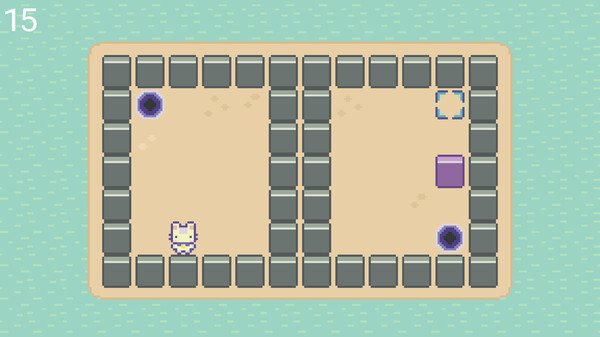
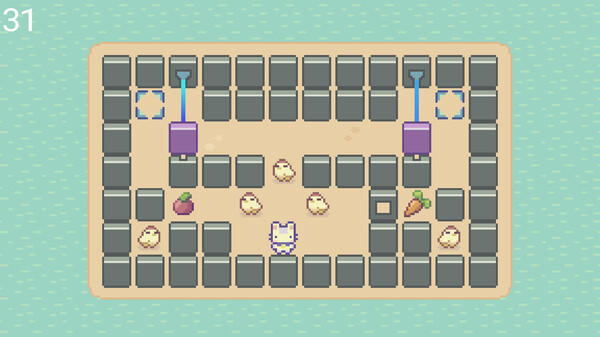
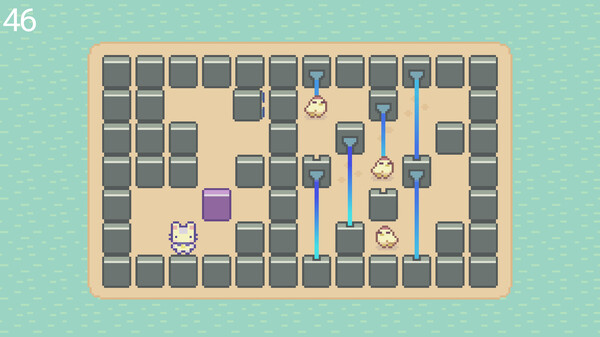
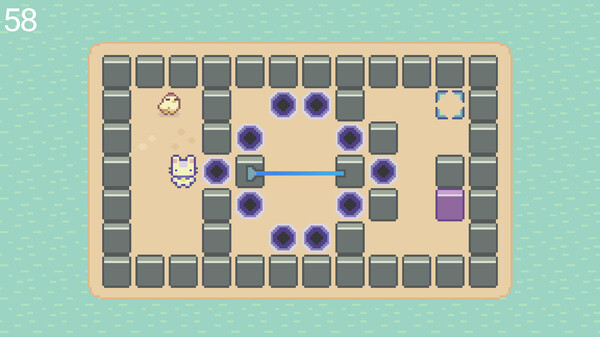
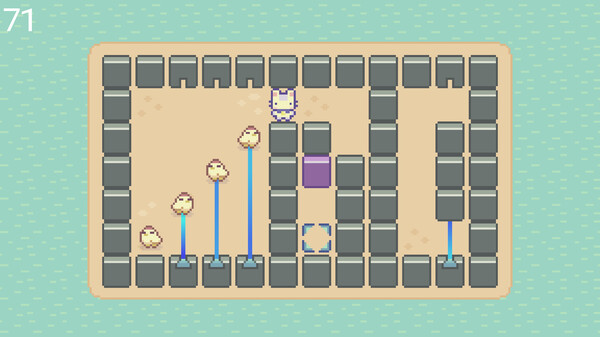
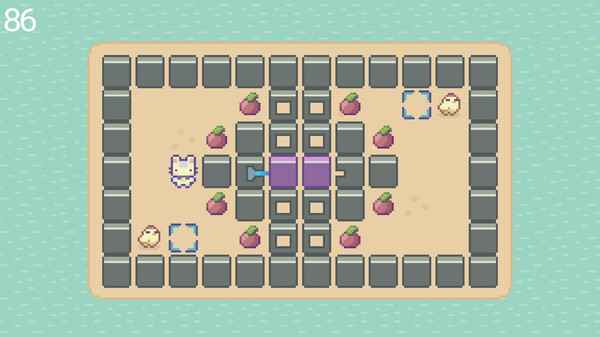
Taat is a 2D family friendly sokoban-style puzzle game.
Inspired by classic and newer puzzle games, taat brings the joy of solving puzzles to everyone!
Includes:
100 puzzles
Cute 2D pixel art visuals
Appropriate soundtrack
5 different save slots
16 achievements
A variety of puzzle mechanics including breaking walls, lasers, portals, traps and ... chickens!
Quick manual
Game autosaves after each level.
Tutorial explains the controls and the details of the mechanics of some elements. It's recommended to leave it on for the first playthrough.
Chickens react consistently to obstacles (player, walls, boxes).
If a level looks hard, don't rush through it. Take some time to observe what is happening.
Controls
Keyboard:
Movement: Arrow keys
Player 2 Movement: W,A,S,D
Reset Level: Backspace
Select menu item: Enter or Space
Exit to main menu, go to previous menu item : ESC
Upon game completion, Jump to previous/next level: Comma (,) and Period (.) respectively
Controller:
Movement: Pad, Left analog stick
Reset Level: Y
Select menu item: A
Exit to main menu, go to previous menu item : B
Upon game completion, Jump to previous/next level: Shoulder Buttons
Using Steam Input is recommended