
Monochrome Painter
Monochrome Painter - Steam Charts & Historical Stats
Travel the world, overcoming challenges, monsters, and ravines to find new colors and paint the monochromatic world where you and your friends live. Explore historical player activity and pricing for Monochrome Painter. Player-count data was last observed Sep 26, 2026.
Monochrome Painter player count and price summary
- Current players
- Unavailable
- All-time peak
- Unavailable
- 24-hour player change
- Unavailable
- Current US price
- $1.99
Player count last observed . Values marked unavailable are not estimated.
Media gallery 6 screenshots · 1 videos
Screenshots
Videos

Trailer 1
Game Insights
Buy Verdict
Decent deal at 0% off, but might drop further. Watch for better opportunities.
Value Score
Price-to-player ratio ranks in the 88th percentile. Priced as Market at $1.99.
Genre Benchmarks
Activity Heatmap
0 players · 1 samples
0 players · 2 samples
0 players · 1 samples
0 players · 2 samples
0 players · 1 samples
No samples
0 players · 3 samples
No samples
0 players · 2 samples
0 players · 2 samples
0 players · 1 samples
0 players · 1 samples
0 players · 2 samples
0 players · 1 samples
0 players · 1 samples
0 players · 1 samples
0 players · 2 samples
No samples
0 players · 1 samples
0 players · 2 samples
No samples
0 players · 2 samples
0 players · 2 samples
0 players · 1 samples
No samples
0 players · 2 samples
0 players · 2 samples
No samples
0 players · 3 samples
No samples
0 players · 2 samples
0 players · 2 samples
No samples
0 players · 2 samples
0 players · 2 samples
0 players · 1 samples
0 players · 1 samples
0 players · 1 samples
0 players · 2 samples
No samples
0 players · 2 samples
0 players · 1 samples
0 players · 1 samples
0 players · 1 samples
0 players · 1 samples
0 players · 1 samples
0 players · 1 samples
0 players · 2 samples
No samples
0 players · 2 samples
0 players · 1 samples
0 players · 2 samples
0 players · 1 samples
0 players · 2 samples
0 players · 1 samples
No samples
0 players · 4 samples
0 players · 1 samples
0 players · 1 samples
0 players · 2 samples
No samples
0 players · 2 samples
0 players · 1 samples
0 players · 2 samples
No samples
0 players · 2 samples
0 players · 1 samples
0 players · 1 samples
0 players · 1 samples
0 players · 2 samples
No samples
No samples
0 players · 3 samples
No samples
0 players · 1 samples
0 players · 1 samples
0 players · 2 samples
0 players · 1 samples
0 players · 1 samples
0 players · 2 samples
0 players · 1 samples
0 players · 2 samples
0 players · 1 samples
0 players · 1 samples
No samples
0 players · 3 samples
No samples
No samples
0 players · 3 samples
0 players · 1 samples
0 players · 1 samples
0 players · 1 samples
0 players · 1 samples
0 players · 1 samples
0 players · 1 samples
0 players · 1 samples
0 players · 1 samples
0 players · 1 samples
0 players · 1 samples
0 players · 1 samples
0 players · 1 samples
0 players · 1 samples
0 players · 2 samples
0 players · 1 samples
0 players · 1 samples
0 players · 1 samples
0 players · 2 samples
No samples
0 players · 1 samples
0 players · 2 samples
0 players · 1 samples
No samples
0 players · 2 samples
0 players · 1 samples
No samples
0 players · 1 samples
0 players · 2 samples
0 players · 1 samples
No samples
0 players · 3 samples
No samples
No samples
0 players · 3 samples
No samples
0 players · 1 samples
0 players · 2 samples
No samples
0 players · 1 samples
0 players · 2 samples
0 players · 1 samples
No samples
0 players · 3 samples
No samples
0 players · 1 samples
No samples
0 players · 2 samples
0 players · 2 samples
No samples
0 players · 3 samples
0 players · 1 samples
0 players · 1 samples
0 players · 2 samples
0 players · 2 samples
0 players · 2 samples
0 players · 1 samples
0 players · 1 samples
0 players · 2 samples
0 players · 1 samples
0 players · 1 samples
0 players · 2 samples
0 players · 1 samples
0 players · 1 samples
0 players · 2 samples
0 players · 1 samples
0 players · 1 samples
0 players · 2 samples
0 players · 1 samples
0 players · 1 samples
0 players · 2 samples
0 players · 1 samples
No samples
0 players · 3 samples
No samples
0 players · 1 samples
0 players · 1 samples
0 players · 2 samples
0 players · 1 samples
0 players · 1 samples
Latest News
Price History
No Recent Price History
Price history data will appear here once more pricing information becomes available.
System Requirements
- Requires a 64-bit processor and operating system
- OS *: Windows Vista, 7, 8, 10, 11
- Processor: Pentium Dual Core P6200
- Memory: 1 GB RAM
- Graphics: Gtx 180
- Storage: 50 MB available space
- Requires a 64-bit processor and operating system
- OS: Linux x64
- Processor: Pentium Dual Core P6200
- Memory: 1 GB RAM
- Graphics: Gtx 180
- Storage: 50 MB available space
Additional Information
Current Pricing
Additional Information
Developer Analytics
Loading competitors...
About This Game
Travel the world, overcoming challenges, monsters, and ravines to find new colors and paint the monochromatic world where you and your friends live.
Detailed Description
Monochrome Painter tells the story of a colorless character living in a colorless world, but one day, they discovered they had the power to bring color to their world and embarked on a journey to find the colors of their realm.
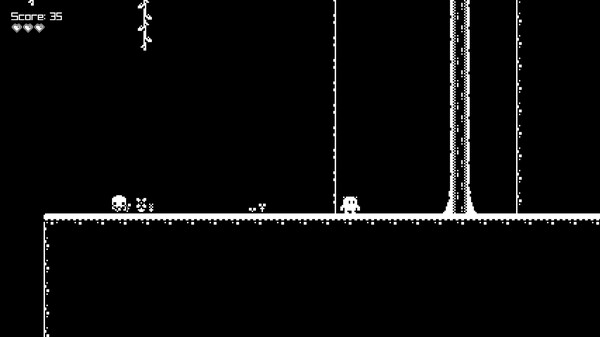
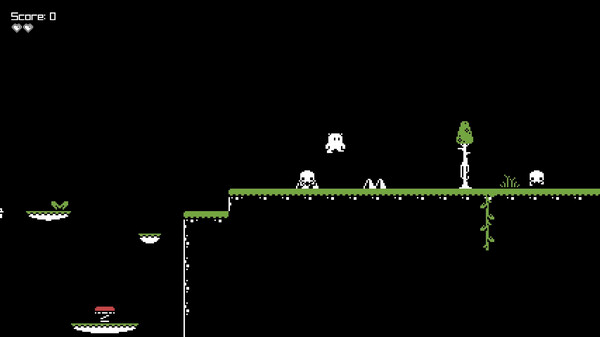
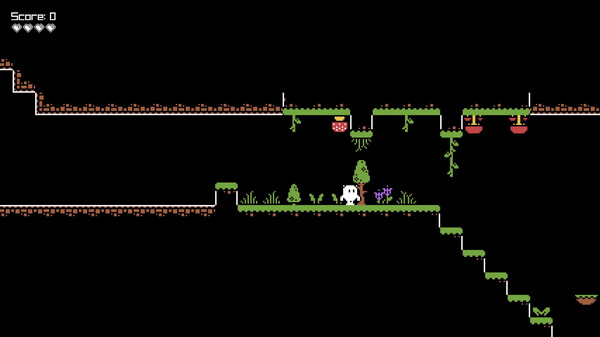
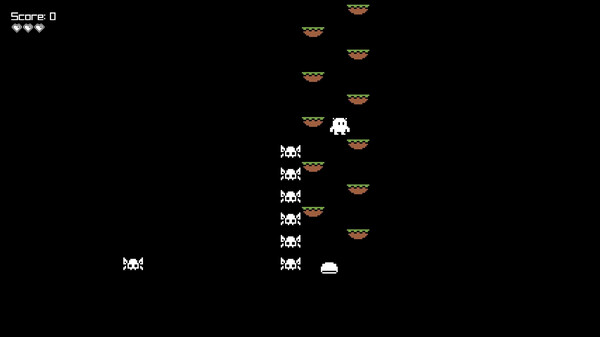
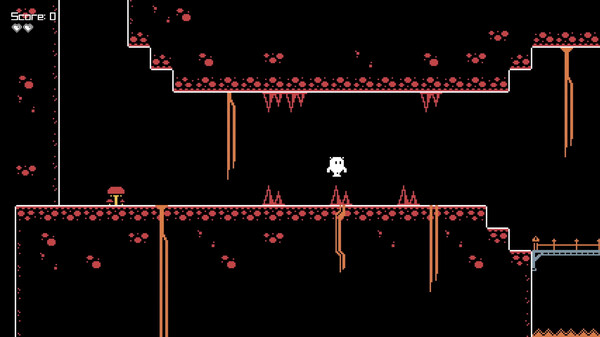
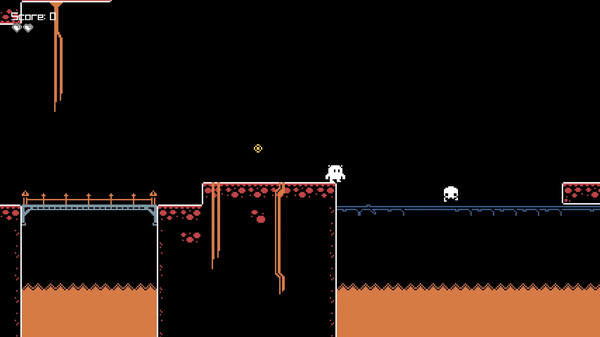
This is an 8-bit-style platformer where the goal is to paint the game's environment by collecting paint buckets scattered throughout the levels.
Each collected paint bucket adds a new color to the game, and once you finish the game by gathering all the buckets, you can restart it with the environments already colored.
The game features simple mechanics with precision jumping, monsters, and secret passages.
You can play using either a keyboard or a game controller. If you're using a keyboard, the character moves with the arrow keys, and jumps are performed with the "X" or "Space" keys.
The game allows for the creation of additional levels, which can either replace or complement the existing levels in the game. To do this, check the files in the "levels" folder.