
Movavi Video Editor 2025
Movavi Video Editor 2025 - Steam Charts & Historical Stats
Your simple yet powerful editor for creating wow videos - Fast and easy editing: cut, crop, adjust colors and speed - One-click AI tools: auto subtitles, noise removal, and more - Hundreds of... Explore historical player activity and pricing for Movavi Video Editor 2025. Player-count data was last observed Sep 26, 2026.
Movavi Video Editor 2025 player count and price summary
- Current players
- Unavailable
- All-time peak
- 49
- 24-hour player change
- Unavailable
- Current US price
- $79.99
Player count last observed . Values marked unavailable are not estimated.
Media gallery 9 screenshots · 1 videos
Screenshots
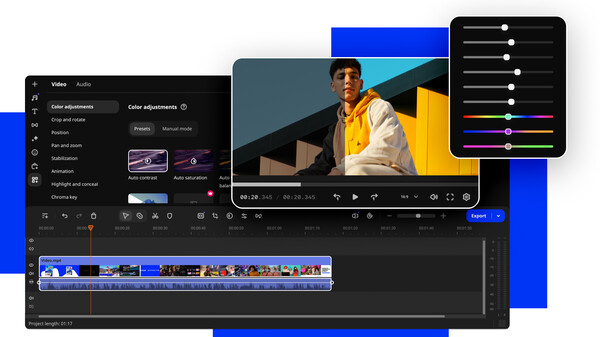
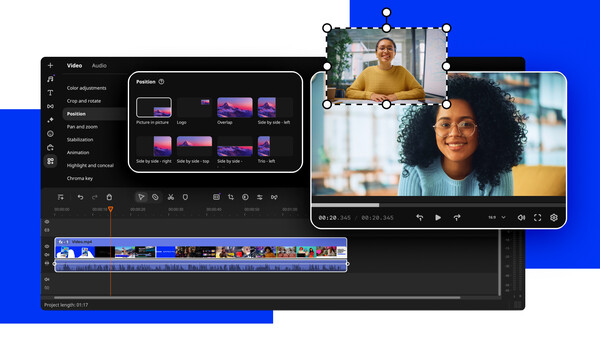
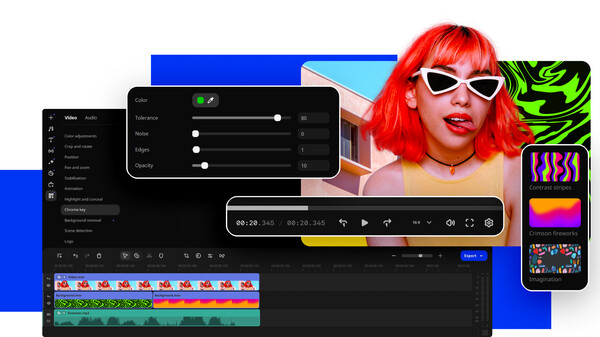
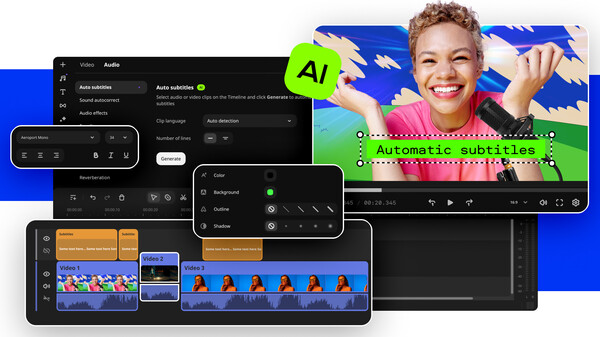
Videos
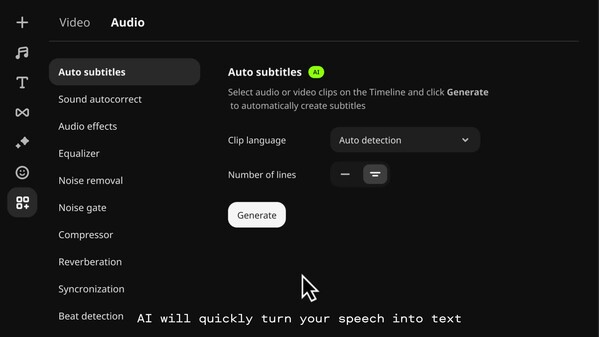
VE25_EN
Last Tracked Players
All-Time Peak
Estimated Owners
Game Insights
Buy Verdict
Wait for upcoming sale in ~4 days for potentially better pricing.
Value Score
Price-to-player ratio ranks in the 86th percentile. Priced as Premium at $79.99.
Genre Benchmarks
Activity Heatmap
31 players · 1 samples
23 players · 2 samples
26 players · 1 samples
19 players · 2 samples
21 players · 1 samples
No samples
21 players · 3 samples
23 players · 1 samples
25 players · 1 samples
24 players · 2 samples
27 players · 1 samples
26 players · 1 samples
28 players · 2 samples
31 players · 1 samples
28 players · 1 samples
25 players · 1 samples
30 players · 2 samples
No samples
29 players · 1 samples
38 players · 2 samples
No samples
27 players · 2 samples
24 players · 2 samples
22 players · 1 samples
No samples
25 players · 2 samples
27 players · 2 samples
No samples
19 players · 3 samples
No samples
20 players · 2 samples
24 players · 2 samples
No samples
21 players · 2 samples
24 players · 2 samples
24 players · 1 samples
27 players · 1 samples
33 players · 1 samples
28 players · 2 samples
No samples
34 players · 2 samples
28 players · 1 samples
39 players · 1 samples
37 players · 1 samples
37 players · 1 samples
28 players · 1 samples
31 players · 1 samples
28 players · 2 samples
No samples
28 players · 2 samples
23 players · 1 samples
22 players · 2 samples
19 players · 1 samples
20 players · 2 samples
18 players · 1 samples
No samples
22 players · 3 samples
19 players · 2 samples
31 players · 1 samples
24 players · 2 samples
No samples
30 players · 2 samples
28 players · 1 samples
34 players · 2 samples
No samples
26 players · 2 samples
36 players · 1 samples
29 players · 1 samples
25 players · 1 samples
29 players · 2 samples
No samples
No samples
22 players · 3 samples
No samples
16 players · 1 samples
23 players · 1 samples
16 players · 2 samples
17 players · 1 samples
17 players · 1 samples
18 players · 2 samples
17 players · 1 samples
16 players · 2 samples
24 players · 1 samples
21 players · 1 samples
No samples
24 players · 3 samples
No samples
No samples
29 players · 3 samples
31 players · 1 samples
23 players · 1 samples
42 players · 1 samples
28 players · 1 samples
21 players · 1 samples
20 players · 1 samples
16 players · 1 samples
24 players · 1 samples
19 players · 1 samples
21 players · 1 samples
22 players · 1 samples
17 players · 1 samples
24 players · 1 samples
24 players · 2 samples
23 players · 1 samples
25 players · 1 samples
21 players · 1 samples
23 players · 2 samples
No samples
24 players · 1 samples
24 players · 2 samples
21 players · 1 samples
No samples
23 players · 2 samples
27 players · 1 samples
No samples
28 players · 1 samples
28 players · 2 samples
28 players · 1 samples
No samples
23 players · 3 samples
No samples
No samples
18 players · 3 samples
No samples
15 players · 1 samples
20 players · 1 samples
22 players · 1 samples
22 players · 1 samples
26 players · 2 samples
23 players · 1 samples
No samples
26 players · 3 samples
No samples
23 players · 1 samples
No samples
32 players · 2 samples
34 players · 2 samples
No samples
31 players · 3 samples
29 players · 1 samples
38 players · 1 samples
24 players · 2 samples
28 players · 2 samples
32 players · 1 samples
20 players · 2 samples
38 players · 1 samples
21 players · 2 samples
29 players · 1 samples
17 players · 1 samples
26 players · 2 samples
30 players · 1 samples
20 players · 1 samples
30 players · 2 samples
30 players · 2 samples
No samples
34 players · 2 samples
24 players · 1 samples
38 players · 1 samples
35 players · 2 samples
32 players · 1 samples
No samples
35 players · 3 samples
No samples
27 players · 1 samples
31 players · 1 samples
32 players · 2 samples
No samples
22 players · 2 samples
Price History
System Requirements
- Requires a 64-bit processor and operating system
- OS *: Microsoft® Windows® 7/8/10/11 with up-to-date patches and service packs installed
- Processor: Intel®, AMD®, or compatible dual-core processor, 1.5 GHz
- Memory: 2 GB RAM
- Graphics: Intel® HD Graphics 2000, NVIDIA® GeForce® series 8 and 8M, Quadro FX 4800, Quadro FX 5600, AMD Radeon™ R600, Mobility Radeon™ HD 4330, Mobility FirePro™ series, Radeon™ R5 M230 or higher graphics card with up-to-date drivers
- Storage: 600 MB available space
- Additional Notes: 1280 × 768 screen resolution, 32-bit color
- Requires a 64-bit processor and operating system
Additional Information
Player-to-Price Ratio
Current Pricing
Additional Information
Developer Analytics
Loading competitors...
About This Game
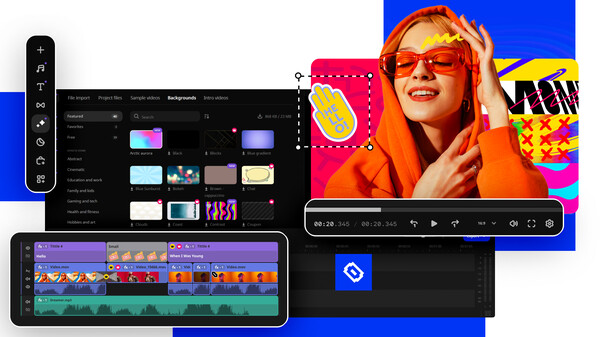
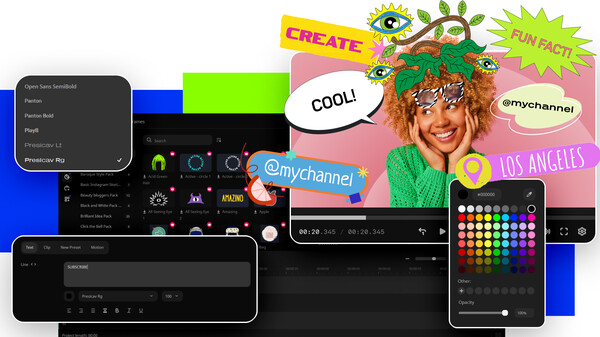
Your simple yet powerful editor for creating wow videos - Fast and easy editing: cut, crop, adjust colors and speed - One-click AI tools: auto subtitles, noise removal, and more - Hundreds of filters, transitions, titles, overlays
Detailed Description
What’s new
- Create automatic subtitles in one click
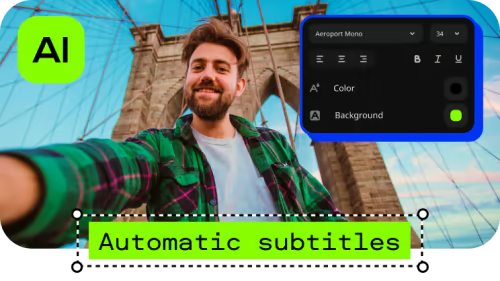
- Hover to preview anything
- Enjoy smoother editing
- Seamlessly blend videos and photos
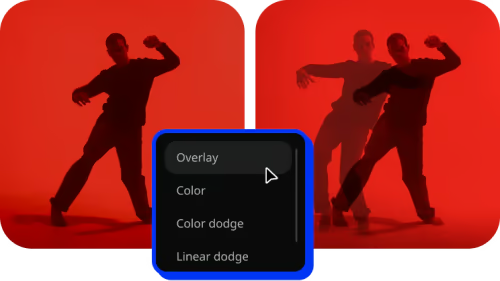
- Edit faster with cutting-edge tech
- Other improvements and fixed issues
Highlights
- Enjoy fast and smooth video creation
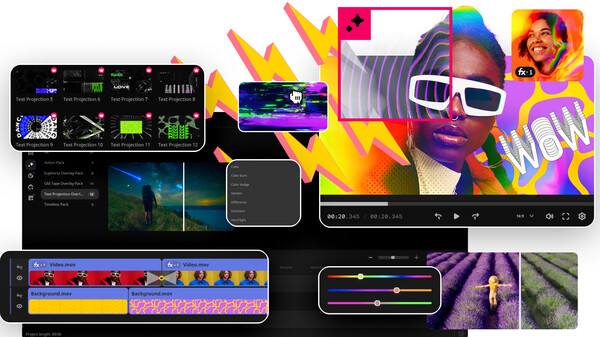
- Polish your content with awesome effects
- Power up with AI
- Automatic subtitle creation saves loads of time by generating captions for you in almost any language.
- The AI denoiser automatically cleans up background noise in your audio, so you get clear sound without any hassle.
- If you need to remove background, AI does it in just a few clicks – no green screen required!
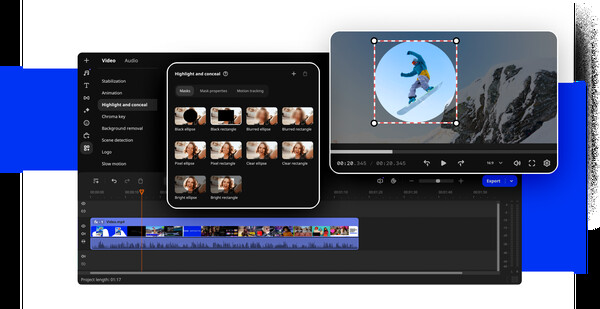
- With motion tracking, you can easily follow objects or people through your footage, making it a breeze to add text, effects, or animations that stay locked onto your moving subject.