
Kira Kira Magical Stars
Kira Kira Magical Stars - Steam Charts & Historical Stats
The Monster Queen has invaded town and captured your friends! Pick your stage, explore, fight monsters, save your friends, and play as them in this top-down shooter inspired by classic handheld... Explore historical player activity and pricing for Kira Kira Magical Stars. Player-count data was last observed Sep 26, 2026.
Kira Kira Magical Stars player count and price summary
- Current players
- Unavailable
- All-time peak
- 1
- 24-hour player change
- Unavailable
- Current US price
- $5.99
Player count last observed . Values marked unavailable are not estimated.
Media gallery 6 screenshots · 2 videos
Screenshots
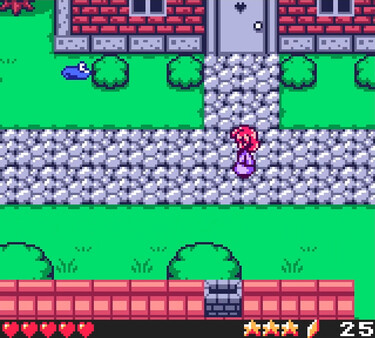
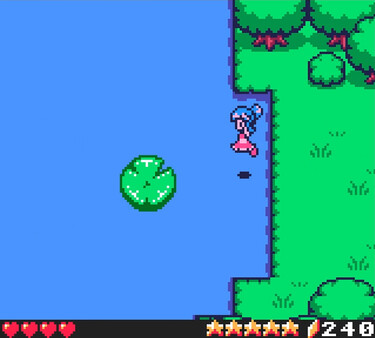
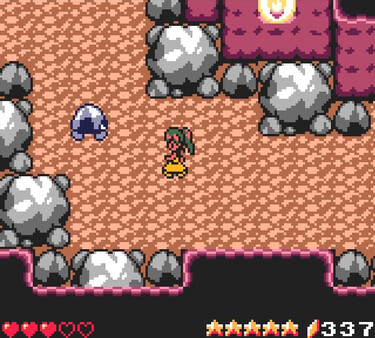
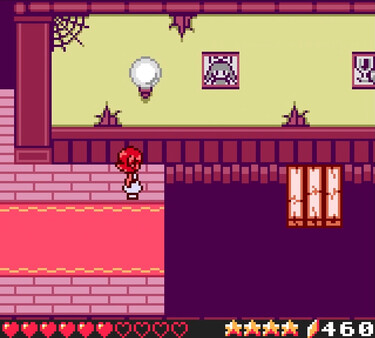
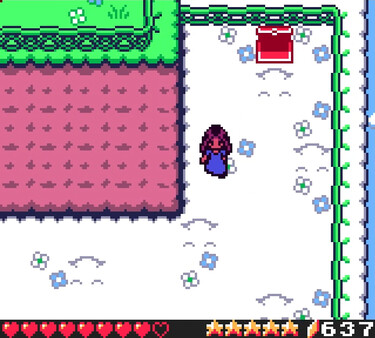
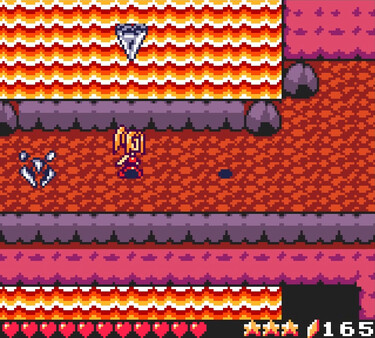
Videos
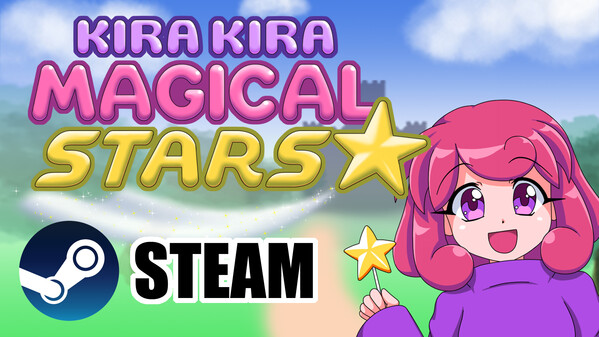
Kira Kira Magical Stars - Steam Trailer
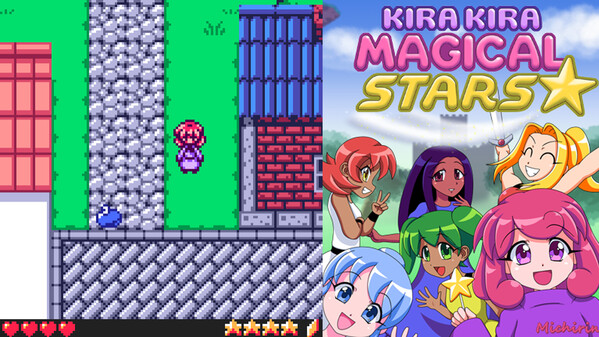
Kira Kira Magical Stars - Short Trailer
All-Time Peak
Estimated Owners
Game Insights
Buy Verdict
Wait for upcoming sale in ~4 days for potentially better pricing.
Value Score
Price-to-player ratio ranks in the 83th percentile. Priced as Premium at $5.99.
Genre Benchmarks
Activity Heatmap
0 players · 2 samples
0 players · 1 samples
0 players · 1 samples
0 players · 2 samples
0 players · 1 samples
No samples
0 players · 3 samples
0 players · 1 samples
0 players · 1 samples
0 players · 2 samples
0 players · 1 samples
0 players · 1 samples
0 players · 2 samples
0 players · 1 samples
0 players · 1 samples
0 players · 1 samples
0 players · 2 samples
No samples
0 players · 2 samples
0 players · 1 samples
0 players · 1 samples
0 players · 1 samples
0 players · 2 samples
0 players · 1 samples
0 players · 1 samples
0 players · 1 samples
0 players · 2 samples
No samples
0 players · 3 samples
No samples
0 players · 1 samples
0 players · 3 samples
No samples
0 players · 2 samples
0 players · 2 samples
0 players · 1 samples
0 players · 1 samples
0 players · 1 samples
0 players · 2 samples
No samples
0 players · 2 samples
0 players · 1 samples
0 players · 1 samples
No samples
0 players · 2 samples
0 players · 1 samples
0 players · 1 samples
0 players · 2 samples
No samples
0 players · 2 samples
0 players · 1 samples
0 players · 2 samples
0 players · 1 samples
0 players · 2 samples
0 players · 1 samples
0 players · 1 samples
0 players · 2 samples
0 players · 1 samples
0 players · 1 samples
0 players · 3 samples
No samples
0 players · 2 samples
0 players · 1 samples
0 players · 2 samples
No samples
0 players · 2 samples
0 players · 1 samples
0 players · 1 samples
0 players · 1 samples
0 players · 2 samples
No samples
No samples
0 players · 2 samples
No samples
0 players · 1 samples
0 players · 1 samples
0 players · 1 samples
0 players · 1 samples
0 players · 1 samples
0 players · 1 samples
0 players · 1 samples
0 players · 1 samples
0 players · 1 samples
0 players · 1 samples
No samples
0 players · 2 samples
No samples
No samples
0 players · 2 samples
No samples
0 players · 1 samples
0 players · 1 samples
0 players · 1 samples
No samples
No samples
0 players · 2 samples
No samples
0 players · 1 samples
0 players · 1 samples
0 players · 1 samples
0 players · 1 samples
0 players · 1 samples
0 players · 2 samples
0 players · 1 samples
0 players · 1 samples
0 players · 1 samples
0 players · 2 samples
No samples
0 players · 1 samples
0 players · 2 samples
0 players · 1 samples
No samples
0 players · 2 samples
0 players · 1 samples
No samples
0 players · 1 samples
0 players · 2 samples
0 players · 1 samples
No samples
0 players · 3 samples
No samples
No samples
0 players · 3 samples
No samples
0 players · 1 samples
0 players · 1 samples
0 players · 1 samples
0 players · 1 samples
0 players · 2 samples
0 players · 1 samples
No samples
0 players · 3 samples
No samples
0 players · 1 samples
No samples
0 players · 3 samples
0 players · 1 samples
0 players · 1 samples
0 players · 2 samples
0 players · 2 samples
No samples
0 players · 3 samples
0 players · 1 samples
0 players · 1 samples
0 players · 2 samples
0 players · 1 samples
0 players · 2 samples
0 players · 1 samples
0 players · 2 samples
0 players · 1 samples
0 players · 1 samples
0 players · 1 samples
0 players · 2 samples
0 players · 2 samples
No samples
0 players · 2 samples
0 players · 1 samples
0 players · 1 samples
0 players · 2 samples
0 players · 1 samples
No samples
0 players · 2 samples
0 players · 1 samples
0 players · 1 samples
0 players · 1 samples
0 players · 2 samples
No samples
0 players · 2 samples
Price History
No Recent Price History
Price history data will appear here once more pricing information becomes available.
System Requirements
- OS: Windows 10
Additional Information
Current Pricing
Additional Information
Developer Analytics
Loading competitors...
About This Game
The Monster Queen has invaded town and captured your friends! Pick your stage, explore, fight monsters, save your friends, and play as them in this top-down shooter inspired by classic handheld gaming!
Detailed Description
Oh no! The Monster Queen has invaded town and captured your friends! Do you have what it takes to save them? Help Kirari and her friends to defeat the monsters and their nefarious queen, and return peace to the land!
Kira Kira Magical Stars is a cute fantasy magical girl top-down shooter and platformer featuring:
6 Playable Characters with distinct abilities and dialogue!
7 Long Stages you can play and re-play in any order you want!
Health and Magic Upgrades!
A REAL GBC Soundtrack! (Composed with Furnace Tracker)
Inventory and Shop systems, and a Save feature!
Full and Remappable Gamepad and Keyboard support! (Supports Switch, PlayStation, Xinput and D-Input controllers!)
Default Controls:
Keyboard:
Movement = Arrow keys
Jump / Confirm = Z
Shoot / Cancel = X
Magic = Hold Shoot Button to charge, release to cast.
Pause = Enter
Controller:
Movement = D-Pad or Left Stick
Jump / Confirm = Right Face Button (NS = A / PS = Circle / XB = B)
Shoot / Cancel = Bottom Face Button (NS = B / PS = X / XB = A)
Magic = Hold Shoot Button to charge, release to cast.
Pause = Start
(You can toggle the Analogue Stick On or Off by pressing the Select button at any point in the game)
(If at any point in the game you need to restore the default controls for any reason, you can do so by holding the Select button on a controller, or Backspace on the keyboard for 5 seconds. Restoring the defaults on keyboard does not restore the defaults on a controller, and vice-versa.)
For Non-Windows users:
The game works perfectly under Wine, that said, only Xinput controllers seem to work. Tested using Kubuntu 23.10