
Ambulance Driver Life VR
Ambulance Driver Life VR - Steam Charts & Historical Stats
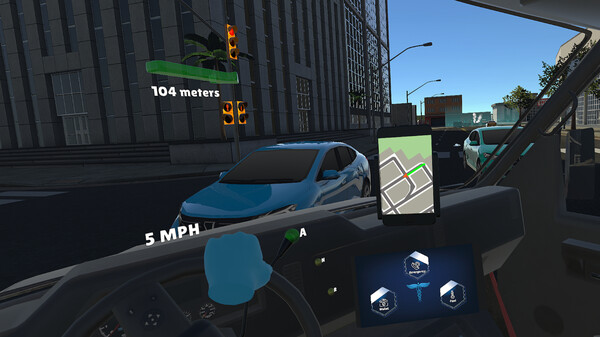
Experience the intensity of emergency response in Ambulance Life, where you drive the ambulance and perform life-saving medical interventions in VR. Explore historical player activity and pricing for Ambulance Driver Life VR. Player-count data was last observed Sep 26, 2026.
Ambulance Driver Life VR player count and price summary
- Current players
- Unavailable
- All-time peak
- Unavailable
- 24-hour player change
- Unavailable
- Current US price
- $7.99
Player count last observed . Values marked unavailable are not estimated.
Media gallery 5 screenshots · 1 videos
Screenshots
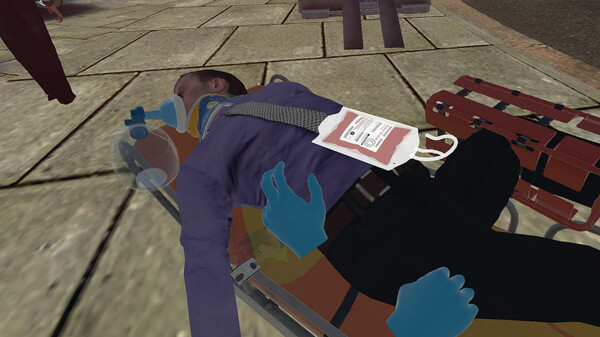
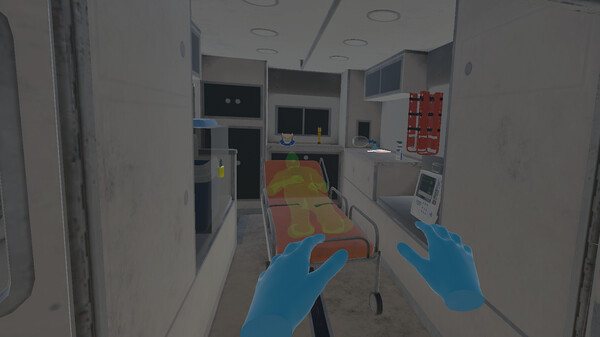
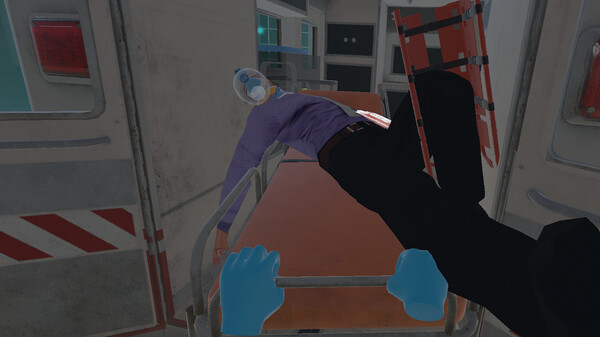
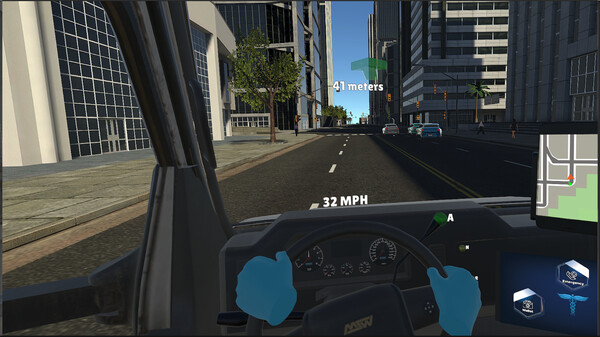
Videos

Ambulance Driver Life VR
Game Insights
Buy Verdict
Wait for upcoming sale in ~4 days for potentially better pricing.
Value Score
Price-to-player ratio ranks in the 33th percentile. Priced as Market at $7.99.
Genre Benchmarks
Activity Heatmap
0 players · 1 samples
0 players · 1 samples
No samples
0 players · 2 samples
No samples
No samples
0 players · 2 samples
No samples
0 players · 1 samples
0 players · 1 samples
0 players · 1 samples
No samples
0 players · 1 samples
0 players · 1 samples
No samples
0 players · 1 samples
0 players · 1 samples
No samples
0 players · 1 samples
0 players · 1 samples
No samples
0 players · 1 samples
0 players · 1 samples
0 players · 1 samples
No samples
0 players · 1 samples
0 players · 1 samples
No samples
0 players · 2 samples
No samples
No samples
0 players · 2 samples
No samples
0 players · 1 samples
0 players · 1 samples
0 players · 1 samples
No samples
0 players · 1 samples
0 players · 1 samples
No samples
0 players · 1 samples
0 players · 1 samples
No samples
No samples
0 players · 2 samples
No samples
0 players · 1 samples
0 players · 1 samples
No samples
0 players · 1 samples
0 players · 1 samples
0 players · 1 samples
No samples
0 players · 2 samples
No samples
No samples
0 players · 2 samples
No samples
0 players · 1 samples
0 players · 1 samples
No samples
0 players · 2 samples
0 players · 1 samples
0 players · 1 samples
0 players · 1 samples
0 players · 2 samples
0 players · 1 samples
0 players · 1 samples
0 players · 1 samples
0 players · 2 samples
No samples
No samples
0 players · 3 samples
No samples
0 players · 1 samples
0 players · 1 samples
0 players · 2 samples
0 players · 1 samples
0 players · 1 samples
0 players · 2 samples
0 players · 1 samples
0 players · 1 samples
0 players · 2 samples
0 players · 1 samples
No samples
0 players · 3 samples
No samples
No samples
0 players · 3 samples
0 players · 1 samples
0 players · 1 samples
0 players · 1 samples
0 players · 1 samples
0 players · 1 samples
No samples
0 players · 2 samples
0 players · 1 samples
0 players · 1 samples
0 players · 1 samples
No samples
0 players · 2 samples
0 players · 1 samples
0 players · 1 samples
0 players · 2 samples
0 players · 1 samples
0 players · 1 samples
0 players · 2 samples
No samples
0 players · 1 samples
0 players · 2 samples
0 players · 1 samples
No samples
0 players · 2 samples
0 players · 1 samples
No samples
0 players · 1 samples
0 players · 2 samples
0 players · 1 samples
No samples
0 players · 3 samples
No samples
No samples
0 players · 2 samples
0 players · 1 samples
0 players · 1 samples
0 players · 1 samples
0 players · 1 samples
0 players · 1 samples
0 players · 2 samples
0 players · 1 samples
No samples
0 players · 3 samples
No samples
0 players · 1 samples
No samples
0 players · 2 samples
0 players · 1 samples
No samples
0 players · 2 samples
0 players · 1 samples
No samples
0 players · 2 samples
0 players · 1 samples
No samples
0 players · 2 samples
No samples
0 players · 2 samples
No samples
0 players · 1 samples
0 players · 1 samples
No samples
0 players · 1 samples
0 players · 1 samples
0 players · 1 samples
No samples
0 players · 1 samples
0 players · 1 samples
No samples
0 players · 2 samples
No samples
No samples
0 players · 1 samples
0 players · 1 samples
No samples
0 players · 1 samples
0 players · 1 samples
No samples
0 players · 1 samples
Price History
System Requirements
- Requires a 64-bit processor and operating system
- OS: Windows 10
- Processor: i5-4590 Equivalent or Greateer
- Graphics: NVIDIA GTX 970 Equivalent or Greater
- VR Support: Oculus
- Requires a 64-bit processor and operating system
Additional Information
*languages with full audio support
Current Pricing
Additional Information
Developer Analytics
Loading competitors...
About This Game
Experience the intensity of emergency response in Ambulance Life, where you drive the ambulance and perform life-saving medical interventions in VR.
Detailed Description
Ambulance Life is an immersive VR experience that invites you to become part of an emergency response team. Players drive the ambulance swiftly to the scene and perform life-saving interventions on patients using various medical tools. With realistic environments and interactions, this game lets you face the challenges of emergencies, testing your quick thinking and decision-making skills.
!!! Oculus controllers cannot be used unless set as the default OpenXR Runtime for the Oculus computer. Please enter the Oculus application, go to Settings, then navigate to General. Click on the option 'Set Meta Quest Link as active' located next to the OpenXR Runtime selection.If SteamVR is open, you also need to restart it. !!!