Liquid Stress (AppID: 3408860)
Liquid Stress - Steam Analytics & Details
Track custom tasks that you preform in your day to day using timers. Explore pricing history and player statistics for Liquid Stress.
Media Gallery

Screenshots
System Requirements
- OS *: Windows 8
- Processor: 2 cores with 1GHz
- Memory: 1 GB RAM
- Graphics: 2GB RAM
- Storage: 150 MB available space
- OS: Windows 10 or Windows 11
- Processor: 4 cores with 2Ghz or higher
- Memory: 2 GB RAM
- Graphics: 4GB RAM
- Storage: 150 MB available space
Additional Information
Additional Information
Developer Analytics
Loading competitors...
About This Game
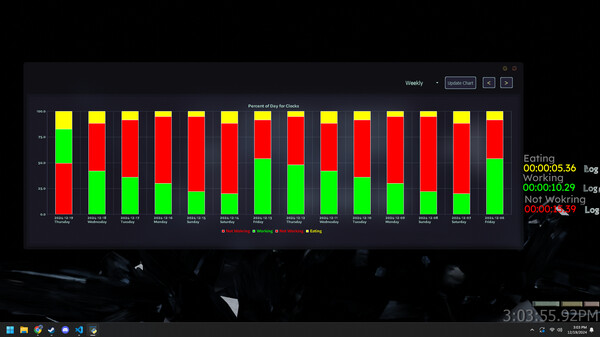
Track custom tasks that you preform in your day to day using timers. Create custom timers that automatically save and allow you to look back on you stats and productivity using graphs and pie charts "The first step of making progress is tracking progress. If you don't track, you don't care."-Harmozi
Detailed Description
Liquid Stress is a free software suite that allows you to track your productivity and look back on your time spent on your computer. Allowing you to catch yourself when you see that timer strike one hour while doing something unproductive.

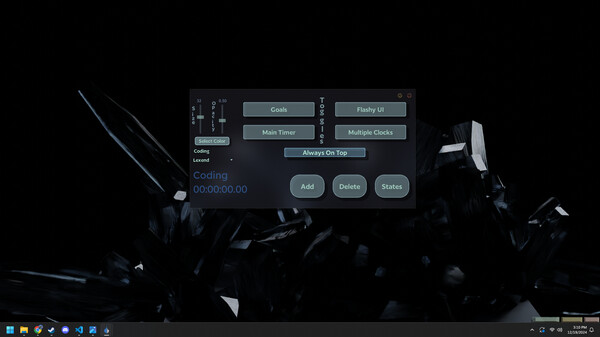
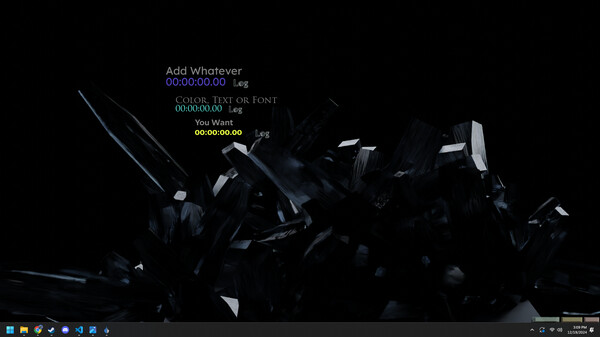
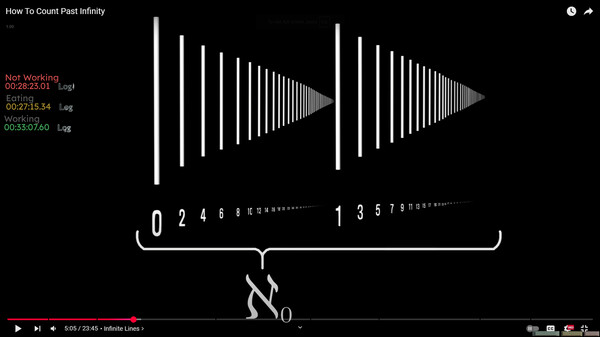
Liquid Stress has two main forms of doing this using timers and goals. You can make custom timers with a custom name, size, font, color and opacity that allows you to log the time you spend on specific tasks through the day. The program locally saves those tasks to your state window where you are able to check your productivity.

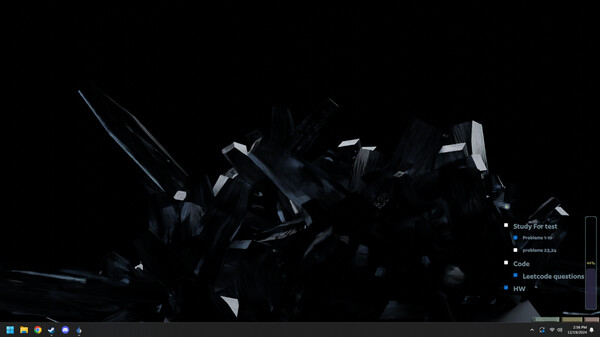
If you are more of a goal oriented person you can make custom goals that overlay onto your screen with a progress bar. Allowing you to gauge and understand how much progress you've made through your daily tasks.

You are able to toggle and untoggled if you want the overlay to always be on top of all your other programs on you computer
You can adjust the size of goals and timers
Toggling on and off your main timer, which is a timer that displays the current time in the day and changes to the color of the timer you have currently active (Allows you to see if you being productive or not subconsciously)
Custom timer fonts
You can toggle the ability to have multiple timers working at the same time
Clean custom UI assets
Adjusts UI placement based on resolution
