RGByte Image Viewer (AppID: 3446000)

RGByte Image Viewer - Steam Analytics & Details
RGByte Image Viewer has 0 current players.
Media Gallery

Screenshots
Game Insights
Value Score
Price-to-player ratio ranks in the 50th percentile.
System Requirements
- Requires a 64-bit processor and operating system
- OS: Windows 10
- Processor: Intel i3 or equivalent
- Memory: 4 GB RAM
- Graphics: Intel HD Graphics 4000
- Storage: 100 MB available space
- Requires a 64-bit processor and operating system
- OS: Ubuntu 20.04.6 LTS or newer
- Processor: Intel i3 or equivalent
- Memory: 4 GB RAM
- Graphics: Intel HD Graphics 4000
- Storage: 100 MB available space
Additional Information
Current Pricing
Additional Information
Developer Analytics
Loading competitors...
About This Game
This will be your new favorite image viewer: lightweight, fast, and practical.
Detailed Description
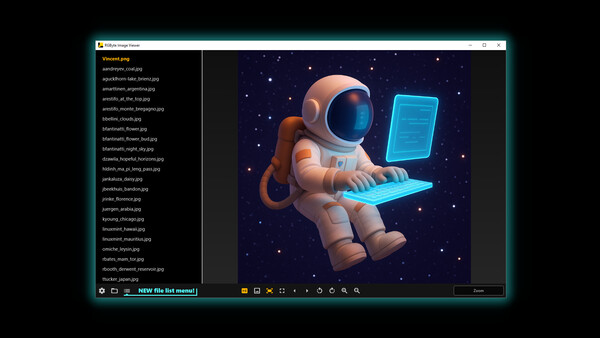
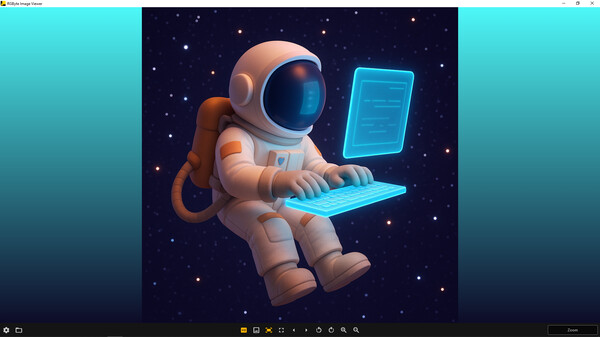
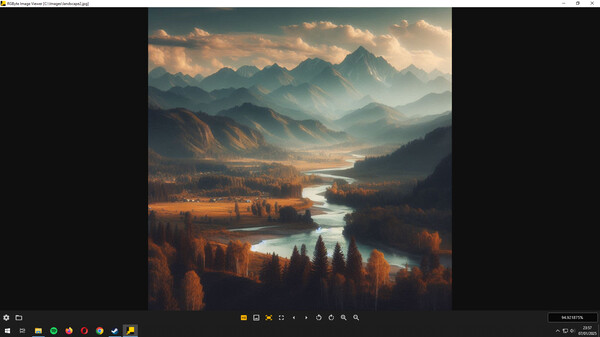
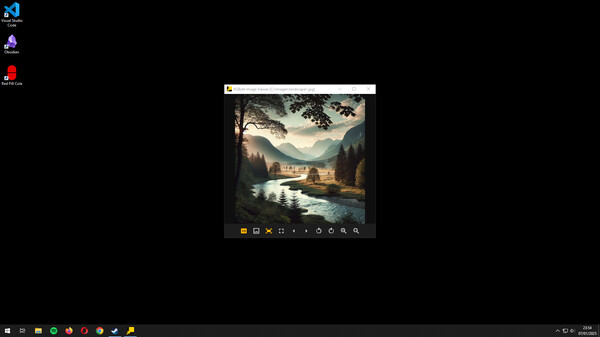
Inspired by the classic Windows 7 image viewer but with a modern design and new features, RGByte Image Viewer is designed as an alternative to the default image viewer of your operating system. Browse your images efficiently and enjoy key features within a cohesive interface.
Available features:
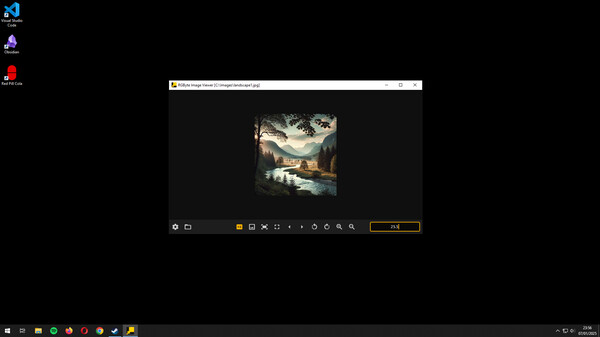
Enhanced zoom.
File list menu.
Free image movement.
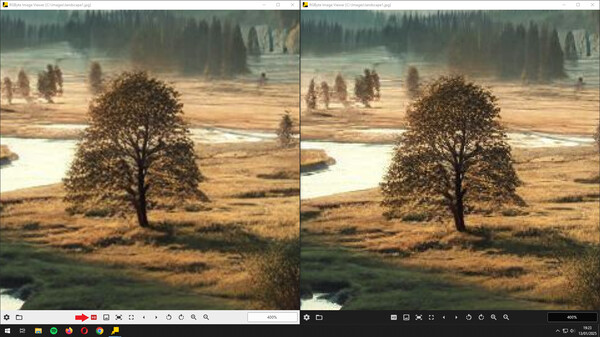
View native image pixels (disabling the HD function).
Supports JPG, PNG, BMP, GIF, WEBP, and SVG files (default format).
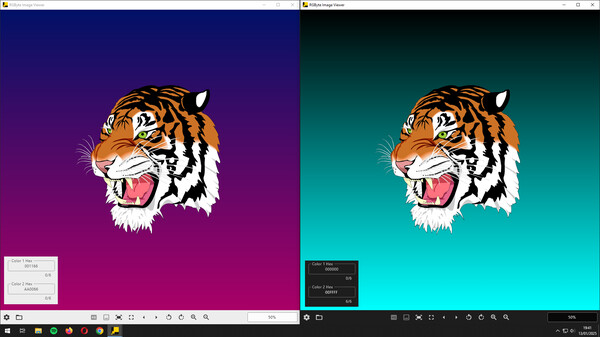
Allows changing the background color, ideal for images with transparency.
Allows you to define a starting file/folder.
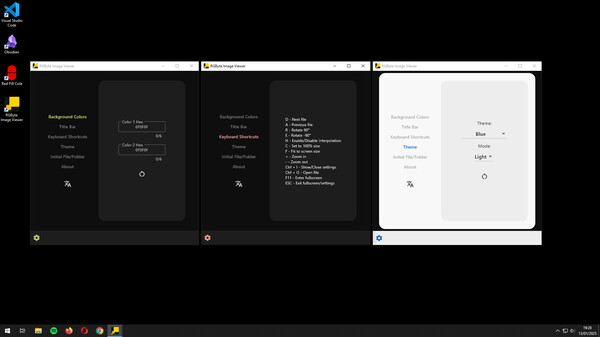
All functions have keyboard shortcuts.
Displays the file name and/or path in the title bar.
Navigate through all images in the same folder when opening one.
Switch between multiple available themes.
Low disk space and RAM usage.
To open an image, press Ctrl + O or use the button that becomes visible when you maximize or enlarge the window.
You can also drag and drop an image file or set RGByte Image Viewer as the default image viewer in Windows. However, to do this, use the executable located in the installation folder (..\steamapps\common\RGByte Image Viewer\rgbyte_image_viewer.exe) instead of the shortcut created by Steam. You can create a desktop shortcut for this .exe without any issues.