Fantasy Grounds - FG Immersive Overland Map Pack
Fantasy Grounds - FG Immersive Overland Map Pack - Steam Charts & Historical Stats
FG Immersive Overland Map Pack The Immersive Overland Map Pack features images and art produced by our in-house artist, Joshua Watmough. Explore historical player activity and pricing for Fantasy Grounds - FG Immersive Overland Map Pack. Player-count data was last observed Apr 30, 2026.
Fantasy Grounds - FG Immersive Overland Map Pack player count and price summary
- Current players
- Unavailable
- All-time peak
- Unavailable
- 24-hour player change
- Unavailable
- Current US price
- Price unavailable
Player count last observed . Values marked unavailable are not estimated.
Media gallery 6 screenshots · 0 videos
Screenshots
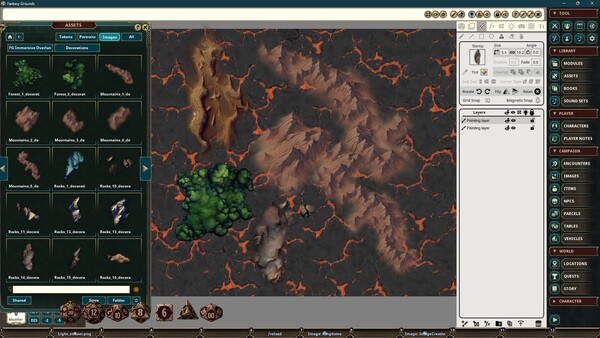
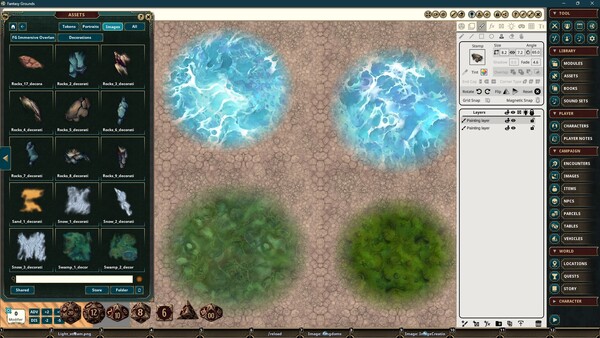
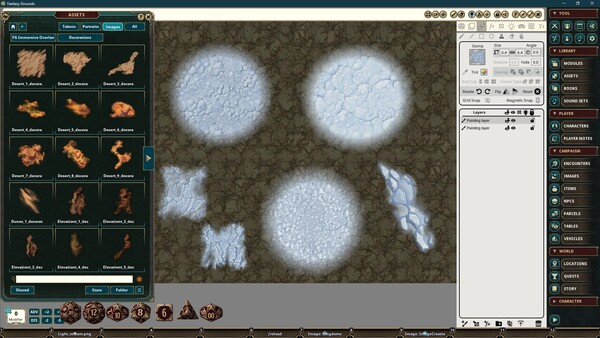
Game Insights
Value Score
Price-to-player ratio ranks in the 50th percentile.
System Requirements
Additional Information
Pricing Information
Developer Analytics
Loading competitors...
About This Game
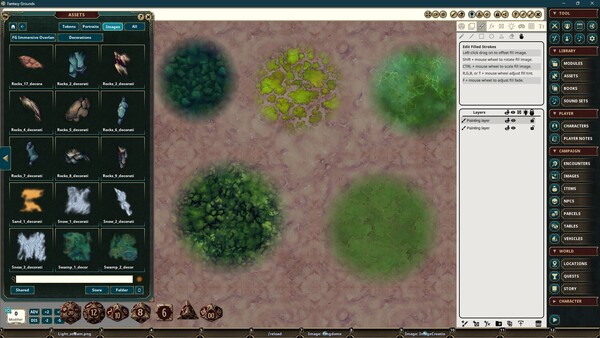
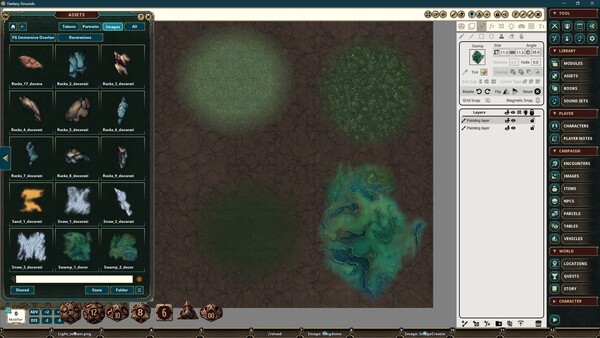
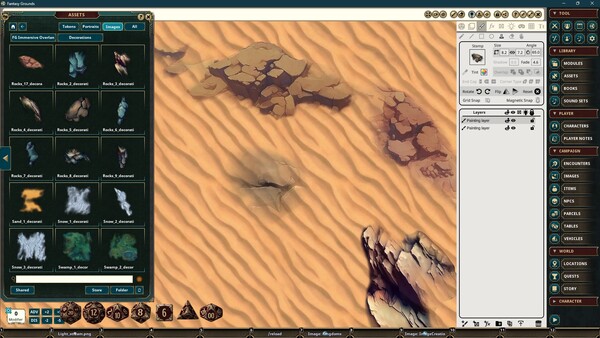
FG Immersive Overland Map Pack The Immersive Overland Map Pack features images and art produced by our in-house artist, Joshua Watmough. They have been organized and optimized for use with Fantasy Grounds VTT and the image tools. This art pack consists of images that can be used to create regional, world, and overland maps.
Detailed Description
FG Immersive Overland Map Pack
The Immersive Overland Map Pack features images and art produced by our in-house artist, Joshua Watmough. They have been organized and optimized for use with Fantasy Grounds VTT and the image tools. This art pack consists of images that can be used to create regional, world, and overland maps. This pack includes the following items:
- Brushes include coasts, rivers, regional borders, and more
- Many types of places of interest for both top and forward, such as castles, towns, and more
- Natural map elements, such as forests, mountains, hills, and so on
- Fills include several ground textures for many biomes, such as desert, grassy, frozen, and more, as well as water textures and more
- Backgrounds and set dressings
Image Decorations are great for placing directly on a top-down map for images labeled with the "top" keyword. Images with the "forward" keyword are best used for the Front image of an Object that you place. You will access this in your Image window under Layers > Objects. Select either Top or Front and drag the image there before placing it. You can test the result on your map by changing your view from 2D to Free Camera 3D or Token View 3D.
"