
Multiworlds
Multiworlds - Steam Charts & Historical Stats
A world torn apart by one mistake, help pull it back into one. Explore historical player activity and pricing for Multiworlds. A current player-count observation is unavailable.
Multiworlds player count and price summary
- Current players
- Unavailable
- All-time peak
- Unavailable
- 24-hour player change
- Unavailable
- Current US price
- Price unavailable
No current player-count observation is available; unavailable values are not estimated.
Media gallery 9 screenshots · 1 videos
Screenshots
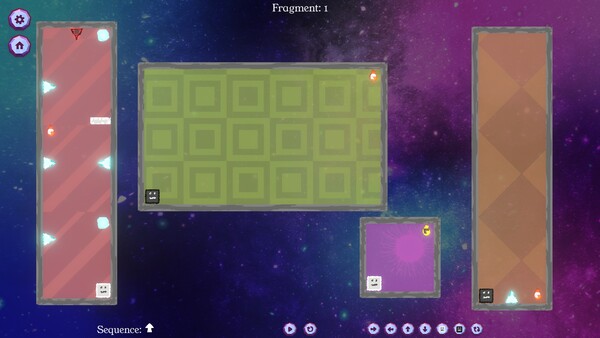
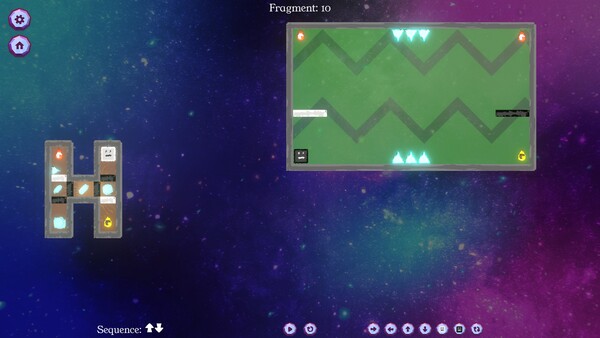
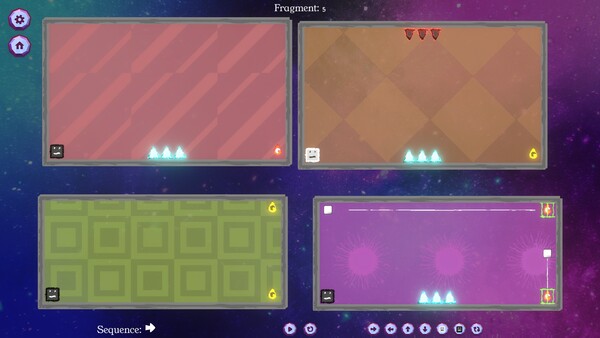
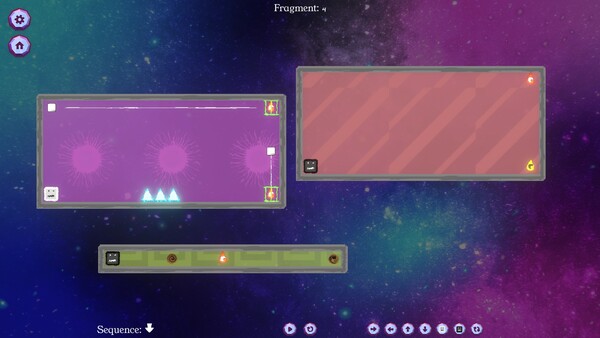


Videos

v0.7.2 (en)
System Requirements
- Requires a 64-bit processor and operating system
- OS: Windows 10
- Processor: Dual-core 2.0 GHz
- Memory: 2 GB RAM
- Graphics: Intel HD 4000 / NVIDIA GeForce 600 series or equivalent
- Storage: 500 MB available space
- Requires a 64-bit processor and operating system
- OS: Windows 11
- Processor: Intel i5 or better (or AMD equivalent)
- Memory: 2 GB RAM
- Graphics: NVIDIA GeForce 600 series or equivalent
- Storage: 1 GB available space
- OS: macOS 10.13 High Sierra or later
- Processor: Apple M1 or Intel Core M
- Memory: 2 GB RAM
- Graphics: Metal-compatible GPU
- Storage: 1 GB available space
- OS: Ubuntu 20.04 LTS or compatible distro
- Processor: Dual-core 2.0 GHz
- Memory: 2 GB RAM
- Graphics: OpenGL 3.2+ compatible GPU
- Storage: 1 GB available space
- OS: Ubuntu 20.04 LTS or compatible distro
- Processor: Intel i5 or better (or AMD equivalent)
- Graphics: OpenGL 3.2+ compatible GPU
Additional Information
Pricing Information
Additional Information
Developer Analytics
Loading competitors...
About This Game
A world torn apart by one mistake, help pull it back into one. A 2D puzzle game where you control multiple player remnants in parallel, jump between dimensions and avoid obstacles to put back the world together.
Detailed Description
You made one mistake, of touching the untouchable A magical artifact that was buried deep in the depths.
The world tore into multiple worlds, in each timeline, running parallel, but with minor differences. Now strive to fix the world, merging them back into one.
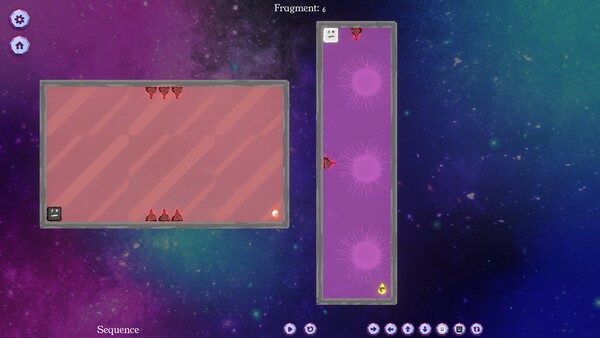
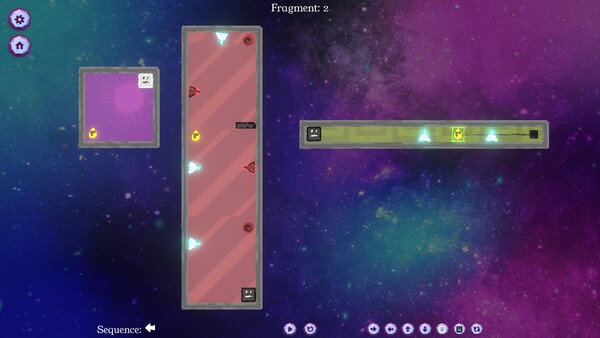
Control the player in multiple worlds, all working parallel. Collect World Pieces of the original world which are scattered around the parallel worlds, and help put back the original world.
Jump into different Dimensions of each world to avoid obstacles blocking your path. Collect the world pieces to protect your original world.
Game Mechanics:
Play multiple player remnants at the same time, in parallel.
Use W/A/S/D or left/right/up/down to queue all player remnants to move together.
Use Q/E to move the player remnants to Light Dimension and Dark Dimension respectively.
Use F to Flip all player remnants to the opposite dimension they're already in.
Set up a move sequence, then simulate.
Collect all the World Pieces to stitch the fragment.
You can interact with items like walls/spikes/collectibles of the same Dimension as a Player Remnant.
Die on interacting with Spikes on the same dimension as the player remnant.
If you're in the Dark Dimension, jump into the Light Dimension, If you're in the Light Dimension, jump into the Dark Dimension. Hit the world edge (wall), and the player stops walking.
You start a level by queuing up actions using the W/A/S/D/Q/E/F buttons, and then hit the Simulate button to simulate the sequence. If you have collected all the World Pieces in the level, you will have stitched the fragment in the timeline, and you move on to the next fragment. Else? Fragment Reset. So strategize well, before you start the simulation. You can stop the simulation manually as well, but you still lose those points ;)
Look out for portals, you can use them strategically to jump through, and your walk continues. You can only use portals that are in the same Dimension as the player.
Which portal connects to which portal? The shape of the portal identifies that.
Use switches in the same Dimension to unlock the locks for certain World Pieces, or Obstacles.
8 Worlds maximum at a time, currently distinguished by colour, can you solve fragments that hard, without dying?