
SweetDreams: Electra
SweetDreams: Electra - Steam Charts & Historical Stats
Not all dreams need to end. Explore historical player activity and pricing for SweetDreams: Electra. A current player-count observation is unavailable.
SweetDreams: Electra player count and price summary
- Current players
- Unavailable
- All-time peak
- Unavailable
- 24-hour player change
- Unavailable
- Current US price
- Price unavailable
No current player-count observation is available; unavailable values are not estimated.
Media gallery 8 screenshots · 1 videos
Screenshots
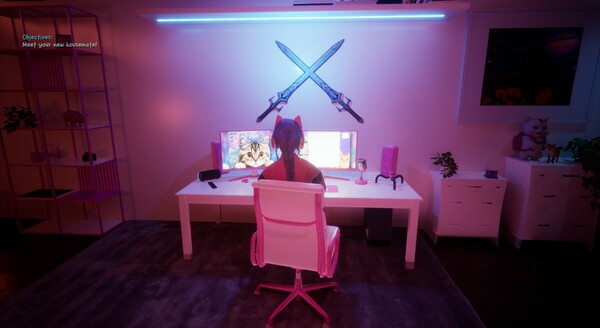
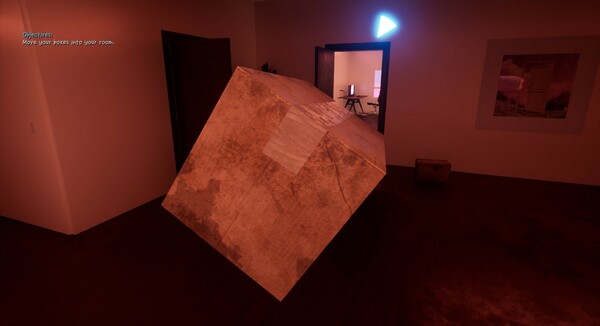
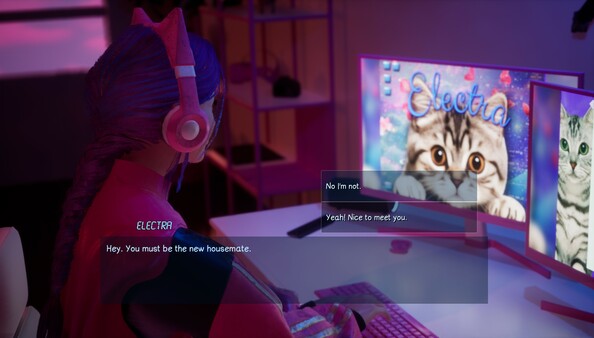
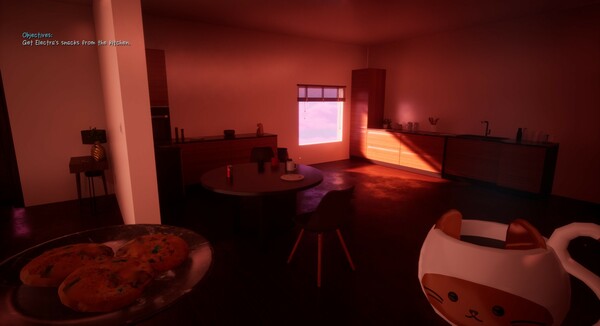
Videos
SweetDreamsElectra-SteamTrailer1
System Requirements
- OS: Windows 10 64-bit
- Processor: Intel Core i5-2500K or AMD FX-6300
- Memory: 8 GB RAM
- Graphics: NVIDIA GTX 660 or AMD Radeon HD 7870
- Storage: 2 GB available space
Additional Information
Pricing Information
Additional Information
Developer Analytics
Loading competitors...
About This Game
Not all dreams need to end. You've just moved into your brand new apartment - no bills, no stress. Can it get any better? Yes. Because your new housemate is Electra. Say hi... SweetDreams: Electra is a first person 3D adult indie game loaded with dreamy atmosphere, relaxation, and raw desire.
Detailed Description
SweetDreams is a new, first person, 3D adult indie game series based on perfect dream scenarios. Each episode will feature a different dream scenario, with a different dream girl.
This is Season 1 Episode 1: Electra.

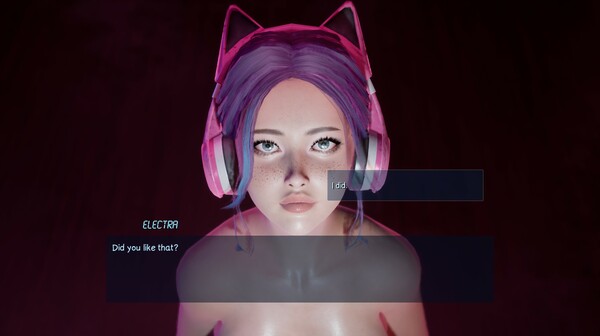
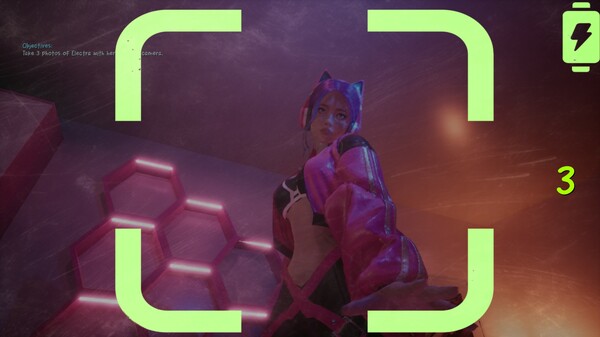
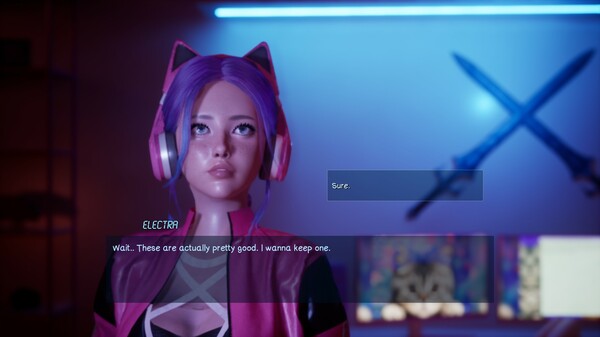
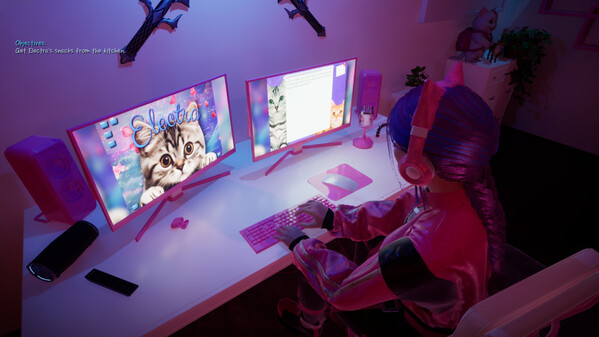
In this episode, you've just moved into your new apartment. There's no bills and no stress. Just when you think it couldn't get any better, you realise your new housemate is a gamer girl named Electra, and she's in her bedroom waiting for you to introduce yourself.
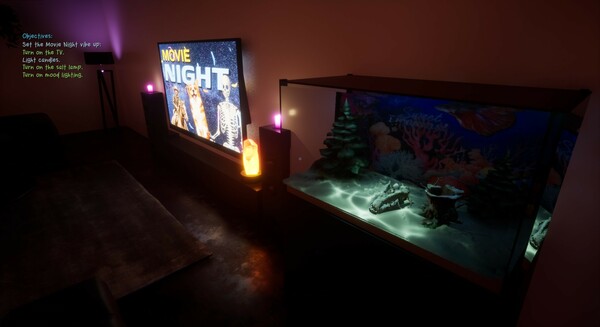
The game is rich in atmosphere, coziness, and sexual intimacy. You can go through the short story mode at your own pace as you develop things with Electra, or even opt for a more relaxing and borderline-ASMR experience if you prefer: gaze into the calming fishtank in the living room next to the glow of the salt-lamp, out of the windows into the mesmerising endless rolling clouds, or even hang out in Electra's room on her beanbag chair while she's doing her thing.
NaughtyMode
Once you've completed the story mode, you unlock NaughtyMode. NaughtyMode drops you straight into more sensual action with Electra, giving you a more customisable experience, and is accessable at any time, for however long you like.
Panic Button
Pressing the in-game panic button (P key) instantly hides your screen and replaces it with a normal-looking space desktop image, faking a desktop background and muting the games audio. This is useful if you need to quickly hide the game. Press P again to go back.