Kind() Station (AppID: 3819120)
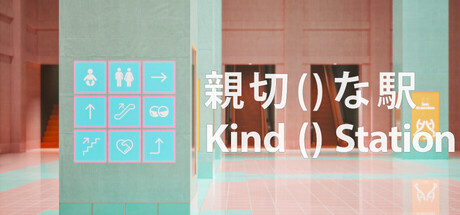
Kind() Station - Steam Analytics & Details
Kind() Station has 0 current players.
Media Gallery

Screenshots
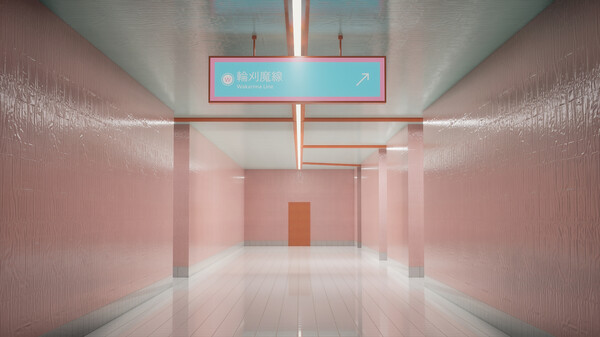
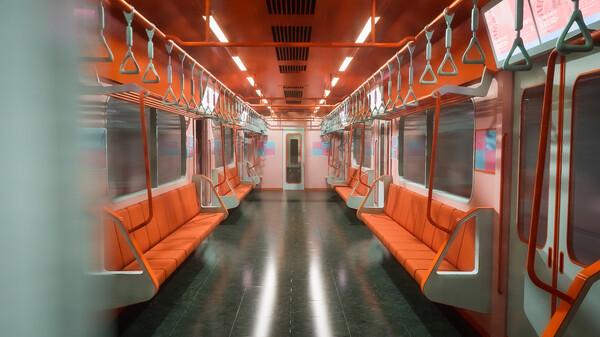
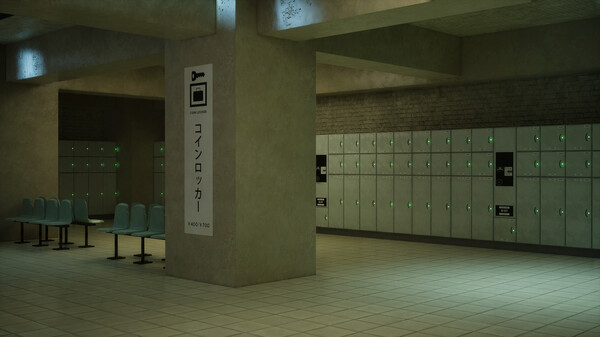
Videos
KindStation─Studio 非
Game Insights
Value Score
Price-to-player ratio ranks in the 50th percentile.
System Requirements
- Requires a 64-bit processor and operating system
- OS: Windows 10 64bit
- Processor: intel Core i7 4770
- Memory: 8 GB RAM
- Graphics: NVIDIA GeForce GTX 970
- Storage: 3 GB available space
- Requires a 64-bit processor and operating system
- OS: Windows 10 64bit
- Processor: intel Core i7 4770
- Memory: 8 GB RAM
- Graphics: NVIDIA GeForce RTX2060
- Storage: 3 GB available space
Additional Information
*languages with full audio support
Current Pricing
Additional Information
Developer Analytics
Loading competitors...
About This Game
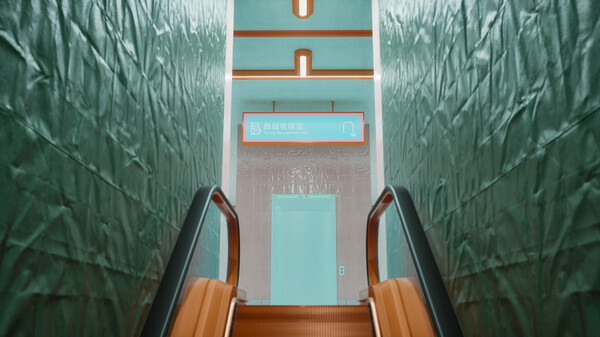
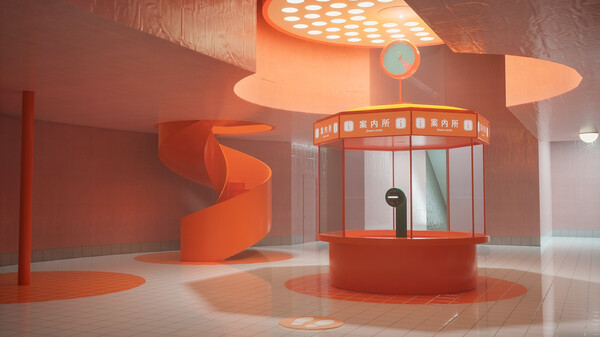
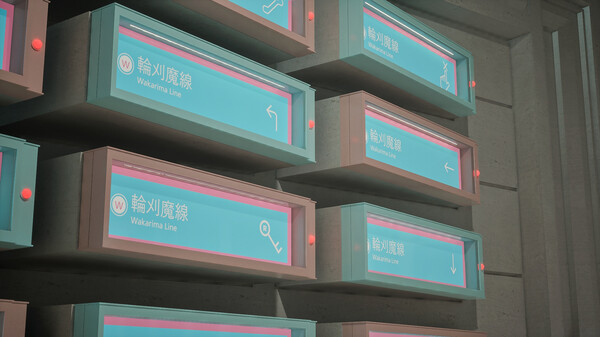
Lost in the colossal labyrinth of Kind () Station, the protagonist uses scattered wayfinding signs to reach the transfer to the Rinkama Line. Decode the increasingly bizarre signage as you progress, and unravel the mysteries of Kind () Station.
Detailed Description
After being shoved off a station platform by an unknown assailant, the protagonist awakens lost in a vast terminal known as “Kind () Station.” Relying on the myriad guidance signs scattered throughout the complex—and occasionally reflecting on fragments of their own past—they press onward toward a transfer to the Rinkama Line…
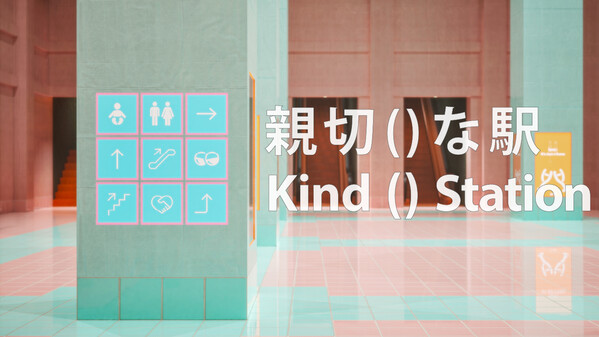
“Kind () Station” is a maze game built around the dual nature of station signage design—its “helpfulness” and its “confusing” qualities. This marks the second title from game & prototype studio Studio Hi.
Playtime:
Approximately 60 – 120 minutes
Options:
At any of the digital signage terminals scattered throughout Kind () Station, you can adjust the following settings:
Camera Shake
Camera Controls (Sensitivity, Normal / Reverse)
Field of View
Motion Blur
Volume
Quality (Performance Load)
All settings can be changed immediately after the opening sequence.
If you’re prone to 3D motion sickness, we recommend setting Camera Shake and Motion Blur to 0, and using a wider Field of View.
If you’re experiencing performance slowdowns, try setting Quality to 2. (You can also set it to 0–1, but doing so significantly reduces render lighting quality and may make some sections difficult to play.)
Other:
Press and hold the ESC key twice to exit the game.
Press and hold the 0 key twice for at least 10 seconds to reset your save data.
Streaming & Video Sharing:
Streaming is welcome! For details, please refer to the guidelines on the official Studio Hi website.