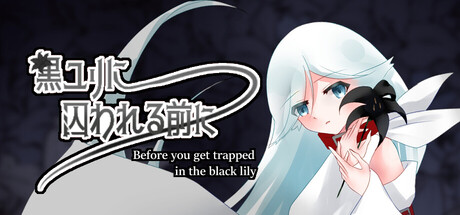
Before you get trapped in the black lilies. (AppID: 3831580)
Before you get trapped in the black lilies. - Steam Analytics & Details
A horror adventure game in which you control the main character, a young girl with amnesia, as she explores a strange and terrifying Western-style house. Explore pricing history and player statistics for Before you get trapped in the black lilies..
Media Gallery

Screenshots
Videos
黒ユリに囚われる前に
System Requirements
- OS *: Windows® 8.1/10/11 (64bit)
- Processor: Intel Core i3-4340 or better
- Memory: 8 GB RAM
- Graphics: Compatible OpenGL / VRAM 1GB or better
- Storage: 4 GB available space
- Additional Notes: 1280x768 or better Display
Additional Information
Additional Information
Developer Analytics
Loading competitors...
About This Game
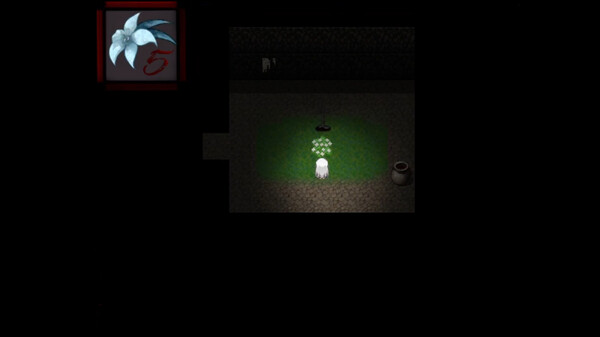
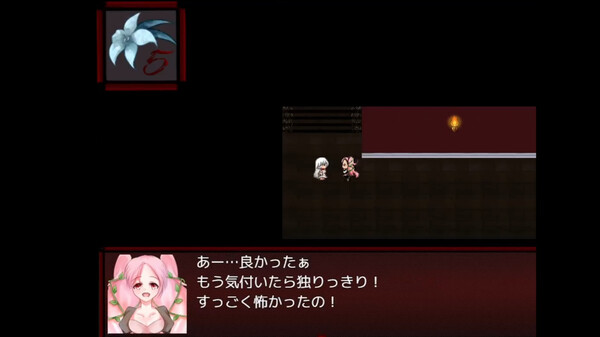
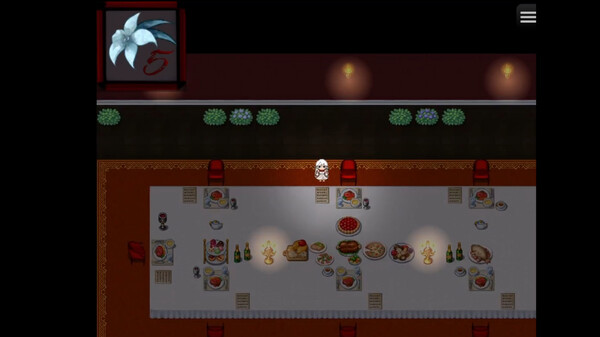
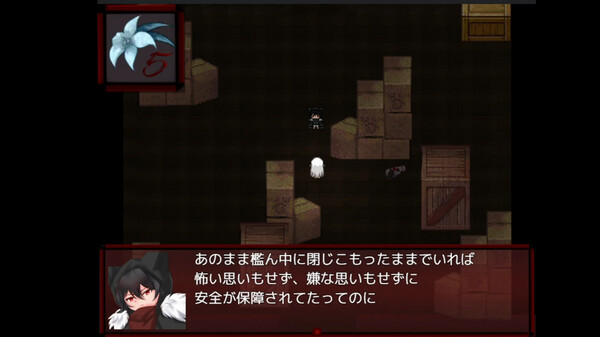
A horror adventure game in which you control the main character, a young girl with amnesia, as she explores a strange and terrifying Western-style house. Help the girl regain her memory and escape from the Western-style house by solving riddles and disarming tricks that obstruct your escape.
Detailed Description
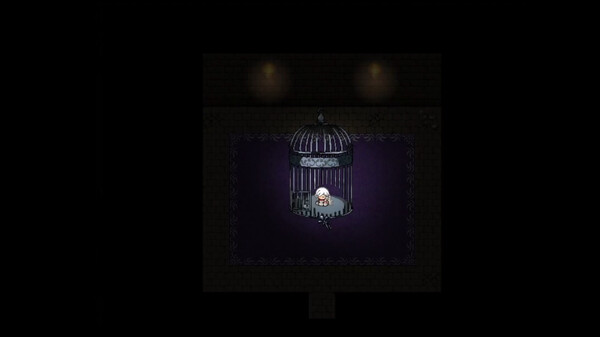
The protagonist wakes up and finds himself trapped in a bird cage.
He doesn't remember why he is here,
why he was locked in the birdcage,
or even who he is in the first place.
Strangely enough, the key to unlock the birdcage has fallen at his feet.
He opens the key and explores the terrifying and strange Western-style house,
searching for himself and the way to escape from this Western-style house .....
◆◆◆◆◆
Play time is About 30 minutes to 2 hours.
Live action, distribution, and derivative works are welcome.
Some of the content is based on true stories experienced by the author.
◆◆◆◆◆
In addition to the normal ending, there are 6 BADEND
【Controls】
Space, Enter Z button: Decide, fast forward
X button: Open menu screen, cancel
ASDW key: Move character
Shift key: Dash
◆◆◆◆◆
When installing the game, you will be given a choice of startup options. For the Japanese version, please select [Play before you get trapped by the black lily], and for the English version, please select [English ver].
The only difference between the two is the initial display language, which can be changed after installation by going to [Settings] > [Language].