AnimSprite Pixelizer - Convert Hand-drawn Animations to Pixel Art (AppID: 3849460)
AnimSprite Pixelizer - Convert Hand-drawn Animations to Pixel Art - Steam Analytics & Details
AnimSprite Pixelizer - Convert Hand-drawn Animations to Pixel Art has 0 current players.
Media Gallery

Screenshots
Videos
AnimSpritePixelizer v1.0.0
Game Insights
Value Score
Price-to-player ratio ranks in the 50th percentile.
System Requirements
- OS: Windows 10, 11
- Memory: 128 MB RAM
- Storage: 80 MB available space
Additional Information
Current Pricing
Additional Information
Developer Analytics
Loading competitors...
About This Game
Convert hand-drawn animations to pixel art with sprite sheet generation for 2D game development
Detailed Description
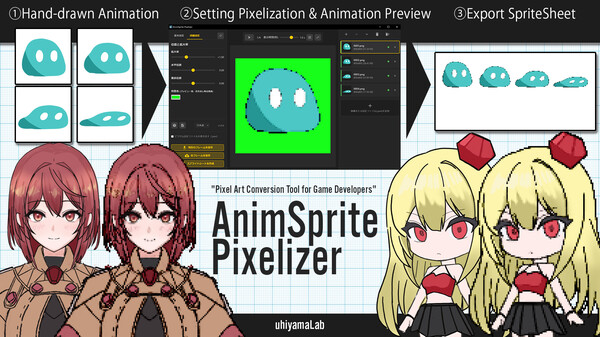
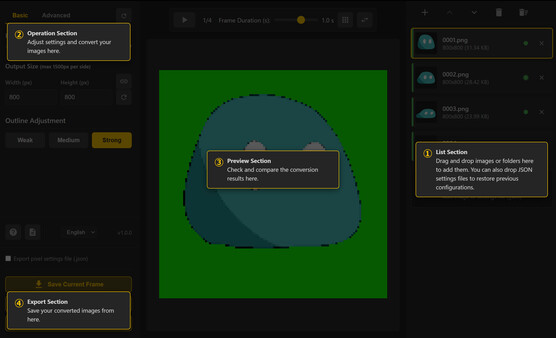
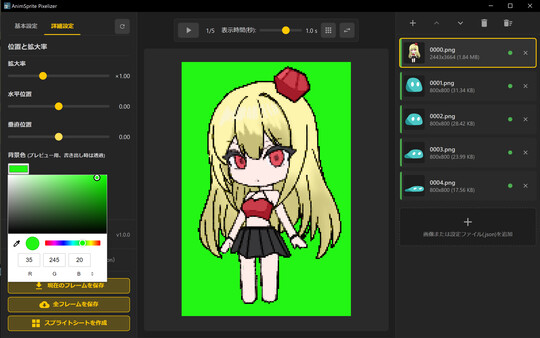
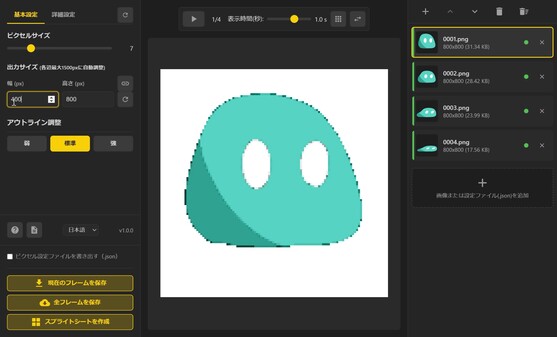
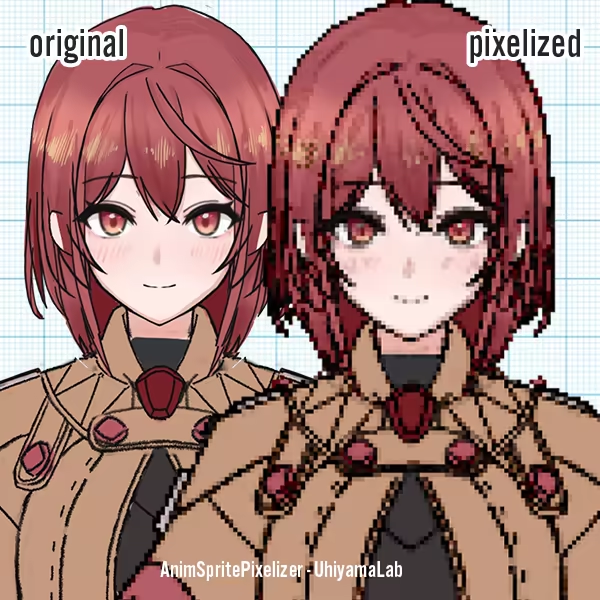
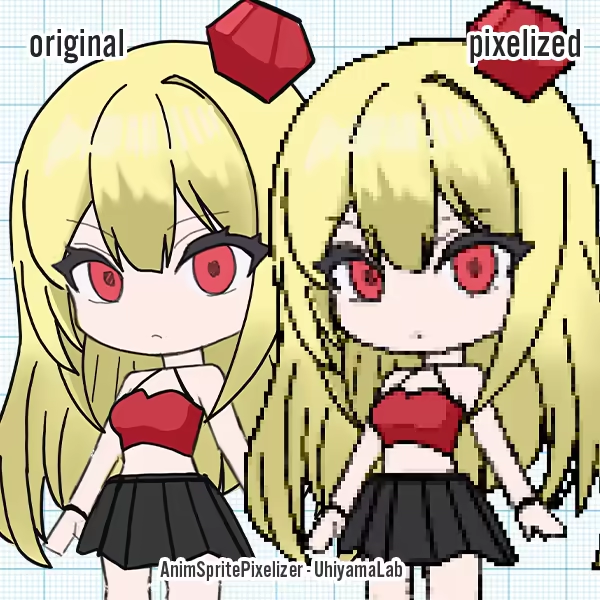
AnimSprite Pixelizer is a desktop application that optimizes the workflow for creating pixel animations for games, such as walking sprites.
It converts multiple frames with unified pixel settings, enabling efficient creation of consistent animation assets. Perfect for converting hand-drawn animations into game-ready pixel art.
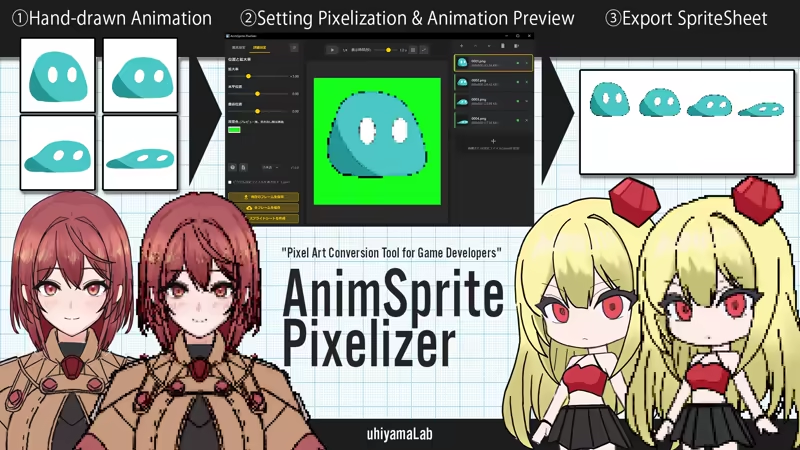
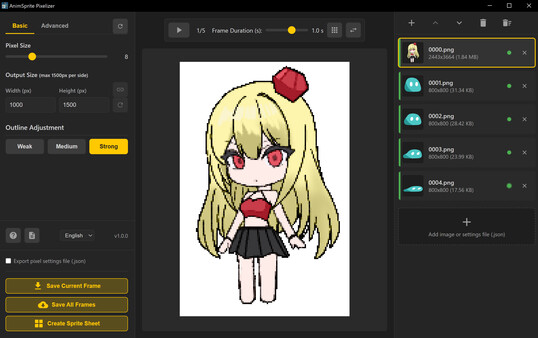
You can try the conversion quality with the free web version app in the Basic Information tab. This desktop app adds practical 2D game development features to the web version's conversion processing, including multi-frame support, animation preview, and sprite sheet output. Since it can export configuration files (.json), you can easily restore settings when re-converting modified artwork.
🎯 Recommended for:
2D Game Developers: Those who want to efficiently create animation sprites
Indie Game Developers: Those who want to incorporate hand-drawn animations into games
Pixel Artists: Those who want to create multiple frames with unified quality
✨ Key Features
Batch conversion of multiple frames (impossible with web version)
Animation preview in pixelized state (adjustable playback speed)
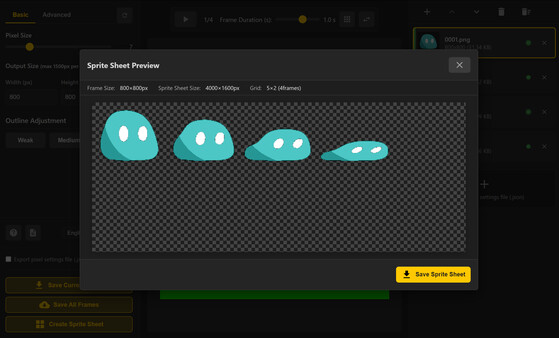
Automatic sprite sheet generation (up to 20 frames)
Consistent quality assurance (maintains consistency between frames)
Transparent PNG output
🛠️ Technical Specifications
Supported Formats
Input: PNG, JPG, JPEG, GIF, BMP, WebP (all major image formats)
Output: PNG (transparent background support) + JSON configuration file
Processing Capabilities
Maximum canvas size: 1500×1500px *Larger sizes are automatically resized
Pixel size range: 1-30px (finely adjustable according to usage)
Sprite sheet: Fixed 5-column grid, supports up to 20 frames