
Kero Kero Cowboy
Kero Kero Cowboy - Steam Charts & Historical Stats
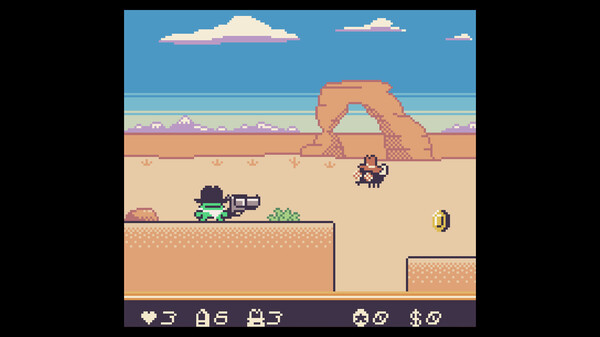
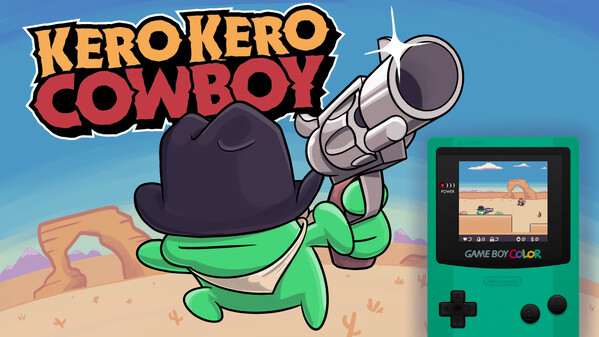
Kero Kero Cowboy is a cartoony western themed platformer developed for the Game Boy Color! Use your extendable tongue, trusty six-shooter, and wits to conquer the wildest outlaws of the west. Explore historical player activity and pricing for Kero Kero Cowboy. Player-count data was last observed Sep 27, 2026.
Kero Kero Cowboy player count and price summary
- Current players
- Unavailable
- All-time peak
- 1
- 24-hour player change
- Unavailable
- Current US price
- $9.99
Player count last observed . Values marked unavailable are not estimated.
Media gallery 5 screenshots · 1 videos
Screenshots
Videos
Kero Kero Cowboy Trailer
All-Time Peak
Estimated Owners
Game Insights
Buy Verdict
Decent deal at 0% off, but might drop further. Watch for better opportunities.
Value Score
Price-to-player ratio ranks in the 100th percentile.
Genre Benchmarks
Activity Heatmap
0 players · 2 samples
0 players · 1 samples
0 players · 2 samples
No samples
0 players · 3 samples
No samples
0 players · 1 samples
0 players · 3 samples
No samples
0 players · 2 samples
0 players · 2 samples
No samples
0 players · 2 samples
0 players · 1 samples
0 players · 2 samples
No samples
0 players · 1 samples
0 players · 2 samples
0 players · 1 samples
No samples
0 players · 3 samples
No samples
0 players · 2 samples
0 players · 1 samples
0 players · 1 samples
0 players · 1 samples
0 players · 2 samples
0 players · 1 samples
0 players · 1 samples
0 players · 3 samples
No samples
0 players · 1 samples
0 players · 2 samples
0 players · 1 samples
0 players · 2 samples
0 players · 1 samples
0 players · 1 samples
0 players · 1 samples
0 players · 2 samples
0 players · 1 samples
0 players · 1 samples
No samples
0 players · 3 samples
No samples
0 players · 1 samples
0 players · 2 samples
0 players · 1 samples
0 players · 1 samples
0 players · 2 samples
No samples
0 players · 2 samples
0 players · 1 samples
0 players · 2 samples
No samples
0 players · 2 samples
0 players · 2 samples
No samples
0 players · 3 samples
No samples
0 players · 2 samples
0 players · 2 samples
No samples
0 players · 1 samples
0 players · 2 samples
No samples
0 players · 2 samples
No samples
0 players · 2 samples
0 players · 1 samples
0 players · 1 samples
0 players · 1 samples
0 players · 2 samples
No samples
0 players · 1 samples
0 players · 2 samples
0 players · 1 samples
0 players · 1 samples
0 players · 2 samples
No samples
0 players · 2 samples
0 players · 1 samples
0 players · 2 samples
0 players · 1 samples
0 players · 1 samples
0 players · 2 samples
No samples
0 players · 2 samples
0 players · 2 samples
No samples
0 players · 1 samples
0 players · 2 samples
No samples
No samples
0 players · 2 samples
0 players · 1 samples
0 players · 1 samples
0 players · 1 samples
0 players · 1 samples
0 players · 1 samples
0 players · 1 samples
0 players · 2 samples
No samples
0 players · 2 samples
0 players · 1 samples
0 players · 2 samples
No samples
0 players · 2 samples
0 players · 1 samples
0 players · 1 samples
0 players · 1 samples
0 players · 2 samples
No samples
No samples
0 players · 2 samples
0 players · 1 samples
0 players · 1 samples
1 players · 1 samples
0 players · 1 samples
0 players · 1 samples
No samples
0 players · 2 samples
0 players · 1 samples
0 players · 1 samples
0 players · 1 samples
0 players · 1 samples
0 players · 1 samples
0 players · 1 samples
0 players · 2 samples
No samples
0 players · 2 samples
0 players · 1 samples
0 players · 1 samples
0 players · 1 samples
0 players · 1 samples
0 players · 1 samples
0 players · 2 samples
0 players · 2 samples
0 players · 2 samples
No samples
0 players · 2 samples
0 players · 2 samples
0 players · 1 samples
0 players · 2 samples
0 players · 1 samples
0 players · 1 samples
0 players · 2 samples
No samples
0 players · 3 samples
0 players · 1 samples
No samples
0 players · 3 samples
No samples
0 players · 2 samples
0 players · 2 samples
No samples
0 players · 2 samples
0 players · 2 samples
0 players · 1 samples
0 players · 1 samples
0 players · 1 samples
0 players · 3 samples
No samples
No samples
0 players · 3 samples
No samples
0 players · 2 samples
0 players · 2 samples
No samples
Latest News
Price History
No Recent Price History
Price history data will appear here once more pricing information becomes available.
System Requirements
- OS: Windows 10/11 64 bit
- Processor: Intel i3 or better
- Memory: 2 GB RAM
- Graphics: OpenGL 3.3 or better
- Storage: 106 MB available space
Additional Information
Current Pricing
Additional Information
Developer Analytics
Loading competitors...
About This Game
Kero Kero Cowboy is a cartoony western themed platformer developed for the Game Boy Color! Use your extendable tongue, trusty six-shooter, and wits to conquer the wildest outlaws of the west. Yeehaw!
Detailed Description
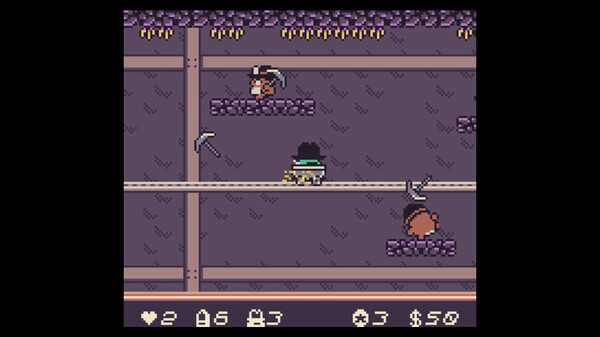
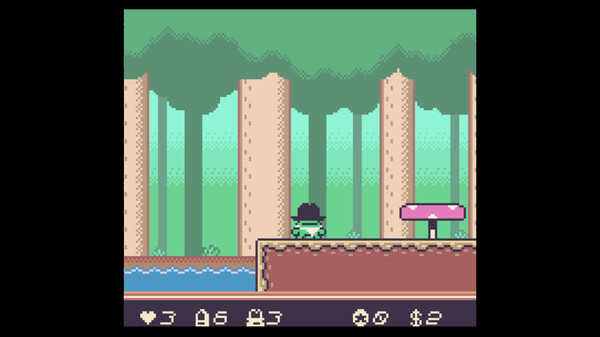
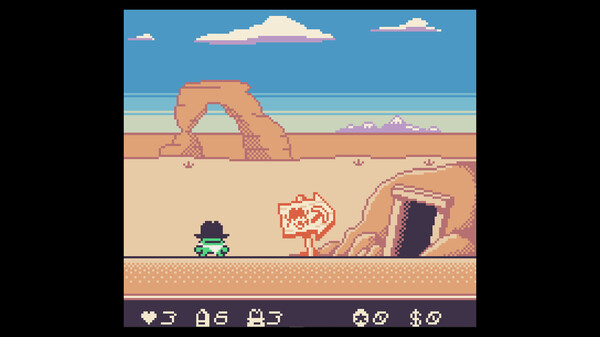
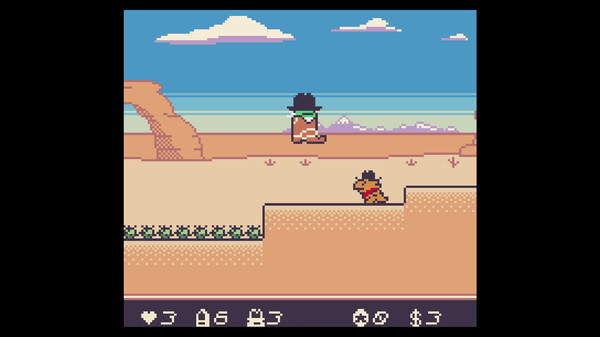
Kero Kero Cowboy is a brand new western themed platformer developed for the Game Boy Color! You play as Kero Kero, a frog on a journey to wrangle the wild west's most dangerous outlaws & bring peace to the untamed land. Face dastardly foes, perilous platforming challenges, and intense shootouts across deserts, mines, mountains, trains, forests, and beyond!
Kero Kero features an array of techniques and abilities to help him on his quest. He can eat enemies, spit them back out, or even brandish a giant revolver to dispatch far-off foes! But be aware, a 6-shooter only has room for 6 bullets, so use them wisely! He can also swim with ease, ride in a giant cowboy boot to stomp enemies, ride rails in a mine cart, and spit hot fire after eating a spicy jalapeño pepper. How to best utilize his abilities in each scenario is up to you, the player!
Features:
25 levels of rootin' tootin' retro platforming action!
5 intense & challenging boss fights!
Special collectibles that unlock extra-challenging bonus levels!
In-game music player to jam out to the Kero Kero Cowboy original soundtrack!
Authentic retro handheld gaming experience! This game runs on a real Game boy Color!
Controls:
Kero Kero Cowboy was originally designed to be played on the Game Boy Color, but the Steam version supports full Controller & Keyboard support! Controls are as follows:
Character & Cursor Movement
Controller: Directional Pad or Left Joystick
Keyboard: Arrow Keys or WASD Keys
Jump & Menu Selections
Controller: Right Face Button ("O" on Playstation, "B" on Xbox)
Keyboard: "Z" or "J" key
Attack
Controller: Bottom face button ("X" on Playstation, "A" on Xbox)
Keyboard: "Control" or "K" key
Pause
Controller: "Options" button on Playstation, "Start" button on Xbox
Keyboard: "Enter" key
Equip/Unequip Weapon
Controller: Top face Button ("△" on Playstation, "Y" on Xbox)
Keyboard: "Shift" key
Overlay Menu* (for quick reset or volume control)
Controller: "Share" on Playstation, "Back" on Xbox
Keyboard: "Esc" key
*Please note that options in the Overlay Menu can only be selected by using a mouse