
Oradea
Oradea - Steam Charts & Historical Stats
A rhythm game with a hexagonal twist. Explore historical player activity and pricing for Oradea. A current player-count observation is unavailable.
Oradea player count and price summary
- Current players
- Unavailable
- All-time peak
- Unavailable
- 24-hour player change
- Unavailable
- Current US price
- Price unavailable
No current player-count observation is available; unavailable values are not estimated.
Media gallery 5 screenshots · 1 videos
Screenshots

Videos

ORADEA (Music: Something Different - Derpcat & Tallure) • EPILEPSY WARNING: FLASHING LIGHTS
System Requirements
- OS: Windows 10
- Processor: AMD Athlon 3000G or i5-2300
- Memory: 1500 MB RAM
- Graphics: Integrated Graphics
- Storage: 1000 MB available space
- Sound Card: None
- Additional Notes: Controller or touchscreen required for playing Normal or higher difficulty songs
- OS: Windows 10
- Processor: AMD Ryzen 5 5500 or Intel Core i5-12500
- Memory: 1500 MB RAM
- Graphics: Radeon RX560 or NVIDIA GTX 1050
- Storage: 1000 MB available space
- Sound Card: None
- Additional Notes: Controller or touchscreen required for playing Normal or higher difficulty songs
- OS: Ubuntu 22.04 LTS
- Processor: AMD Athlon 3000G or i5-2300
- Memory: 1000 MB RAM
- Graphics: Integrated Graphics
- Storage: 1000 MB available space
- Sound Card: None
- Additional Notes: AppImage Support Recommended • Controller or touchscreen required for playing Normal or higher difficulty songs
- OS: Ubuntu 22.04 LTS
- Processor: AMD Ryzen 5 5500 or Intel Core i5-12500
- Memory: 1420 MB RAM
- Graphics: Radeon RX550 or NVIDIA GTX 1030
- Storage: 1000 MB available space
- Sound Card: None
- Additional Notes: AppImage Support Recommended • Controller or touchscreen required for playing Normal or higher difficulty songs
Additional Information
Pricing Information
Additional Information
Developer Analytics
Loading competitors...
About This Game
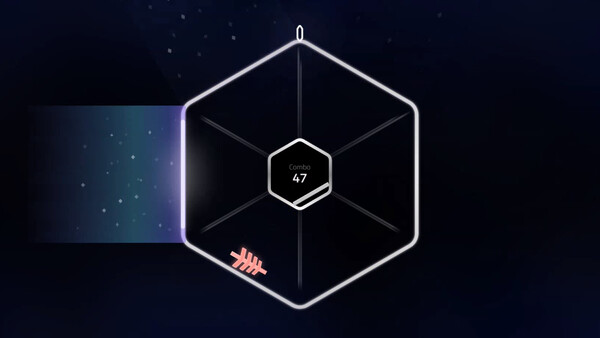
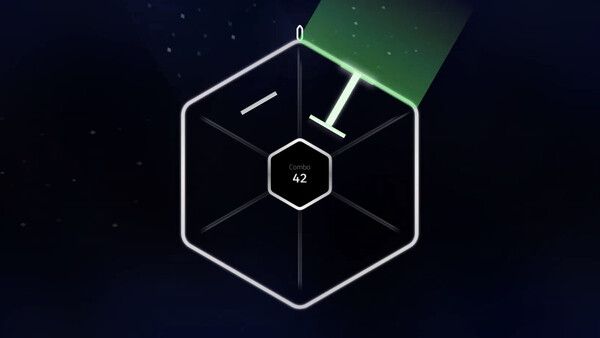
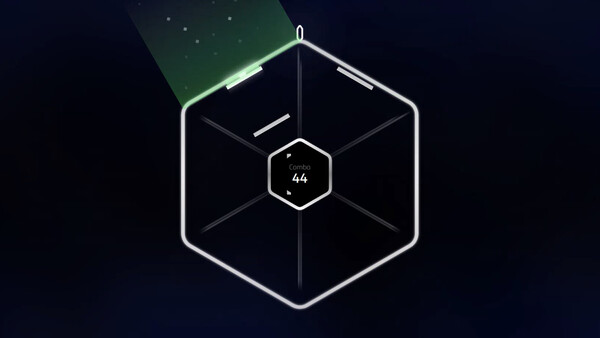
A rhythm game with a hexagonal twist. Notes flow from the center to the edges of one of the six segments. Play on your controller, touchscreen or keyboard!
Detailed Description
Community Content Support
Create and share songs with the community!
About the Game
The hexagonal rhythm game
ORADEA is a remix of how rhythm games work.
To start...
We split your judgement bar into six smaller segments. Those segments were stuck together, each one at an angle, forming a hexagon.
Notes come in from the center to the outside, meaning your sight-reading abilities are being properly tested with that hexagon. We did think of the newbies and we did add four different difficulties for most songs: Easy, Medium, Hard, Expert.
This is best enjoyed on a controller or a touchscreen!
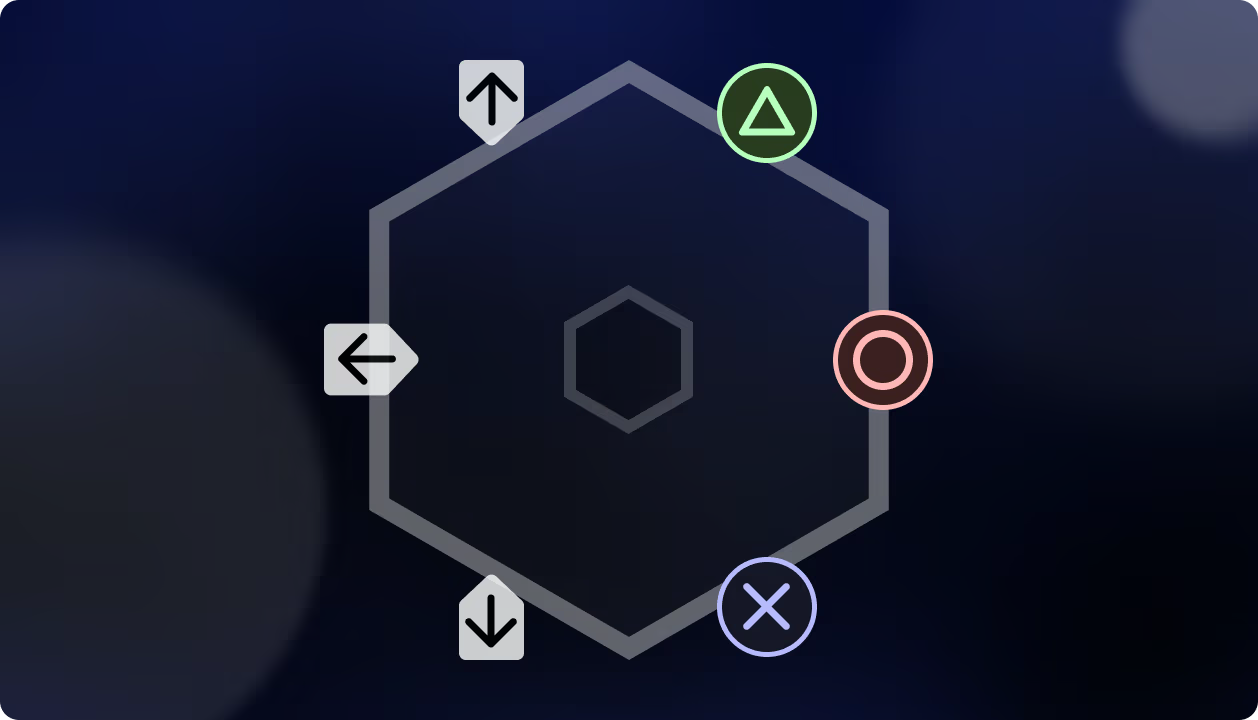
We do also let you play with your keyboard, but not all charts can be full combo-d on it!
What about the music?
The base game features songs from MARETU, NAKISO, AZALI, DryftiN, ROMA(LOID), VocaloKAT, ki-you, SEE, OLDUCT & more!
More info about the song count coming after Next Fest.
Okay.. okay... cool. But what's special about it?
Well, we didn't just stick a geometrical shape in the middle of the screen without coming up with a solution to make it fun. We implemented gimmicks (such as bouncy notes and dynamic speeds) and customizations!
About the Game
The hexagonal rhythm game
ORADEA is a remix of how rhythm games work.
To start...
We split your judgement bar into six smaller segments. Those segments were stuck together, each one at an angle, forming a hexagon.
Notes come in from the center to the outside, meaning your sight-reading abilities are being properly tested with that hexagon. We did think of the newbies and we did add four different difficulties for most songs: Easy, Medium, Hard, Expert.
This is best enjoyed on a controller or a touchscreen!
We do also let you play with your keyboard, but not all charts can be full combo-d on it!
What about the music?
The base game features songs from MARETU, NAKISO, AZALI, DryftiN, ROMA(LOID), VocaloKAT, ki-you, SEE, OLDUCT & more!
More info about the song count coming after Next Fest.
Okay.. okay... cool. But what's special about it?
Well, we didn't just stick a geometrical shape in the middle of the screen without coming up with a solution to make it fun. We implemented gimmicks (such as bouncy notes and dynamic speeds) and customizations!