Blocks(方块II)
Blocks(方块II) - Steam Analytics & Details
Blocks(方块II) maintains a green-rated player base. Currently priced at $9.99, it represents green value compared to similar Casual games.
Blocks(方块II) player count and price summary
- Current players
- 0
- All-time peak
- Unavailable
- 24-hour player change
- 0%
- Current US price
- $9.99
Player count observed . Values marked unavailable are not estimated.
Media gallery 6 screenshots · 1 videos
Screenshots
Videos

Blocks(方块II)
Game Insights
Buy Verdict
Decent deal at 0% off, but might drop further. Watch for better opportunities.
Player Health
Stable player base with low churn risk.
Multiplayer Viability
Population trend: Stable. Finding matches may be harder.
Value Score
Price-to-player ratio ranks in the 100th percentile.
Genre Benchmarks
Activity Heatmap
0 players · 1 samples
No samples
0 players · 2 samples
No samples
0 players · 1 samples
0 players · 1 samples
No samples
0 players · 1 samples
0 players · 1 samples
0 players · 1 samples
No samples
0 players · 1 samples
0 players · 1 samples
No samples
0 players · 2 samples
No samples
No samples
0 players · 2 samples
No samples
0 players · 1 samples
No samples
0 players · 1 samples
0 players · 1 samples
No samples
0 players · 2 samples
No samples
No samples
0 players · 2 samples
No samples
0 players · 1 samples
0 players · 1 samples
No samples
0 players · 1 samples
0 players · 1 samples
0 players · 1 samples
No samples
0 players · 2 samples
No samples
No samples
0 players · 2 samples
No samples
No samples
0 players · 2 samples
No samples
No samples
0 players · 1 samples
0 players · 1 samples
0 players · 1 samples
No samples
0 players · 1 samples
0 players · 1 samples
No samples
0 players · 2 samples
No samples
No samples
0 players · 2 samples
No samples
0 players · 1 samples
0 players · 1 samples
0 players · 1 samples
No samples
0 players · 1 samples
0 players · 1 samples
No samples
0 players · 1 samples
0 players · 1 samples
No samples
0 players · 1 samples
0 players · 1 samples
No samples
No samples
0 players · 2 samples
No samples
No samples
0 players · 1 samples
0 players · 1 samples
0 players · 1 samples
No samples
0 players · 1 samples
0 players · 1 samples
0 players · 1 samples
0 players · 1 samples
No samples
No samples
0 players · 2 samples
No samples
No samples
0 players · 2 samples
No samples
No samples
0 players · 2 samples
No samples
No samples
0 players · 1 samples
0 players · 1 samples
No samples
No samples
0 players · 2 samples
No samples
No samples
0 players · 2 samples
No samples
0 players · 1 samples
0 players · 1 samples
No samples
0 players · 1 samples
0 players · 1 samples
No samples
0 players · 1 samples
No samples
0 players · 1 samples
0 players · 1 samples
No samples
0 players · 1 samples
No samples
0 players · 1 samples
No samples
0 players · 1 samples
0 players · 1 samples
No samples
0 players · 1 samples
0 players · 1 samples
No samples
0 players · 1 samples
No samples
0 players · 1 samples
0 players · 1 samples
0 players · 1 samples
No samples
0 players · 1 samples
0 players · 1 samples
No samples
0 players · 1 samples
No samples
0 players · 1 samples
No samples
0 players · 1 samples
0 players · 1 samples
No samples
0 players · 1 samples
No samples
0 players · 1 samples
0 players · 1 samples
No samples
No samples
0 players · 1 samples
No samples
No samples
0 players · 1 samples
No samples
No samples
0 players · 1 samples
0 players · 1 samples
No samples
0 players · 2 samples
No samples
No samples
0 players · 2 samples
No samples
0 players · 1 samples
0 players · 3 samples
No samples
No samples
0 players · 2 samples
No samples
0 players · 1 samples
No samples
0 players · 1 samples
Price History
No Recent Price History
Price history data will appear here once more pricing information becomes available.
System Requirements
- OS: windows7 and newer
- Processor: 2.0+ GHz
- Memory: 128 MB RAM
- Graphics: Integrated Graphics
- Storage: 490 MB available space
- Sound Card: Integrated Audio
- OS: windows11
- Processor: 2.0+ GHz
- Memory: 128 MB RAM
- Graphics: Integrated Graphics
- Storage: 500 MB available space
- Sound Card: Integrated Audio
Additional Information
*languages with full audio support
Current Pricing
Additional Information
Developer Analytics
Loading competitors...
About This Game
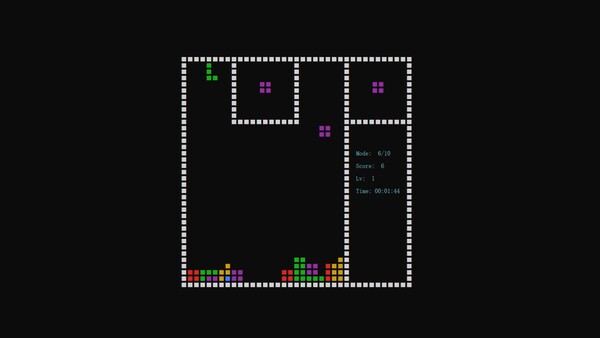
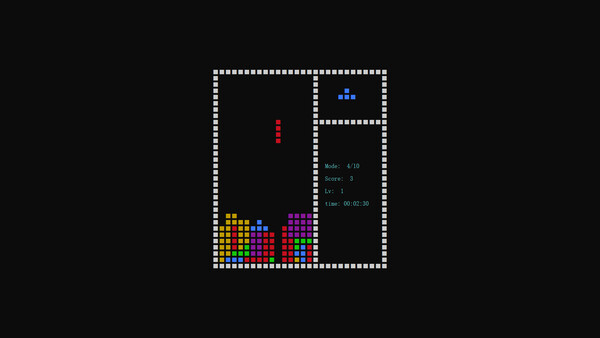
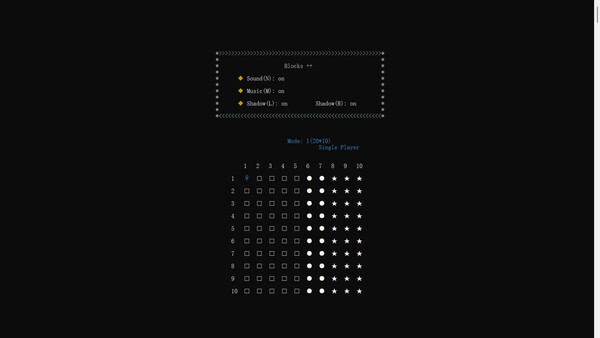
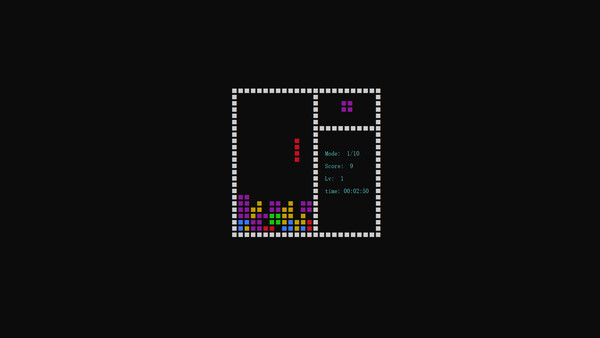
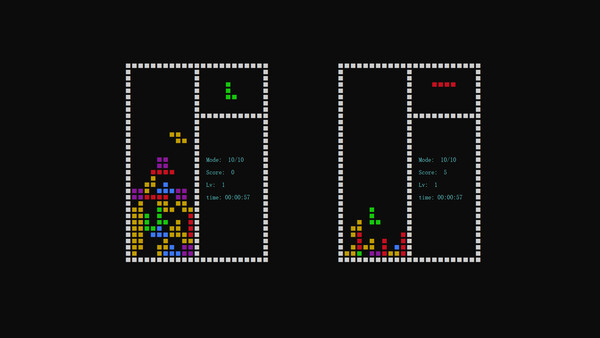
There are 110 modes available in this Blocks Dropping Game. 55 Single Player Modes. 22 Cooperation Modes achieved through local or remote gameplay. 33 Two Players PVP Modes achieved through local or remote gameplay.
Detailed Description
This Blocks Dropping game is designed with 110+ modes to play.
55 modes for single player,
22 modes for two players cooperation,
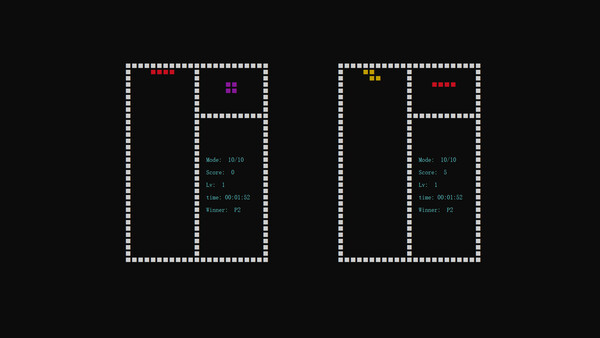
33 modes for two players PVP and Winner is whom got 1000 scores first.
110 background music picked up for your choice.
You would have lots of choices in this Blocks Dropping game.
Operating instructions:
1. Universal Keys on keyboard:
Press Key Q to open the menu.
Press Key M to turn on or off background music.
Press Key N to turn on or off sound effects.
Press Key L to turn on or off the left shadow.
Press Key R to turn on or off the right shadow.
Press Key Enter to start or pause game.
Press Key space to start or pause game.
Press Key Esc to exit game.
Shortcut keys 0-9.
Press Key M (double-click) for a audition of music on start menu or replay music in game mode.
Press Key W to increase game speed before starting game.
Press Key S to slow down game speed before starting game.
Press Arrow Key ↑ increases game speed before starting game.
Press Arrow Key ↓ to slow down game speed before starting game.
2. Keys on keyboard for player 1:
Press Key W to Rotate.
Press Key A to Move Left.
Press Key D to Move Right.
Press Key S to accelerate the descent.
3. Keys on keyboard for player 2:
Press Arrow Key ↑ to Rotate.
Press Arrow Key ← to Move Left.
Press Arrow Key → to Move Right.
Press Arrow Key ↓ to accelerate the descent.
Tips:
Game Interface of the latest version of Windows 11 might not be right, such as the version of 24H2. Five steps of sets to solve this problem. Step1->Start Game. Step2->Left Mouse Button or Right Mouse Button click the pages located on the top of the game interface to open Settings - Start - Default Terminal Application - Windows Console Host. Step3->Save Settings. Step4->Close all pages on the top of the Game Interface. Step5->Restart Game.
Optimized Display Effects are suitable for adjustment and optimization under Windows 11. Left Mouse Button click on the taskbar to open Start - Settings - System - Screen Zoom and Layout - Screen Zoom - 125%.
Antivirus Software false positive may cause An Error Message Box of Game Startup File missing. We can quit Antivirus Software, then uninstall and download game again, then restart Antivirus Software, then restart game to restore Blocks2.exe and put it into Safe Software List. Error Message Box of Game Startup File missing no longer exists when Antivirus Software Official finished verifying it. Antivirus Software false positive may cause not Full_Screen interface of the First Start of Game. We can shut down game and restart it.