
Feeding Yuyuko - Youmu Cursor
Feeding Yuyuko - Youmu Cursor - Steam Charts & Historical Stats
Complementary dynamic computer cursor Explore historical player activity and pricing for Feeding Yuyuko - Youmu Cursor. Player-count data was last observed Apr 30, 2026.
Feeding Yuyuko - Youmu Cursor player count and price summary
- Current players
- Unavailable
- All-time peak
- Unavailable
- 24-hour player change
- Unavailable
- Current US price
- Price unavailable
Player count last observed . Values marked unavailable are not estimated.
Media gallery 1 screenshots · 1 videos
Screenshots
Videos

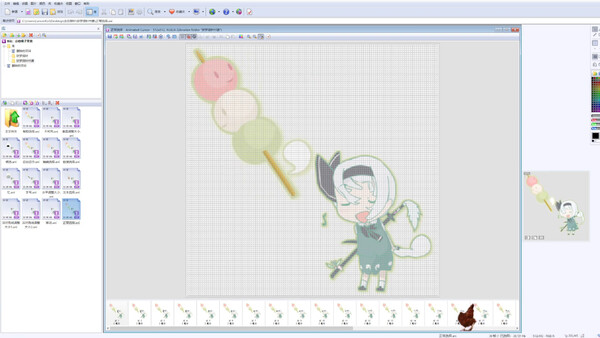
Youmu Cursor
System Requirements
Additional Information
*languages with full audio support
Developer Analytics
Loading competitors...
About This Game
Complementary dynamic computer cursor
Detailed Description
This is a dynamic-style cursor made by myself.
Since it involves modifying system files and has a relatively large size, you’ll need to install it manually!
Scripted Installation:
In Steam, click the gear icon in the upper right → Manage → Browse Local Files
Open the path and find the “DLC” folder (...\feeding yuyuko\DLC\Cursor-***)
Inside the cursor folder, right-click Install.inf and select Install
Go to Windows Settings → Personalization → Mouse Pointers, and select the pointer scheme you just imported
If the scripted installation fails, please install manually:
Right-click Install.inf, choose Open with → Notepad
Open Windows Settings → Personalization → Mouse Pointers, create a new cursor scheme
Replace each pointer one by one according to the file names
If the cursor appears too small:
Open Windows Settings → Ease of Access → Mouse Pointer, and adjust the pointer size.