Borderless Gaming Resizer (AppID: 4095940)

Borderless Gaming Resizer - Steam Analytics & Details
Borderless Gaming Resizer lets you remove borders, resize and reposition windows with ease. Explore pricing history and player statistics for Borderless Gaming Resizer.
Media Gallery

Screenshots
Videos

Borderless Gaming Resizer - Demonstration
System Requirements
- OS: Windows 10
- Processor: Any 64-bit processor
- Memory: 20 MB RAM
- Storage: 200 MB available space
- OS: Windows 10/11
- Processor: Any 64-bit processor
- Memory: 20 MB RAM
- Storage: 200 MB available space
Additional Information
Pricing Information
Additional Information
Developer Analytics
Loading competitors...
About This Game
Borderless Gaming Resizer lets you remove borders, resize and reposition windows with ease. Save layouts in profiles, apply them automatically, and enjoy full control over your workspace. Perfect for gamers, multitaskers and streamers.
Detailed Description
Borderless Gaming Resizer (BGR) gives you full control over how your games* and applications appear on your screen.
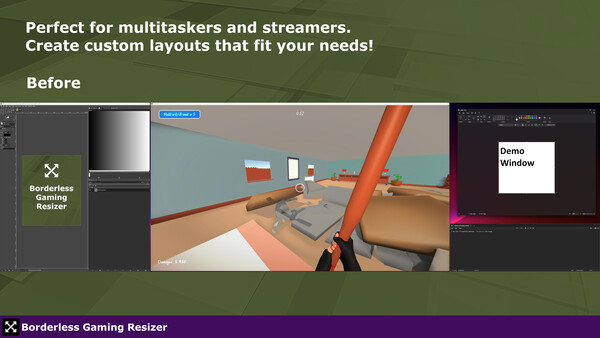
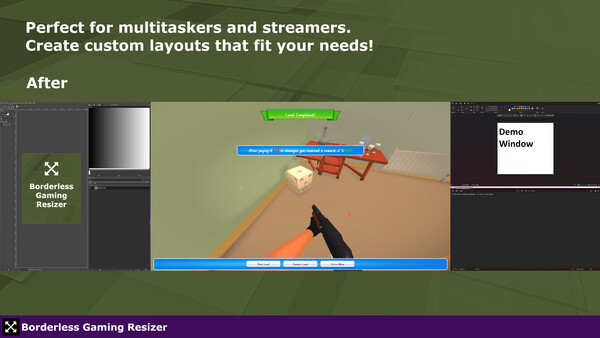
Remove borders, resize windows to custom dimensions, position them exactly where you want and save your settings so they can be auto-applied later! Perfect for Multitaskers, Ultrawide users, streamers and anyone looking to tidy up their workspace.
Features
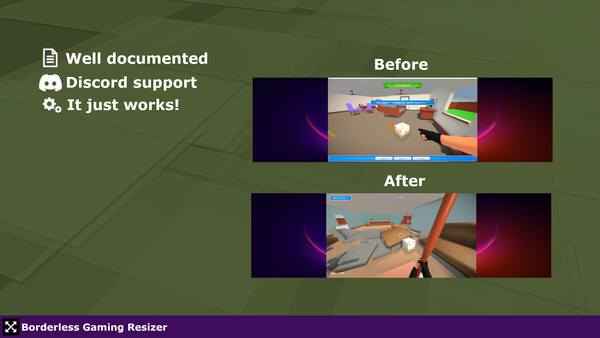
Borderless Mode - Remove borders and title bars for a clean windowed experience. Either Fullscreen or a resolution of your choosing!
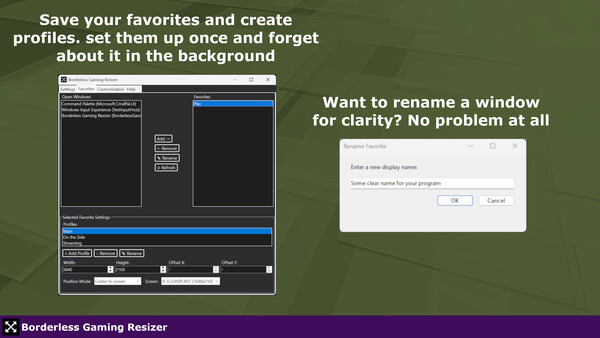
Favorite Profiles - Save individual window configurations (size, position, screen) and create multiple profiles per app.
Auto-Apply on Launch - Automatically restores your saved/favorited layout when the app starts.
Multi-Monitor Support - Move and size windows across different screens easily.
Custom Hotkeys - Quickly toggle between borderless and bordered mode.
Lightweight & Non-Intrusive - Runs quietly in the background with minimal resource use.
Fully documented - BGR is fully documented to help you get started. Feeling stuck after reading the documentation? Join the Discord for support!
* Some older games might not work correctly due to how their rendering of windows is handled. This is a known issue with Unreal Engine 3 games.