
RPG Map Maker
RPG Map Maker - Steam Charts & Historical Stats
RPG Map Maker is a tool for creating fantasy maps. Explore historical player activity and pricing for RPG Map Maker. A current player-count observation is unavailable.
RPG Map Maker player count and price summary
- Current players
- Unavailable
- All-time peak
- Unavailable
- 24-hour player change
- Unavailable
- Current US price
- Price unavailable
No current player-count observation is available; unavailable values are not estimated.
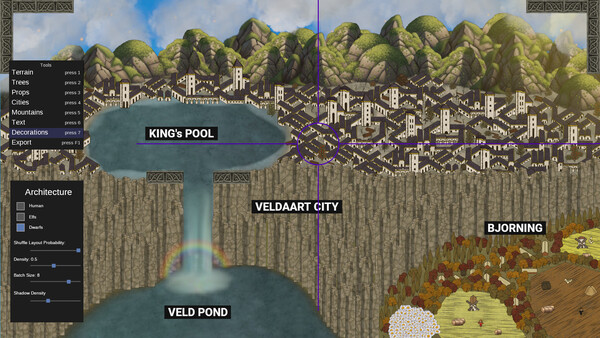
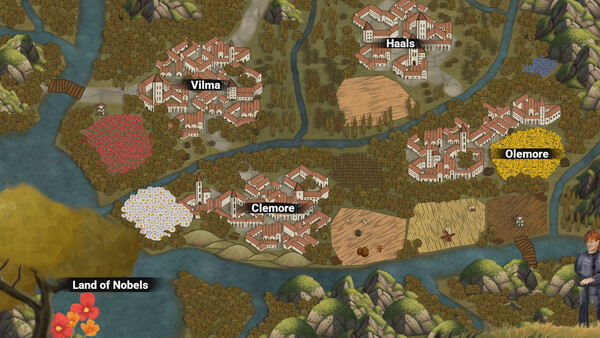
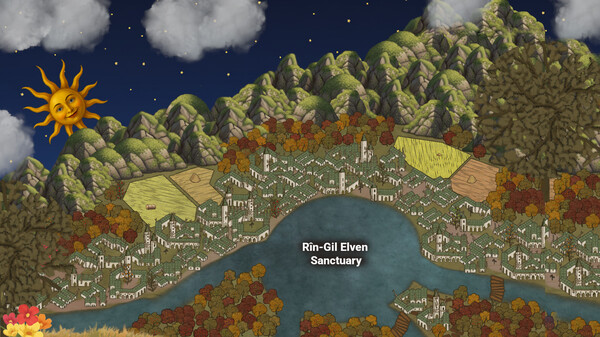
Media gallery 6 screenshots · 1 videos
Screenshots


Videos
RPG Map Maker Trailer 1 v2
System Requirements
- OS: Windows 10 or later
- Processor: Intel i3 or equivalent
- Memory: 2 GB RAM
- Graphics: Integrated Intel HD Graphics or better
- Storage: 100 MB available space
- Sound Card: Not required
- VR Support: No
- Additional Notes: -
- OS: Windows 11 or later
- Processor: Intel i5 or equivalent
- Memory: 2 GB RAM
- Graphics: NVIDIA GeForce® GTX 1050 or better
- Storage: 100 MB available space
- Sound Card: Any
- VR Support: No
- Additional Notes: -
- OS: Any Linux Distribution
- Processor: 2 GHz dual core or better
- Memory: 2 GB RAM
- Graphics: Integrated Graphics Card
- Storage: 50 MB available space
- Sound Card: Not required
- VR Support: No
- Additional Notes: -
- OS: Any Linux Distribution
- Processor: 2 GHz dual core or better
- Memory: 2 GB RAM
- Graphics: Dedicated graphics card
- Storage: 100 MB available space
- Sound Card: Any
- VR Support: No
- Additional Notes: -
Additional Information
*languages with full audio support
Pricing Information
Additional Information
Developer Analytics
Loading competitors...
About This Game
RPG Map Maker is a tool for creating fantasy maps. Create epic grim-dark worlds, ancient kingdoms, or mysterious forests with ease. Perfect for DMs, world builders and game developers.
Detailed Description
RPG Map Maker is a map making tool for world builders.
Create epic grim-dark fantasy world maps in minutes.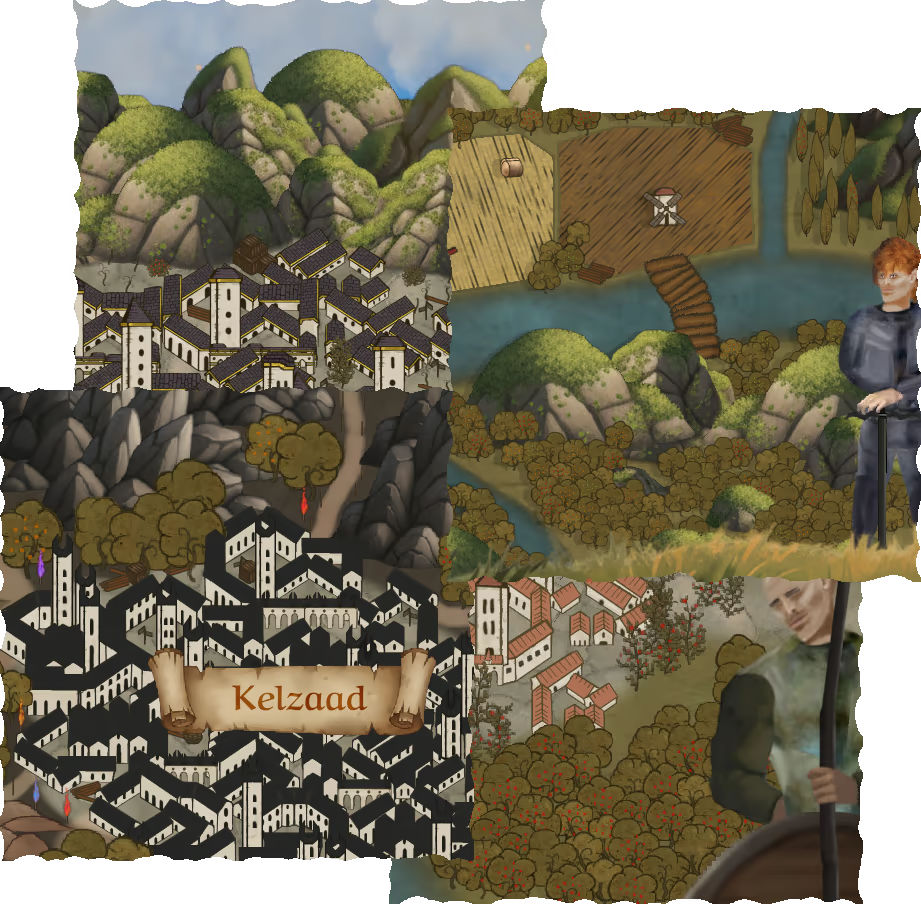
1. Select brush mode: points, lines, polygons
2. Select brush type: architecture, nature,...
3. Build by clicking and dragging
4. decorate!
5. Export
Done! You can export as an image or as a .json file (advanced users).