
S.E.M.I. – Side Effects May Include: Digital Artbook
S.E.M.I. – Side Effects May Include: Digital Artbook - Steam Charts & Historical Stats
This content requires the base game S. Explore historical player activity and pricing for S.E.M.I. – Side Effects May Include: Digital Artbook. A current player-count observation is unavailable.
S.E.M.I. – Side Effects May Include: Digital Artbook player count and price summary
- Current players
- Unavailable
- All-time peak
- Unavailable
- 24-hour player change
- Unavailable
- Current US price
- Price unavailable
No current player-count observation is available; unavailable values are not estimated.
Media gallery 6 screenshots · 1 videos
Screenshots

Videos

S.E.M.I. - Early Access Trailer_1
System Requirements
- OS: Windows 10
- Processor: Intel Core i5 series or Ryzen series
- Memory: 8 GB RAM
- Graphics: GTX 960 or AMD R9 290
- DirectX: Version 11
- Storage: 60 MB available space
- OS: Windows 11
- Processor: Intel Core i7 series or Ryzen series
- Memory: 8 GB RAM
- Graphics: GTX 1660 or RX6600
- DirectX: Version 12
- Storage: 60 GB available space
Additional Information
Current Pricing
Additional Information
Developer Analytics
Loading competitors...
About This Game
This content requires the base game S.E.M.I. – Side Effects May Include... on Steam in order to play.
Detailed Description
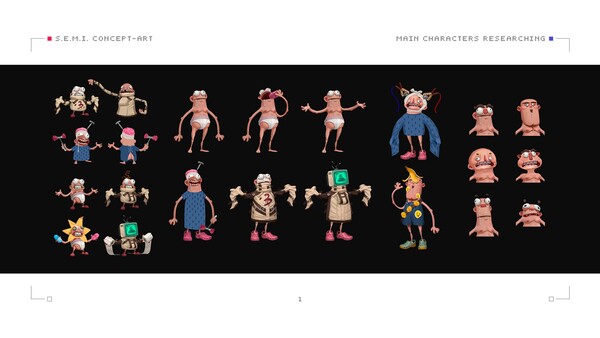
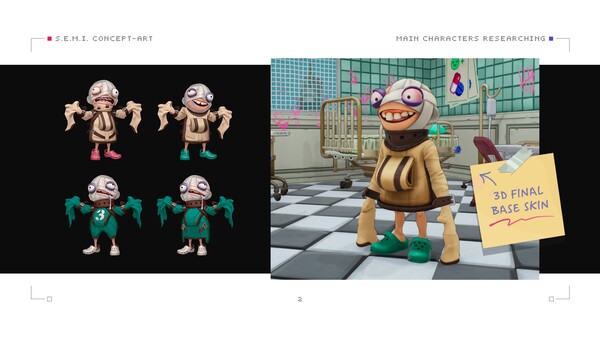
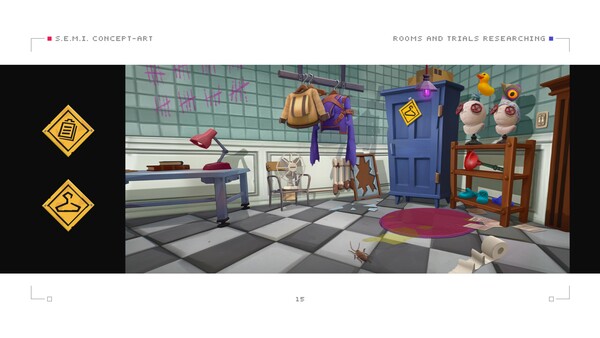
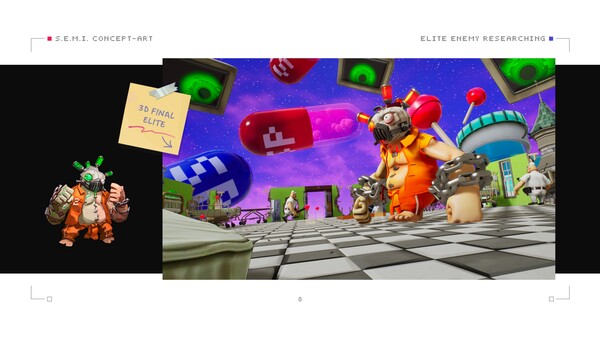
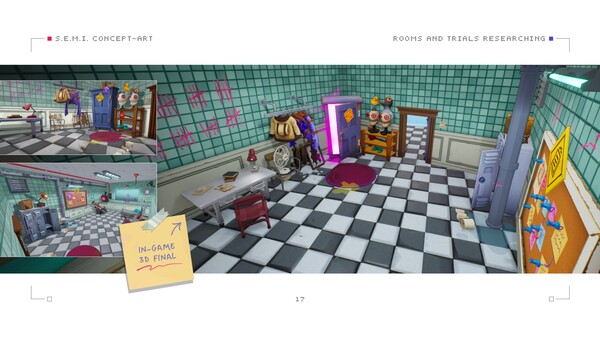
This DLC features a 46-page digital artbook showcasing the visual development of S.E.M.I. – Side Effects May Include…. Inside, you will find a curated collection of concept art, character designs, enemy units, environments, rooms, props, special assets, and in-game scenes created throughout the development of the game. Some of the artwork featured in this artbook is not available anywhere else.
After installation:
After purchasing and installing the DLC, the PDF artbook can be found in the "S.E.M.I. – Digital Artbook" folder located in the main installation directory of the game.
For example, on Windows, this folder is typically located at:
C:\Program Files (x86)\Steam\steamapps\common\S.E.M.I. – Side Effects May Include
If you are unsure where S.E.M.I. is installed, open your Steam Library, right-click on the game, select "Properties…", go to the "Installed Files" section, and click "Browse…" to open the game’s installation folder.