Game overview
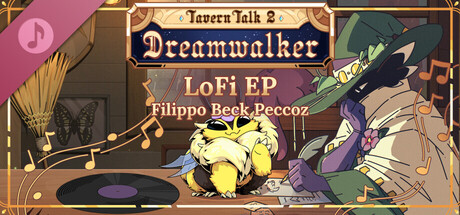
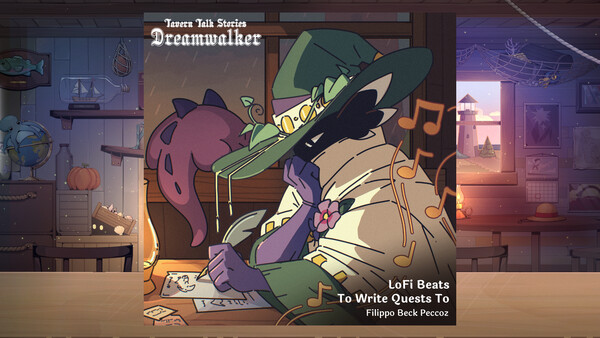
Tavern Talk 2: Dreamwalker - LoFi EP
This cozy soundtrack includes tracks from Tavern Talk and Tavern Talk: Dreamwalker remixed into the perfect LoFi beats!
- Last tracked players
- Unavailable
- All-time peak
- Unavailable
- 24-hour change
- Unavailable
Player data unavailable. Values marked unavailable are not estimated.
About this game Read the full description
Need to take a break from playing Tavern Talk: Dreamwalker because you have exams coming up? Don’t worry, we get it. That’s why we let our composer Filippo Beck Peccoz loose once more to create a LoFi EP of our relaxing soundtracks, together with other artists. Perfect to study to, get some chores done—or to just enjoy, of course.
This soundtrack includes three tracks from Tavern Talk and two tracks from Tavern Talk: Dreamwalker as LoFi remixes.
More about the artists:
All original tracks composed, produced and performed by Filippo Beck Peccoz
"The Wayfarer's Inn (Lofi Edition)" & "Andu's Nook (Lofi Edition)" arranged and produced by Filippo Beck Peccoz
"Archivist's Query (Lofi Edition)" arranged and produced by Philipp Kapusta
"Shakes and Shanties (Lofi Edition) & Adrift (Lofi Edition) arranged and produced by Lukas Meinardus
Voice over on "Andu's Nook (Lofi Edition)" performed by Sarah Nightingale
Mixed and Mastered by Guido Hieronymus
How to access this content:
Go to your Steam library and on the dropdown menu just above the search bar on the left-hand side, click on the dropdown arrow and change your settings from “Games” to “Soundtracks”. This will list all of the soundtracks you own on your Steam account.
Right click on the album you want to listen to in your Steam library and select “Install”. Once it’s installed right click the soundtrack in your library again and select “Play Album” to listen to it through Steam. You can also right click on your soundtrack, hover over “Manage” and select “Browse local files” and listen to the soundtrack with your preferred audio player. OR right click the soundtrack, select “Properties…” and then under "Installed Files” click on “Browse…” to open the same local files folder.
Media gallery 1 screenshots · 0 videos

Screenshots
Player activity
Concurrent players over the last 48 hours.
System requirements Windows
Windows
Minimum
Minimum:- Storage: 66.3 MB available space
- Storage (high-quality audio): Additional 531.1 MB available space
Game details Languages, features & support
- Publisher
- Gentle Troll Entertainment
- Brazilian rating
- l
- Steam Germany rating
- 0
- Controller support
- full
- Features
- Single-player, Steam Achievements, Full controller support, Adjustable Text Size, Color Alternatives, Custom Volume Controls, Mouse Only Option, Playable without Timed Input, DualShock Controller Support, DualShock Controller Support, DualSense Controller Support, DualSense Controller Support, Save Anytime, Subtitle Options
- Languages
- English, German, Japanese, Simplified Chinese, French
- Website
- Official website ↗
- Support
- [email protected]
More analysis Activity patterns, updates & developer tools
Developer Analytics
Loading competitors...