OH! GUIDE!
OH! GUIDE! - Steam Charts & Historical Stats
Need help? Get the official STRATEGY GUIDE!Extensive and illustrated 65-page strategy guide for OH! RPG!The contents include:A full extensive walkthrough on the main storyline and all side-questsTips... Explore historical player activity and pricing for OH! GUIDE!. Player-count data was last observed May 2, 2026.
OH! GUIDE! player count and price summary
- Current players
- Unavailable
- All-time peak
- Unavailable
- 24-hour player change
- Unavailable
- Current US price
- $0.99
Player count last observed . Values marked unavailable are not estimated.
Media gallery 9 screenshots · 0 videos
Screenshots
Game Insights
Buy Verdict
Decent deal at 50% off, but might drop further. Watch for better opportunities.
Value Score
Price-to-player ratio ranks in the 100th percentile.
Genre Benchmarks
Price History
No Recent Price History
Price history data will appear here once more pricing information becomes available.
System Requirements
- OS *: Windows XP/Windows Vista/Windows 7/8/10
- Processor: 1.6 GHz
- Memory: 128 MB RAM
- Graphics: DirectX 9.0 Compatible
- DirectX: Version 9.0
- Storage: 100 MB available space
- Sound Card: DirectX 9.0 Compatible Sound
CDN$ 2.19 CDN$ 1.09
Additional Information
Current Pricing
Additional Information
Developer Analytics
Loading competitors...
About This Game
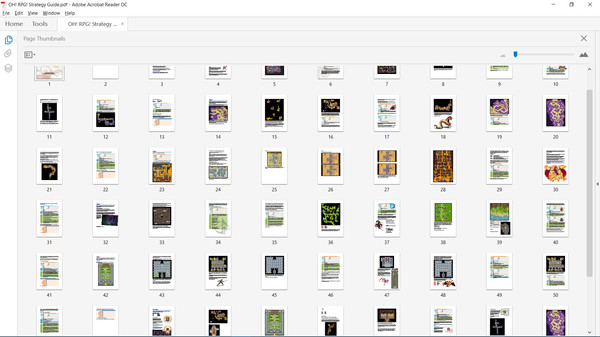
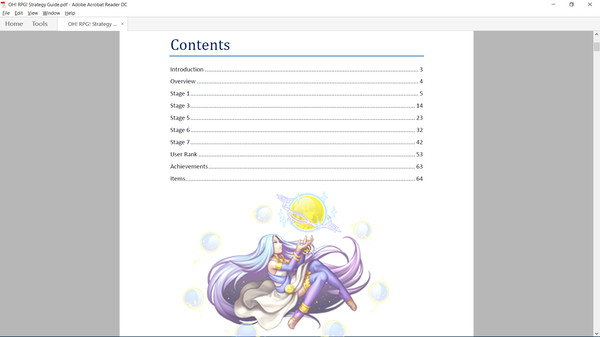
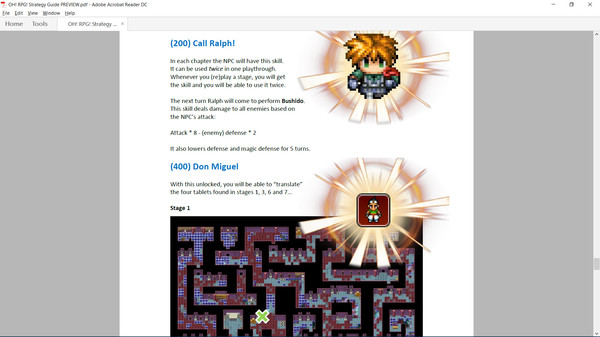
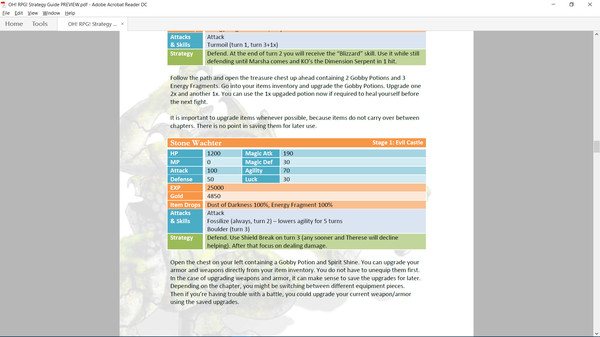
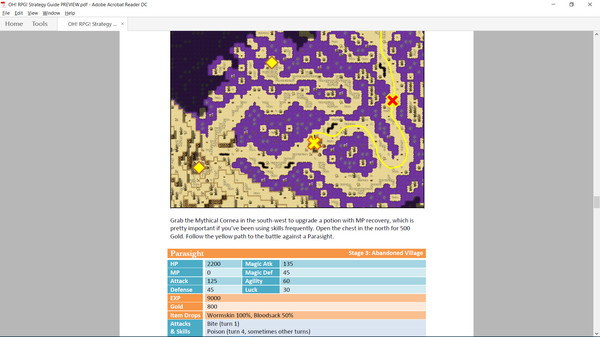
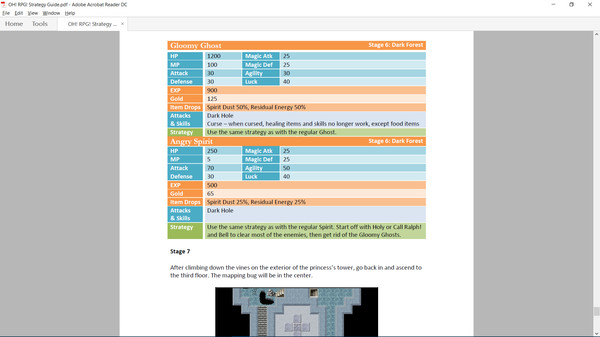
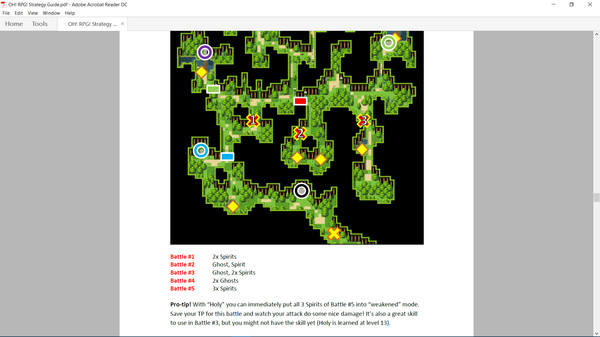
Need help? Get the official STRATEGY GUIDE!Extensive and illustrated 65-page strategy guide for OH! RPG!The contents include:A full extensive walkthrough on the main storyline and all side-questsTips and tricksTreasure chest locationsBoss battle strategiesEnemy informationCompare your User Rank to other players!
Detailed Description
Extensive and illustrated 65-page strategy guide for OH! RPG!
The contents include:
- A full extensive walkthrough on the main storyline and all side-quests
- Tips and tricks
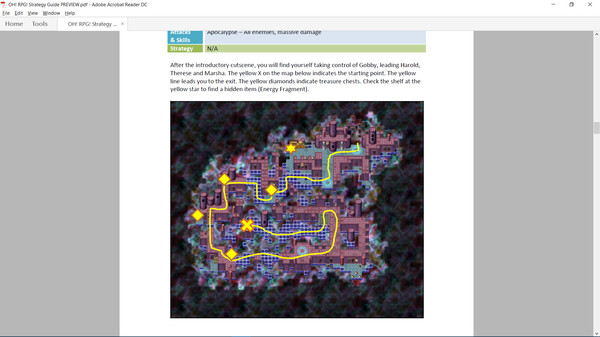
- Treasure chest locations
- Boss battle strategies
- Enemy information
- Compare your User Rank to other players!
- Secrets, User Ranks, Achievements
- & more!

How to find the guide
From your computer, go to:
C:\Program Files (x86)\Steam\steamapps\common
Then select the game folder.
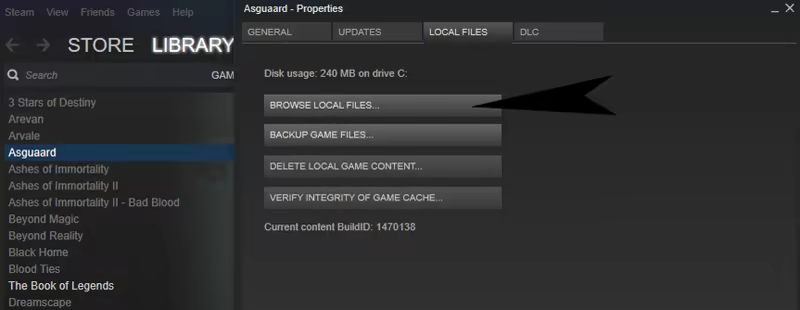
Or directly from the Steam Client, first right-click on the game, then select:
Properties > Local Files > Browse Local Files
EXAMPLE