
Piano Warrior
Piano Warrior - Steam Charts & Historical Stats
Tap piano tiles, battle rivals, build and share your songs! Explore historical player activity and pricing for Piano Warrior. Player-count data was last observed Sep 28, 2026.
Piano Warrior player count and price summary
- Current players
- Unavailable
- All-time peak
- Unavailable
- 24-hour player change
- Unavailable
- Current US price
- Price unavailable
Player count last observed . Values marked unavailable are not estimated.
Media gallery 8 screenshots · 1 videos
Screenshots


Videos

battle
System Requirements
- Requires a 64-bit processor and operating system
- OS: Windows 10 64-bit
- Processor: Intel Core i5-8250U / AMD Ryzen 5 3500U or equivalent (quad-core, ~1.8 GHz+)
- Memory: 4 GB RAM
- Graphics: Intel UHD Graphics 620, AMD Radeon Vega 8, or Nvidia GeForce GT 1030 or equivalent (DX11-capable)
- DirectX: Version 11
- Storage: 1 GB available space
- Sound Card: DirectX compatible sound card
- Requires a 64-bit processor and operating system
Additional Information
Current Pricing
Additional Information
Developer Analytics
Loading competitors...
About This Game
Tap piano tiles, battle rivals, build and share your songs!
Detailed Description
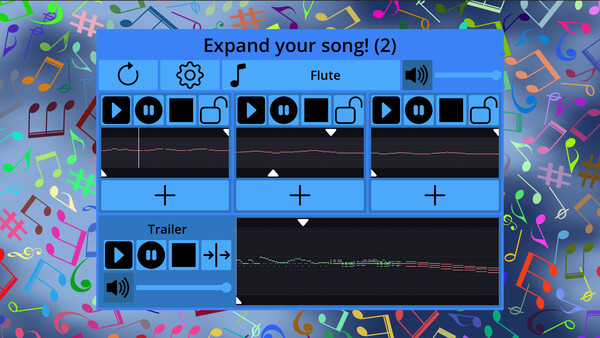
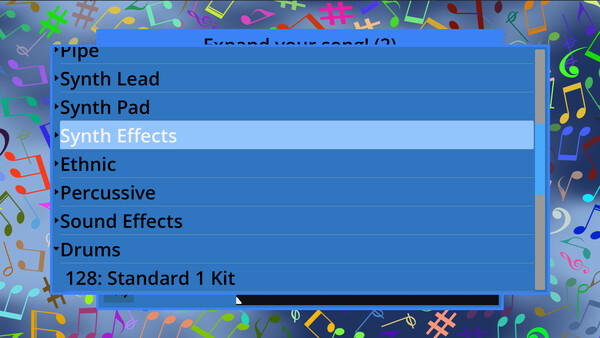
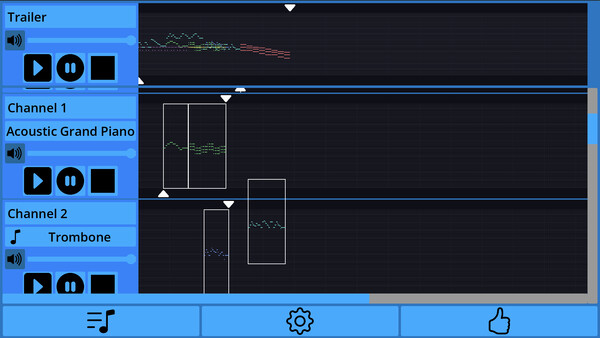
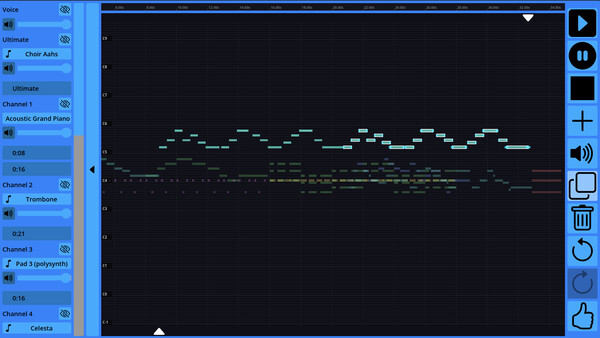
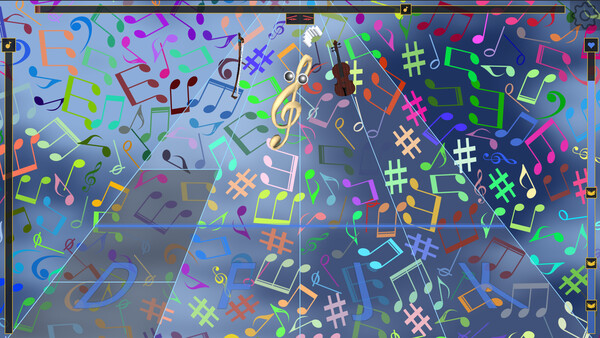
Build your perfect song from 700 musical building blocks, using a collection of 141 melodic instruments, sound effects, and drum kits. Combine, remix, and polish your composition. Even record your own voice on top!
Then take it into battle. Choose your opponent, tap the tiles, and win your way to even more building blocks across Classical, Jazz, Rock, Pop, Hip-Hop, Electronic, and Folk genres.
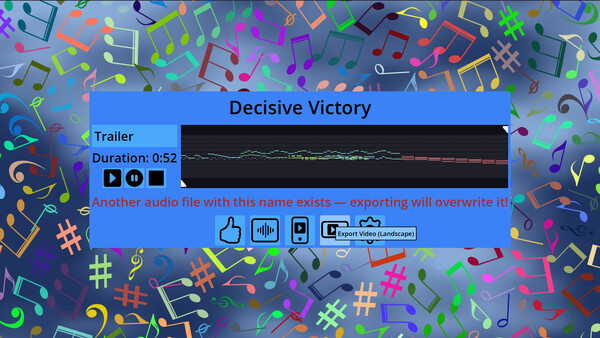
Once it sounds exactly right, export it as audio or video and share it with your friends!
Note on video export: This optional feature relies on Windows' built-in media technologies. Most installations already include everything needed. However, if you're using a Windows "N" or "KN" edition (common in some European and Korean installs), you may need to install the free Media Feature Pack from Microsoft first. You can get it via Settings > Apps > Optional Features > Add a feature > Media Feature Pack, or download it directly from Microsoft's website.
Quick check: press the Windows key and type 'Windows Media Player' If it opens, you already have everything needed.