
SlapBox: Audio Tools
SlapBox: Audio Tools - Steam Charts & Historical Stats
A focused Windows audio editor for importing, recording, processing, automating, and exporting individual audio files without the overhead of a full DAW. Explore historical player activity and pricing for SlapBox: Audio Tools. Player-count data was last observed Sep 28, 2026.
SlapBox: Audio Tools player count and price summary
- Current players
- Unavailable
- All-time peak
- Unavailable
- 24-hour player change
- Unavailable
- Current US price
- Price unavailable
Player count last observed . Values marked unavailable are not estimated.
Media gallery 5 screenshots · 1 videos
Screenshots

Videos
SlapBox Audio Tools Product Overview
Playable Demo
Steam-listed demo relationship with separately measured availability.
System Requirements
- Requires a 64-bit processor and operating system
- OS: Windows 10 (64-bit)
- Memory: 4 GB RAM
- Graphics: Integrated graphics
- Storage: 100 MB available space
- Sound Card: Windows-compatible audio device
- Additional Notes: 64-bit Windows only. A audio device is required for recording.
- Requires a 64-bit processor and operating system
Additional Information
Current Pricing
Additional Information
Developer Analytics
Loading competitors...
About This Game
A focused Windows audio editor for importing, recording, processing, automating, and exporting individual audio files without the overhead of a full DAW. Work with WAV, AIFF, FLAC, and MP3 in one clean desktop app.
Detailed Description
SlapBox: Audio Tools is a Windows desktop app for working on individual audio files without opening a full DAW.
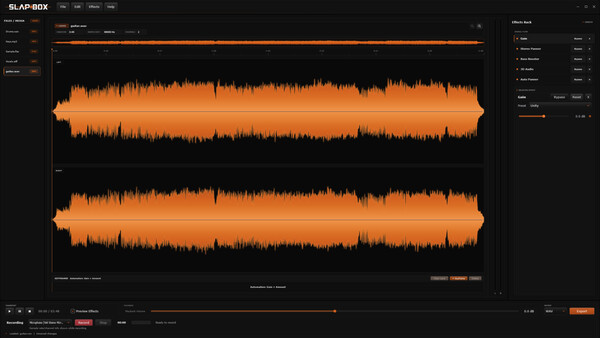
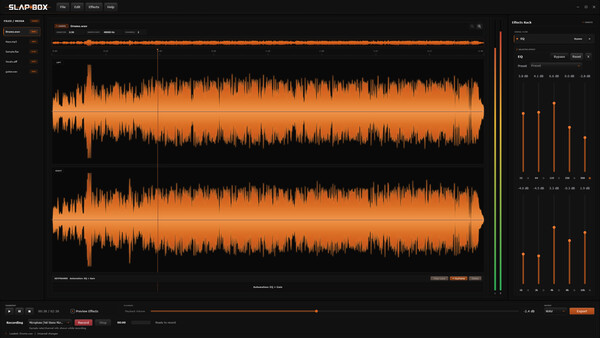
You can import WAV, AIFF, FLAC, and MP3 files, or record audio directly into the app. Each file gets its own waveform, trim and fade settings, effects, automation, and playback position, so you can work on several files in the same project without their settings getting mixed together.
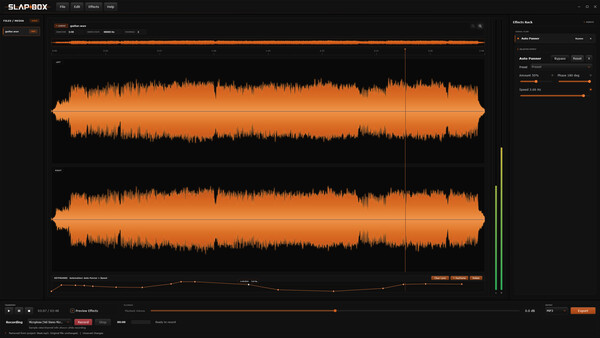
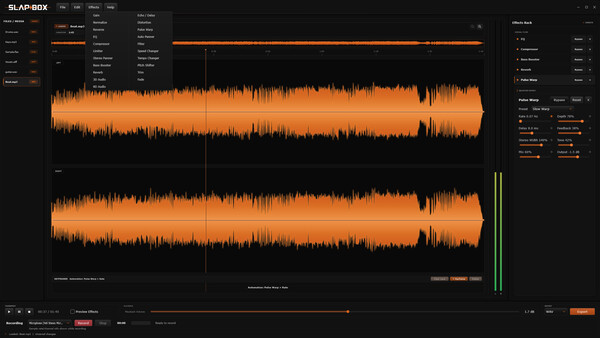
The effects rack includes tools for gain, filtering, EQ, bass enhancement, compression, limiting, distortion, stereo movement, spatial processing, reverb, delay, speed, tempo, pitch, reverse, and Pulse Warp. Supported controls can also be automated with keyframes.
Projects can be saved as .slap files and reopened later with the imported media and session settings intact. Finished audio can be exported as WAV, AIFF, FLAC, or MP3.
SlapBox is meant for edits, recordings, samples, sound design, and other audio jobs that need more control than a basic editor but do not need a full production setup.