Armor Clash II - VR
Windforce · May 31, 2017
Delayed observation
Observed
0
Last tracked
0
All-time peak
n/a
Δ 24h
Player count last observed
Live player data is temporarily unavailable; historical values remain visible for context.
Armor Clash II - VR - Steam Charts & Historical Stats
This is the VR version of Armor Clash II, supporting SteamVR(HTC Vive). Explore historical player activity and pricing for Armor Clash II - VR. Player-count data was last observed May 1, 2026.
Genre
Action
Developer
Windforce
Armor Clash II - VR player count and price summary
- Current players
- Unavailable
- All-time peak
- Unavailable
- 24-hour player change
- Unavailable
- Current US price
- Price unavailable
Player count last observed . Values marked unavailable are not estimated.
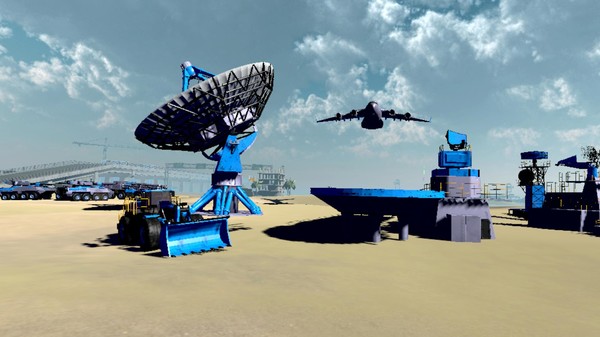
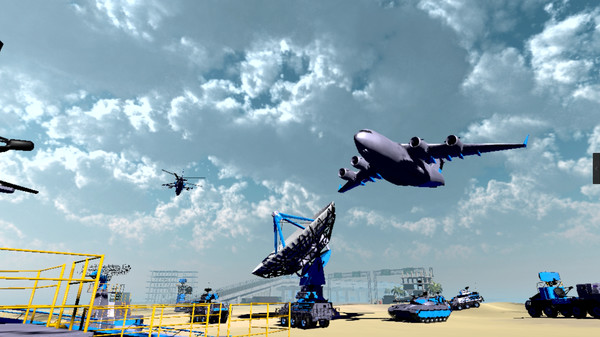
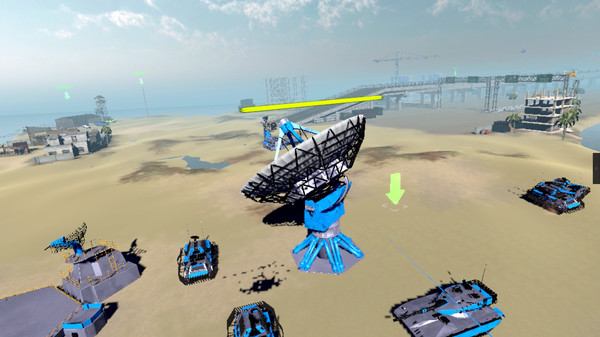
Media gallery 6 screenshots · 1 videos
Screenshots
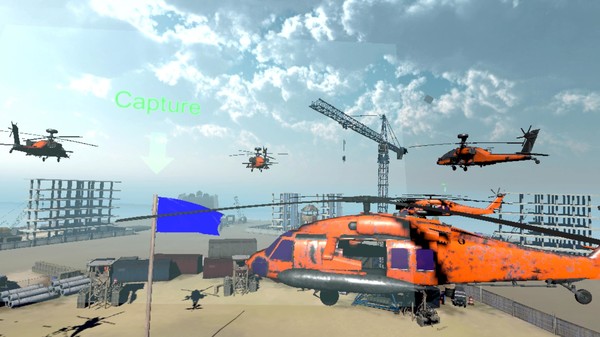
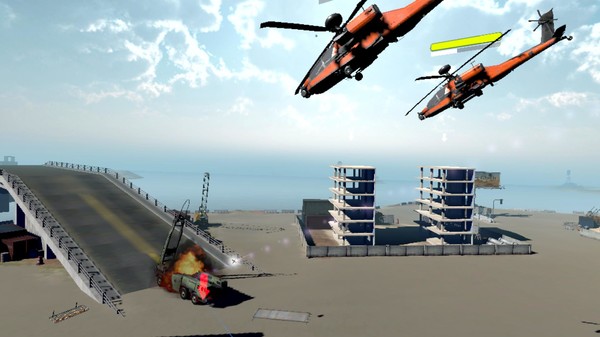
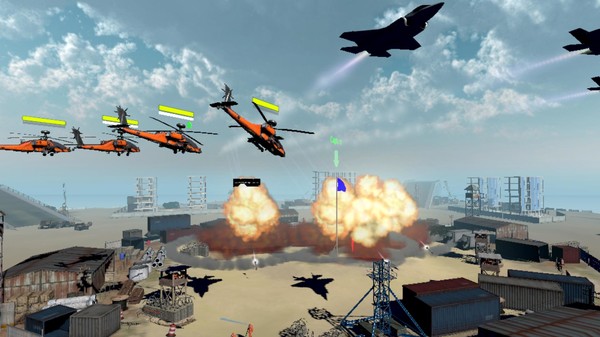
Videos
VR Ingame Footage
Player count
System Requirements
Platform Support
Windows
Windows Requirements
Minimum:
Minimum:
- Requires a 64-bit processor and operating system
- Graphics: NVIDIA GTX 970 or same class graphic card
Recommended:
Recommended:
- Requires a 64-bit processor and operating system
- Graphics: NVIDIA GTX 980 or same class graphic card
Pricing
Free to Play
Additional Information
Categories
Single-player
Multi-player
Shared/Split Screen PvP
Co-op
Shared/Split Screen Co-op
Downloadable Content
VR Supported
Family Sharing
Supported Languages
English*
*languages with full audio support
*languages with full audio support
Official Website
https://www.facebook.com/armorclash
Additional Information
🆘
Support
Developer Analytics
Loading competitors...
About This Game
This is the VR version of Armor Clash II, supporting SteamVR(HTC Vive).
Detailed Description
This is the VR version of Armor Clash II, supporting SteamVR(HTC Vive).
How to launch the VR version:
Open SteamVR, launch the capsule on the Steam, there will be a dialog option, choose "Launch Armor Clash II in VR", then play.
Notice for HTC Vive users (2017-06-30):
Because the SteamVR client updated, it cost a issue that desktop icon can not launch the game when SteamVR opening, please try to close SteamVR before launching the game, or right click on the capsule and choose launch the game from desktop or vr, or even launch the exe file directly in the game folder.
How to launch the VR version:
Open SteamVR, launch the capsule on the Steam, there will be a dialog option, choose "Launch Armor Clash II in VR", then play.
Notice for HTC Vive users (2017-06-30):
Because the SteamVR client updated, it cost a issue that desktop icon can not launch the game when SteamVR opening, please try to close SteamVR before launching the game, or right click on the capsule and choose launch the game from desktop or vr, or even launch the exe file directly in the game folder.
Frequently Asked Questions
Is Armor Clash II - VR free to play?
Yes, Armor Clash II - VR is free to play on Steam.
What genre is Armor Clash II - VR?
Armor Clash II - VR is a Action, Indie, Simulation, Strategy game.
Who developed Armor Clash II - VR?
Armor Clash II - VR was developed by Windforce.
What platforms does Armor Clash II - VR support?
Available on Steam for Windows.