
SHOWMAKER
SHOWMAKER - Steam Charts & Historical Stats
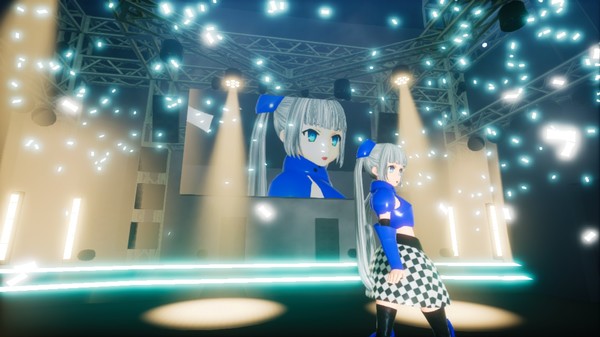
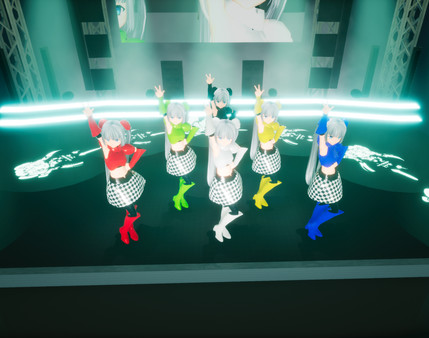
Showmaker is an app that enables you to create top notch live stages with ease. Explore historical player activity and pricing for SHOWMAKER. Player-count data was last observed May 1, 2026.
SHOWMAKER player count and price summary
- Current players
- Unavailable
- All-time peak
- Unavailable
- 24-hour player change
- Unavailable
- Current US price
- $14.99
Player count last observed . Values marked unavailable are not estimated.
Media gallery 9 screenshots · 5 videos
Screenshots


Videos
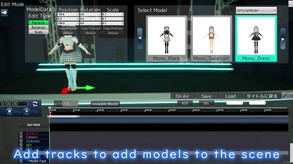
Showmaker Demo 01 English

SHOWMAKER Video VR

SHOWMAKER Video Mono

Showmaker Trailer 03
Game Insights
Buy Verdict
Decent deal at 0% off, but might drop further. Watch for better opportunities.
Value Score
Price-to-player ratio ranks in the 100th percentile. Priced as Premium at $14.99.
Genre Benchmarks
Early Access Active
Price History
No Recent Price History
Price history data will appear here once more pricing information becomes available.
System Requirements
- OS *: Windows 7 SP1, Windows 8.1 or Windows 10
- Processor: Intel® i5-4590
- Memory: 4 GB RAM
- Graphics: NVIDIA GeForce® GTX 750
- DirectX: Version 11
- Storage: 1 GB available space
- Sound Card: Windows compatible
- OS: Windows 10
- Processor: Intel i5 2.3GHz or better
- Memory: 8 GB RAM
- Graphics: Geforce GTX 1080 or equivalent
- DirectX: Version 11
- Storage: 1 GB available space
- Sound Card: Windows compatible
Additional Information
*languages with full audio support
Current Pricing
Additional Information
Developer Analytics
Loading competitors...
About This Game
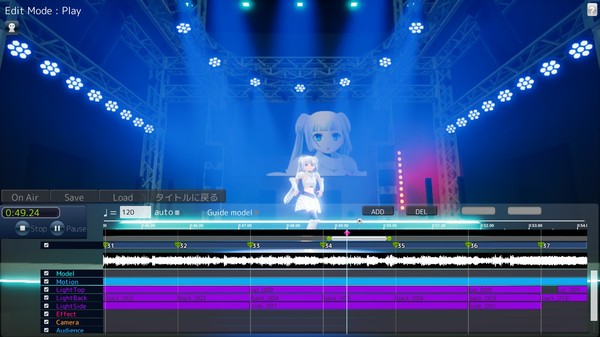
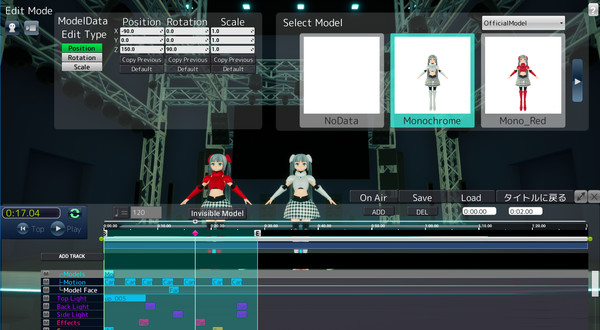
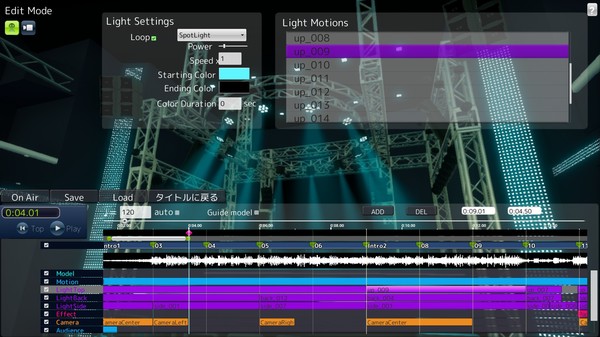
Showmaker is an app that enables you to create top notch live stages with ease. With this app you can create a show in just 4 simple steps! Select a stage, Select a music, Select a 3D character and motion for it, and Select effects. Work with producers around the world to create the ultimate show!
Detailed Description
Players can create professional-quality 3D musical stage performances and shows quickly and easily with just 4 steps.
Step 1: Select your stage
The app will feature stages of different sizes, from a small club venue to a massive arena. Choose the size that fits your style!
Step 2: Select your music and sound effects
Your music and sound choices are obviously a crucial element of any performance. Choose the music and sounds that will make your performance pop!
Step 3: Select your 3D characters and choreography
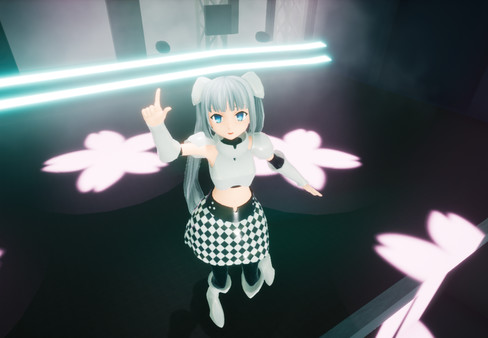
Pick your 3D character models, then give them actions and movements. Creating your own original dance moves is a snap!
Step 4: Select your stage effects
Combine different visual effects to create your own unique style. Make sure you choose the right effects to go along with your music and choreography!
Get started with a simple tutorial!
Begin your Showmaker career by designing a show with Ms. Monochrome!
For those of you who want to take control of the finer details, you can use the UE4 Mod Editor to get into serious customization mode! For instance, you can create your own stage lighting, equipment, and even add your own character animations. And whatever you create, you can sell to other producers through the online store! The possibilities are endless! It all depends on you, the producer!