Grim Legends 3: The Dark City - Artbook & Soundtrack
Grim Legends 3: The Dark City - Artbook & Soundtrack - Steam Charts & Historical Stats
The DLC contains an 80 page digital artbook in English showcasing beautiful, hand painted, concept art from Grim Legends 3, with some never before seen pieces together with an in-depth description of... Explore historical player activity and pricing for Grim Legends 3: The Dark City - Artbook & Soundtrack. Player-count data was last observed May 1, 2026.
Grim Legends 3: The Dark City - Artbook & Soundtrack player count and price summary
- Current players
- Unavailable
- All-time peak
- Unavailable
- 24-hour player change
- Unavailable
- Current US price
- $0.89
Player count last observed . Values marked unavailable are not estimated.
Media gallery 5 screenshots · 0 videos
Screenshots
Game Insights
Buy Verdict
Decent deal at 70% off, but might drop further. Watch for better opportunities.
Value Score
Price-to-player ratio ranks in the 100th percentile.
Genre Benchmarks
Price History
No Recent Price History
Price history data will appear here once more pricing information becomes available.
System Requirements
- Storage: 90 MB available space
- Storage: 90 MB available space
- Storage: 90 MB available space
Additional Information
Current Pricing
Additional Information
Developer Analytics
Loading competitors...
About This Game
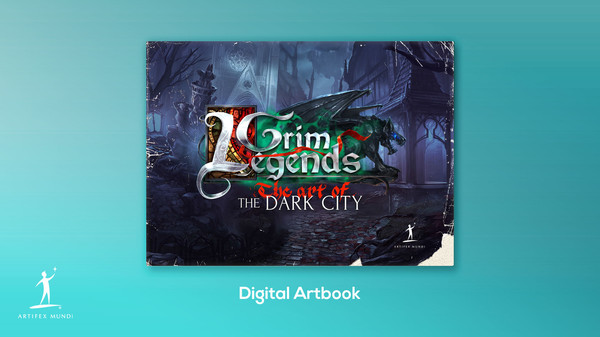
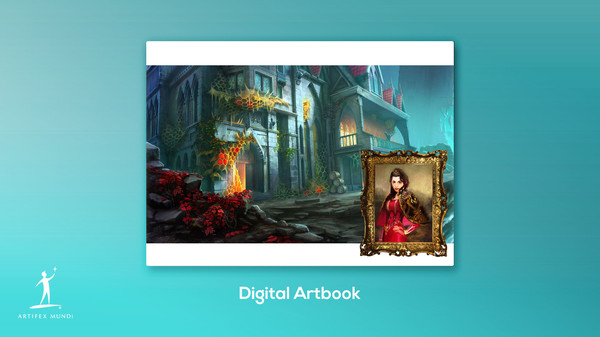
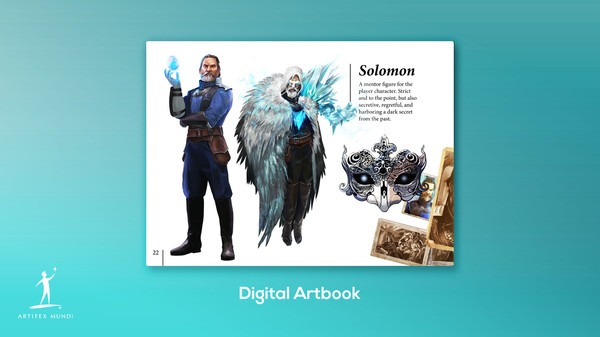
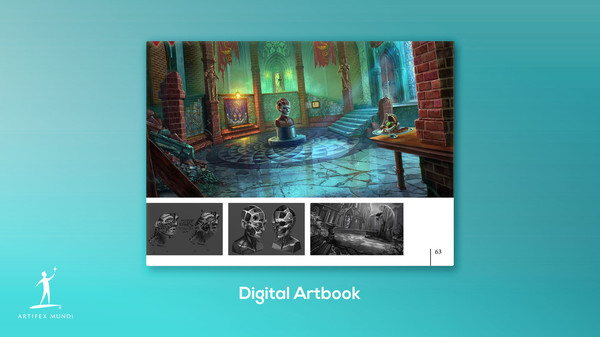
The DLC contains an 80 page digital artbook in English showcasing beautiful, hand painted, concept art from Grim Legends 3, with some never before seen pieces together with an in-depth description of the creative process behind the game's development.
Detailed Description
The DLC contains an 80 page digital artbook in English showcasing beautiful, hand painted, concept art from Grim Legends 3, with some never before seen pieces together with an in-depth description of the creative process behind the game's development. Visit the monumental city with architecture inspired by the art of Zdzisław Beksiński and the gothic cathedrals of Western Europe. Learn how Shakespeare's story of Romeo and Juliet inspired the premise of the story. A must-have for all fans of the Artifex Mundi games.
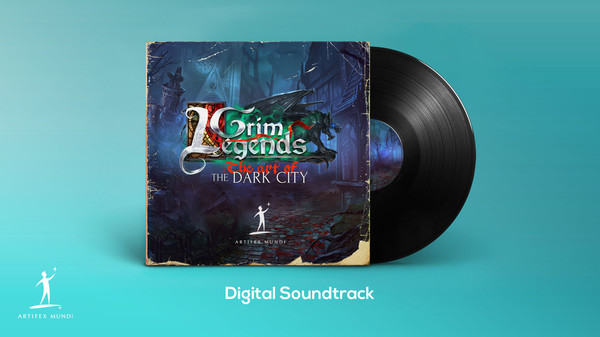
Featured Tracks:
01 - Action Theme - 2:04
02 - Calm Dark 1 - 1:36
03 - Calm Dark 2 - 2:24
04 - Calm Dark 3 - 2:08
05 - Gardens - 1:46
06 - Dark Gardens - 1:36
07 - Order Theme - 2:48
08 - Rune Battle - 1:04
09 - Dark Tension - 2:48
10 - Train Theme - 1:36
To access the digital artbook follow these instructions: Right click (or Ctrl + Click if you’re using Mac) Grim Legends 3 in your library. Choose Properties>Local Files>Browse Local Files. Use a pdf reader to open the artbook. Enjoy!