CPUCores :: Network Monitor Lite
CPUCores :: Network Monitor Lite - Steam Charts & Historical Stats
CPUCores :: Network Monitor Lite will allow you to check the performance of your network connection by examining the latency between every hop from you to your game server/destination of choice. Explore historical player activity and pricing for CPUCores :: Network Monitor Lite. Player-count data was last observed May 1, 2026.
CPUCores :: Network Monitor Lite player count and price summary
- Current players
- Unavailable
- All-time peak
- Unavailable
- 24-hour player change
- Unavailable
- Current US price
- $4.99
Player count last observed . Values marked unavailable are not estimated.
Media gallery 7 screenshots · 0 videos
Screenshots
Game Insights
Buy Verdict
Decent deal at 0% off, but might drop further. Watch for better opportunities.
Value Score
Price-to-player ratio ranks in the 100th percentile.
Genre Benchmarks
Price History
No Recent Price History
Price history data will appear here once more pricing information becomes available.
System Requirements
- OS *: Windows 7 64-bit, Windows 8 64-bit, Windows 10 64-bit
- Processor: Any CPU
- Graphics: Any semi-modern GPU
- OS *: Windows 7 64-bit, Windows 8 64-bit, Windows 10 64-bit
- Processor: Any CPU
- Graphics: Any semi-modern GPU
Additional Information
Current Pricing
Additional Information
Developer Analytics
Loading competitors...
About This Game
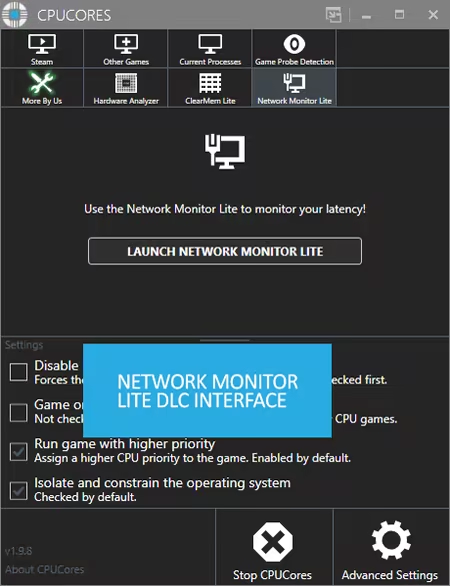
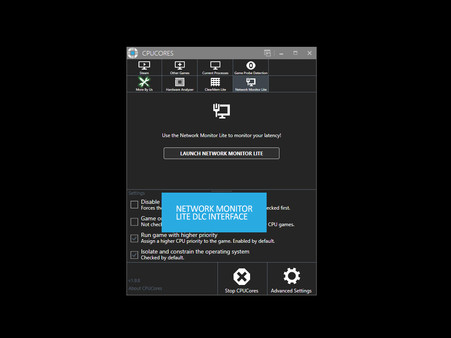
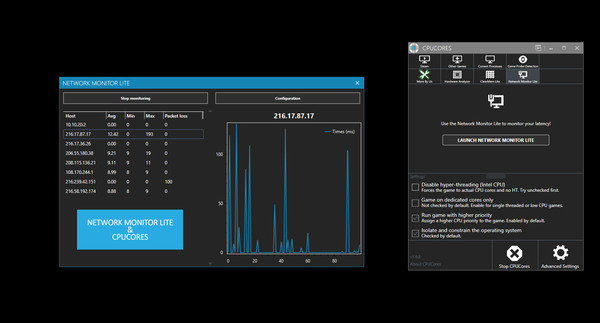
CPUCores :: Network Monitor Lite will allow you to check the performance of your network connection by examining the latency between every hop from you to your game server/destination of choice.
Detailed Description


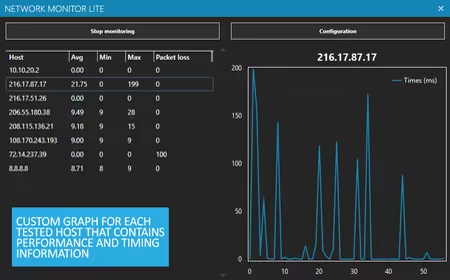
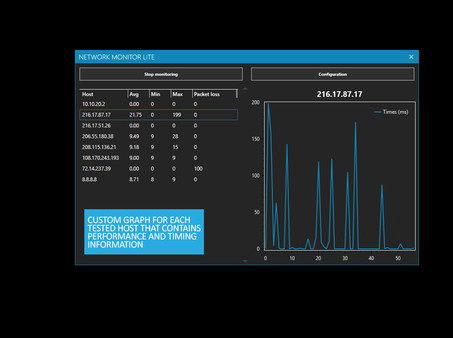
CPUCores :: Network Monitor Lite will allow you to check the performance of your network connection by examining the network quality on every hop between you and your game server/destination of choice. You can examine what exactly is causing latency and/or packetloss issues by examining network traffic data on a per-node point.
This DLC will allow you to:
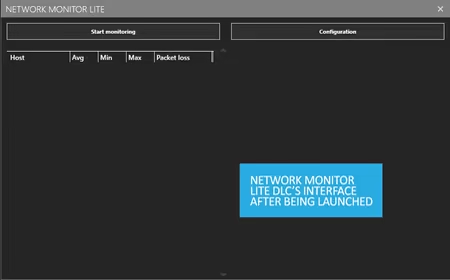
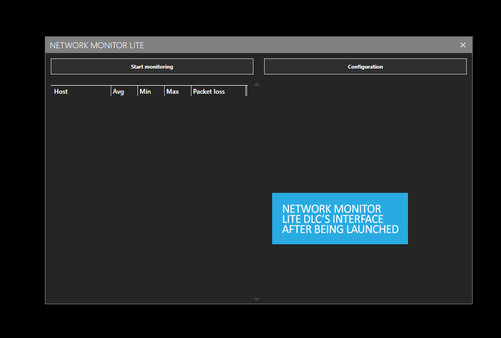
- Click a single button to determine every hop between you and a server on the Internet (defaults to 8.8.8.8)
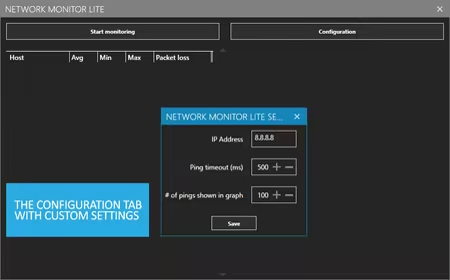
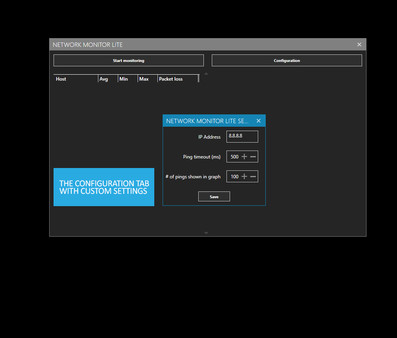
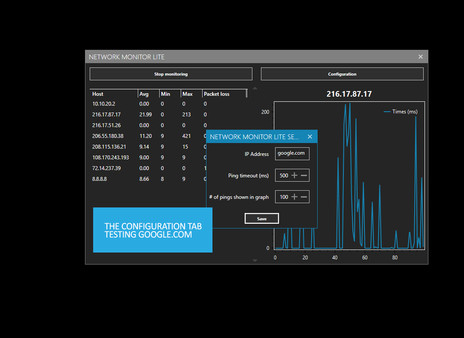
- Allows you to edit the server it polls (can put in any website, any game server, etc)
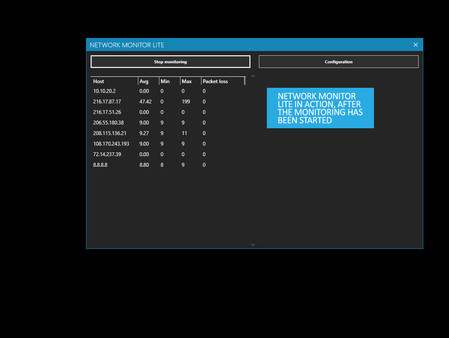
- Determine every hop between your computer and the server you indicate on the Internet
- Polls every hop and determines network latency (ICMP ECHO) between you and that server
- Keeps track of packetloss on each hop
- Displays a graph demonstrating traffic quality/jitter on each hop
This DLC will assist you in troubleshooting where potential network slow-downs occur between you and whatever game server you're playing on. This allows you to determine if it is an issue with your wifi, local network, your ISP, your game server, and more.
Screenshots: